Excel Tips & Tutorials

Step-by-step Excel guides, formulas, and tips. New tutorials added regularly.

How to Fix “We Found a Problem With Some Content” in Excel

Excel message saying We found a problem with some content, with Yes and No buttons

If you just tried to open an Excel file and got the message “We found a problem with some content in [filename].xlsx. Do you want us to try to recover as much as we can?”, Excel thinks the workbook is damaged. It’s offering to repair the file, and in most cases you can still get …
Read more

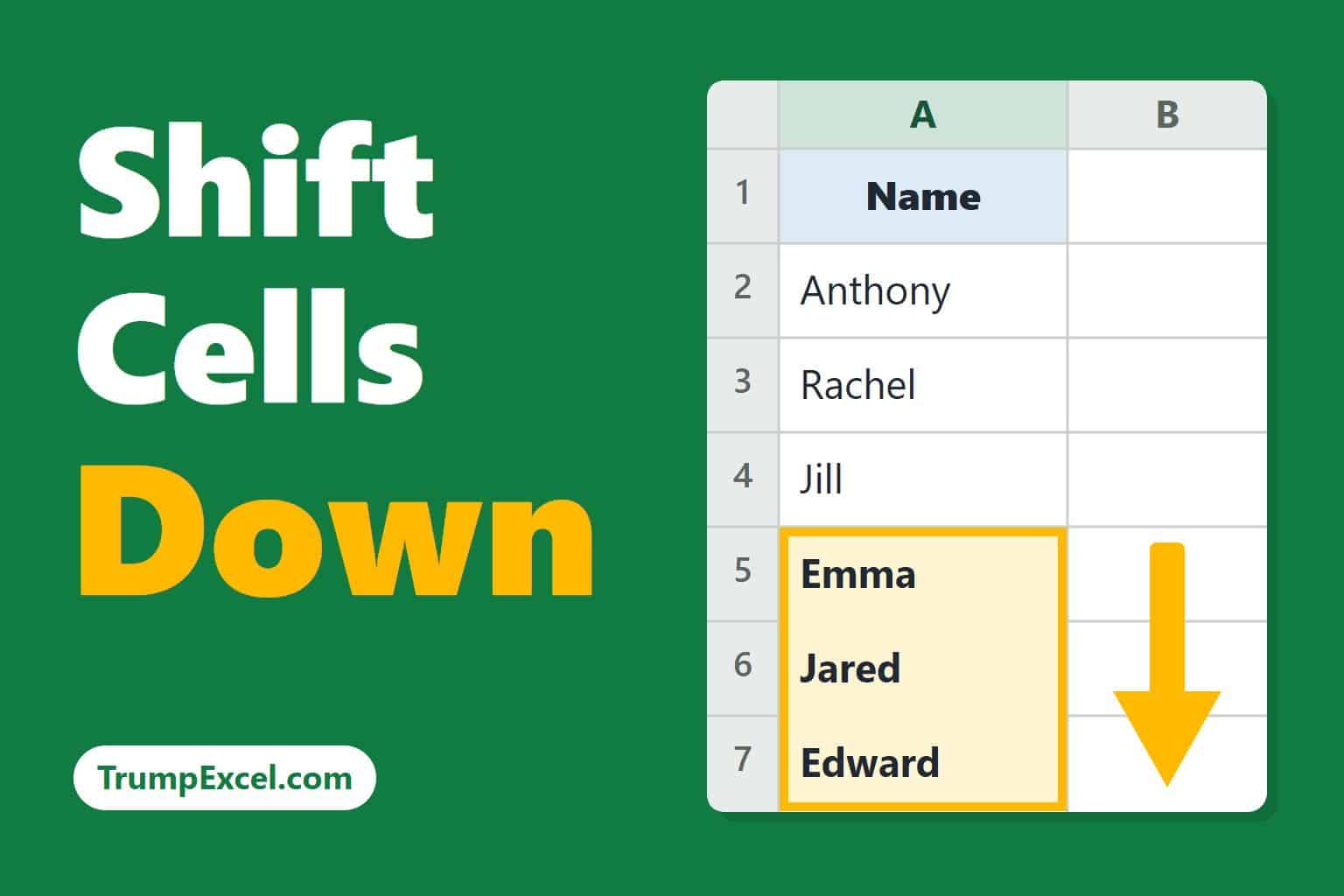
How to Shift Cells Down in Excel

Shift Cells Down in Excel

If you want to push a block of cells lower in your worksheet to make room for new data, plain dragging just pastes over whatever is in the way. You need to insert cells instead, or use a little trick to make Excel shift the existing ones down. In this article, I’ll show you a …

Read more

How to Do Sensitivity Analysis in Excel

How to Do Sensitivity Analysis in Excel

To do sensitivity analysis in Excel, you change the inputs in a model and see how much the result moves. Excel’s What-If Analysis tools do this for many values at once, so you don’t have to retype each number and write down the answer. It’s useful whenever a forecast rests on guesses, like the price …

Read more

Excel Not Responding? How to Fix It

Excel Not Responding? headline beside a frozen Excel window with a loading spinner

When Excel stops responding, you can usually get it working again by finding out what’s holding it up. It could be a heavy file, an add-in, or a problem with the Excel installation itself. But before you fix anything, you’ll want to get out of the freeze without losing your work. So I’ll show you …

Read more

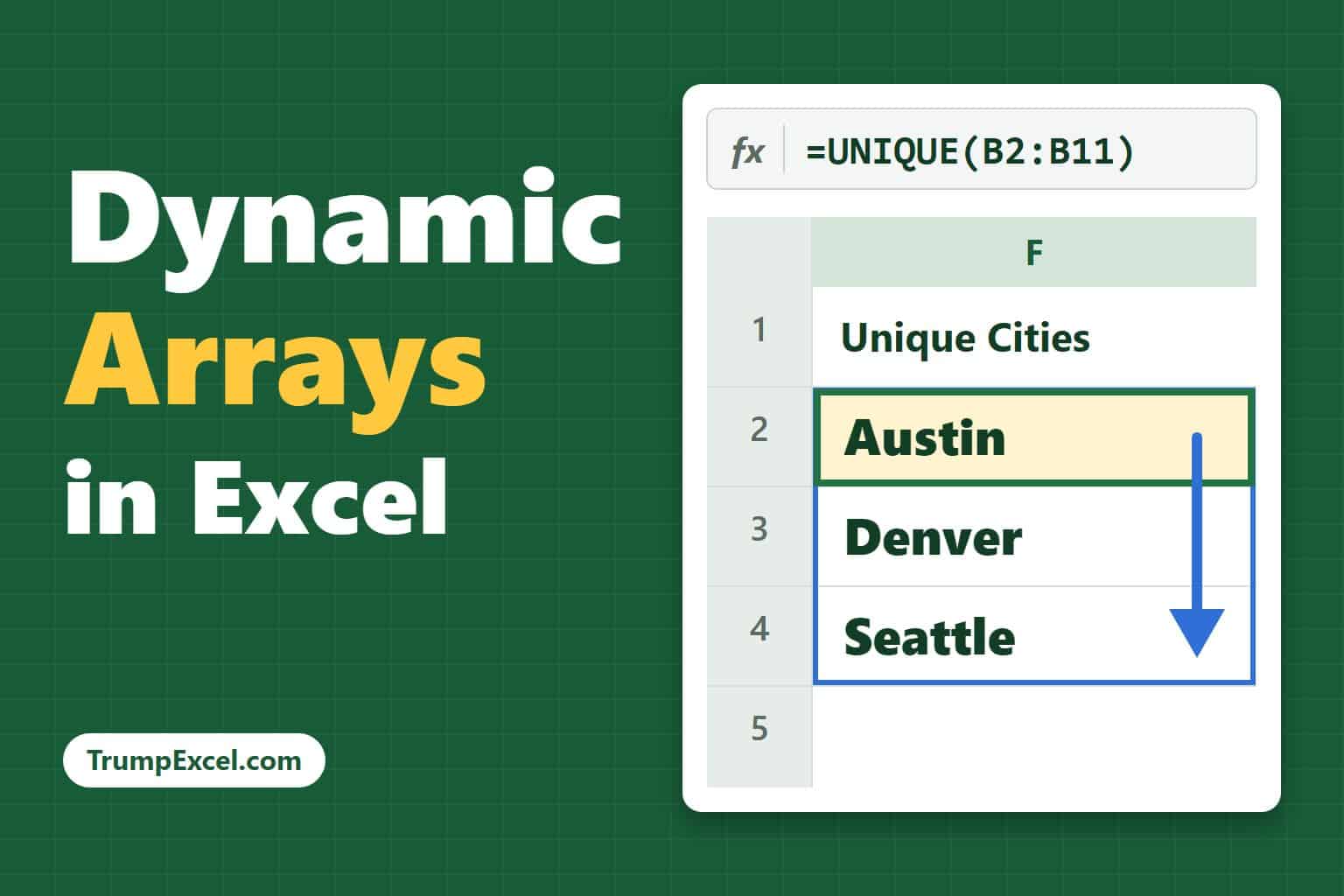
Dynamic Arrays in Excel

Dynamic Arrays in Excel, showing a UNIQUE formula spilling Austin, Denver, and Seattle down a column

If you have ever wanted one formula to return a whole list of results instead of just a single value, dynamic arrays are exactly what you are looking for. With dynamic arrays, a single formula can return many values that “spill” into the cells around it automatically. No dragging the formula down, no copy-paste. In …

Read more

How to Fix “All Merged Cells Need To Be The Same Size” in Excel

Fix the merged cells error in Excel

You tried to sort your data, or dragged a formula down a column, and Excel stopped you with this message. The cause is merged cells sitting in the rows you’re working with. Excel can’t move those rows around independently, so it refuses to run at all. Despite what the message says, you don’t fix this …

Read more

Compatibility Mode in Excel: What It Is and How to Turn It Off

Compatibility Mode in Excel, showing an XLS workbook converting to XLSX

If you have opened a file and seen Compatibility Mode next to the file name at the top, you may have noticed that some Excel features are greyed out. And this is because the file is saved in the old Excel 97-2003 format. Nothing is broken and your data is safe. In this article, I’ll …

Read more

Add Total Values for Stacked Bar Charts in Excel

Stacked column chart in Excel with a total value shown above each stack

If you have a stacked column or bar chart and you want to show the total on top of each stack, you’ll notice Excel doesn’t give you a direct option for it. The chart can happily label each segment’s value, but the one number people actually look for, the total of the stack, is missing. …

Read more

Get the FREE 51 Excel Tips Ebook

Enter your details and the free PDF is on its way to your inbox.

Hmm, that didn't go through. Please check your email and try again.

No spam. You'll also get my weekly Excel newsletter. Unsubscribe anytime.

Check your inbox!

The ebook is on its way to your email. It usually lands within a couple of minutes.