How to Insert a Checkbox in Excel (New In-Cell Checkboxes)

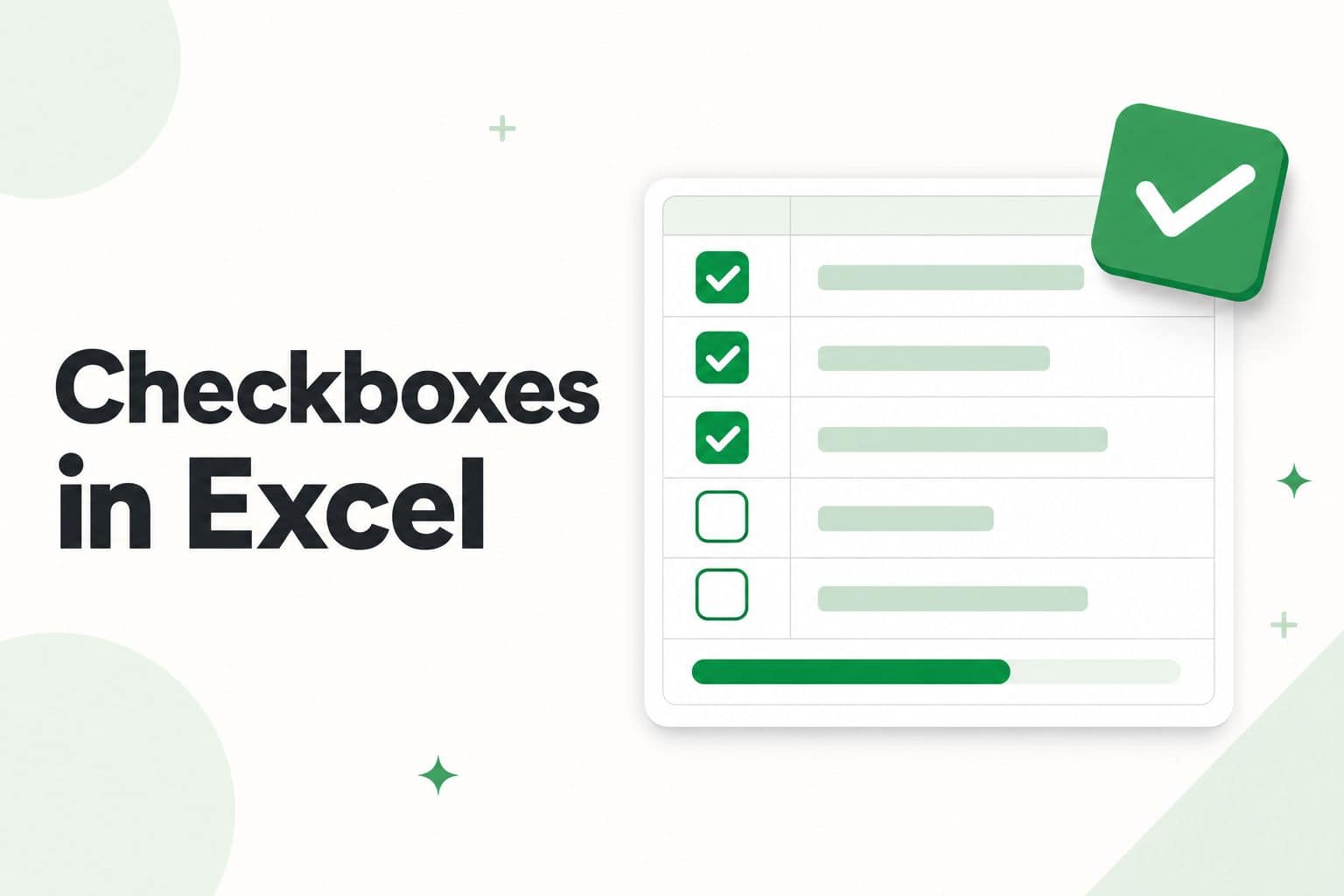
Checkboxes in Excel - insert and use the new in-cell checkboxes

If you want to insert a checkbox in Excel, whether it’s for a to-do list, a tracker, or an interactive chart, this has now become really easy. Earlier, Excel only had checkboxes that floated over the worksheet as separate objects, and you had to enable the Developer tab just to get to them. Excel now …

Read more

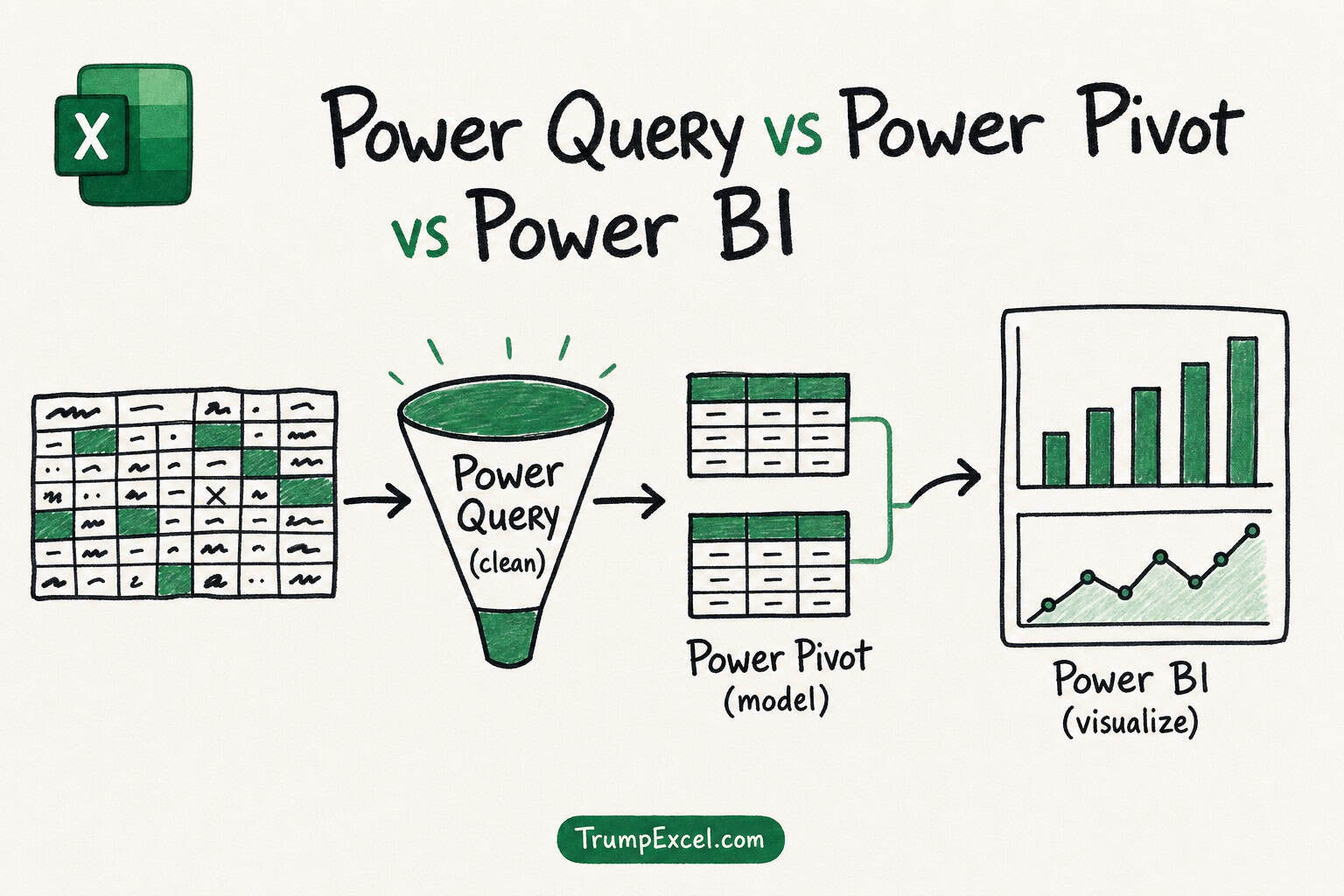
Power Query vs Power Pivot vs Power BI

Power Query vs Power Pivot vs Power BI

So you keep hearing these three names: Power Query, Power Pivot, and Power BI. And because they all start with Power, it sounds like three versions of the same thing. They are not. Two of them are features that already sit inside your copy of Excel, and one is a separate app altogether. In this …

Read more

Power Query vs DAX: Which One Should You Use (and When)?

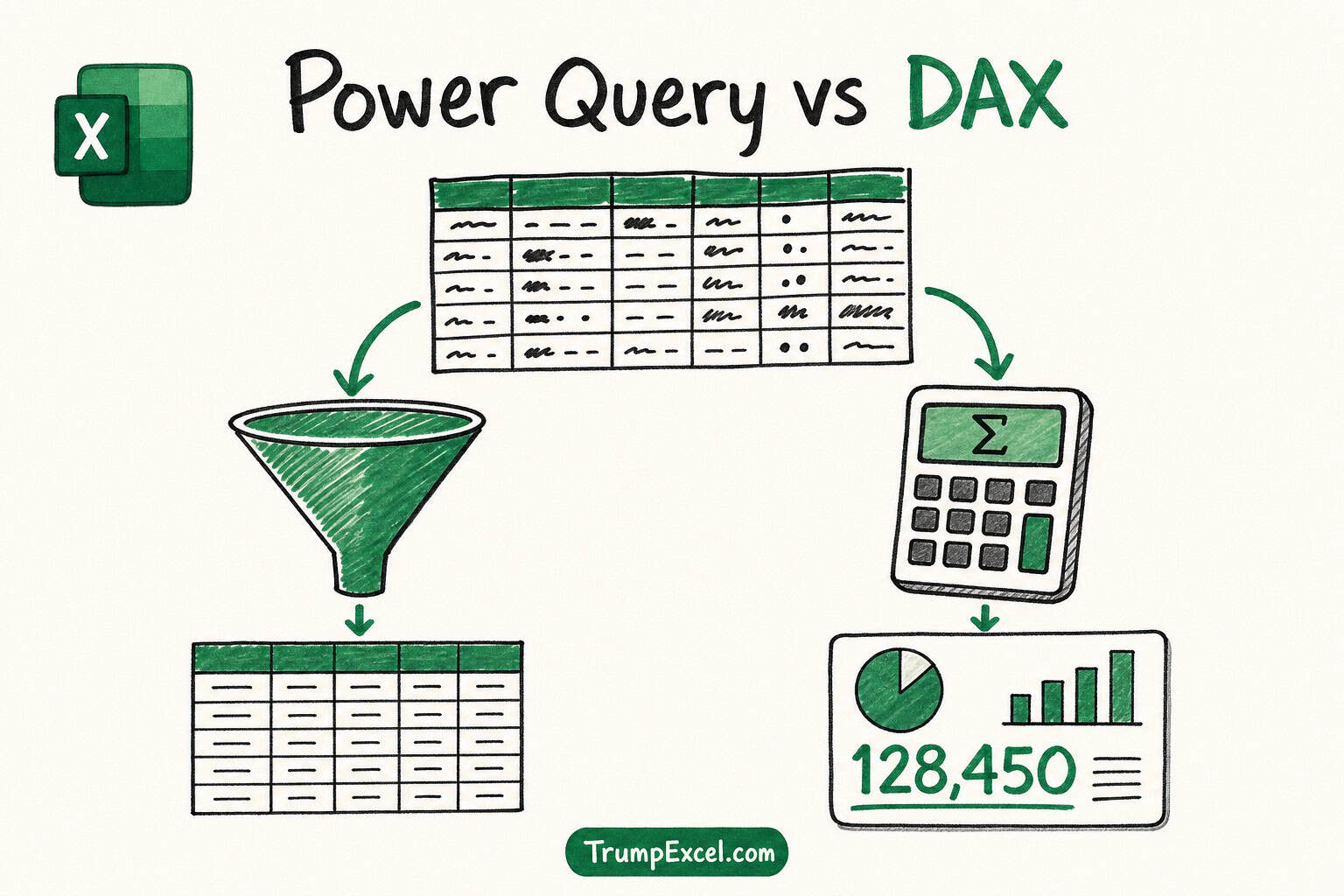
Power Query vs DAX

If you use Power Query and Pivot Tables (or Power BI), you have probably hit this question: should I do this calculation in Power Query or in DAX? And this is confusing because both tools can add columns and do calculations, so it often feels like either one would work. But nothing to worry about. …

Read more

INDEX MATCH with Multiple Criteria in Excel

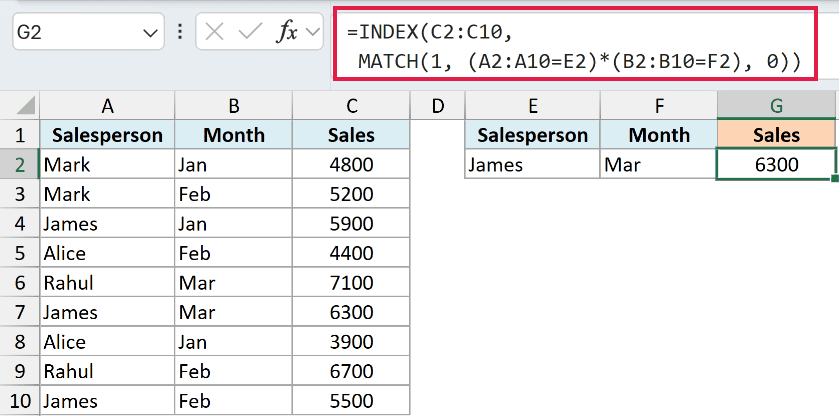
INDEX MATCH array formula with two criteria entered in the result cell, returning the sales value where both the salesperson and the month match

If you want to look up a value using two or more conditions at once, a regular lookup won’t get you there. It can only match on a single column, so the moment two rows share the same name (or the same month), it just grabs the first one it finds. The fix is to …

Read more

How to Use IF Function with OR in Excel

IF function with OR in Excel showing Flag for orders that are overdue or high priority and OK for the rest

The IF function is one of the most useful functions in Excel. You give it a condition to check, and it gives you one result when that condition is met and a different result when it isn’t. Simple idea, and you end up using it everywhere. But a single IF can only check one condition …

Read more

VLOOKUP Not Working? (10 Common Fixes)

VLOOKUP Not Working (10 Common Fixes)

You wrote a VLOOKUP, hit Enter, and instead of the value you expected you got a #N/A error (or worse, a wrong number). It’s one of the most frustrating things in Excel, and it almost always comes down to a small mismatch between what you’re looking up and what’s actually sitting in your table. The …

Read more

Count Cells That Are Not Blank in Excel

COUNTIF formula with the not-equal-to-blank criteria returning 8 non-blank cells

If you have a list with some gaps in it and you want to know how many cells actually have something in them, you cannot always trust a quick eyeball count. And this is because some cells that look empty are not truly empty, like a cell with just a space or a formula that …

Read more

How to Fix #NUM! Error in Excel

How to Fix #NUM! Error in Excel

If you have a formula that suddenly shows #NUM! instead of a result, it means Excel ran into a number it cannot work with. This happens when a calculation produces an invalid numeric value or a result that falls outside the range Excel can handle. The good news is that #NUM! almost always points to …

Read more

3D References in Excel

3d References in Excel

Say you have twelve monthly sheets that all look the same, and you want one total that pulls the same cell from each sheet. The manual way is to type out =Jan!B5+Feb!B5+Mar!B5 and keep going… for nine more months. There is a much better way. It is called a 3D reference, and it lets you …

Read more

Get the FREE 51 Excel Tips Ebook

Enter your details and the free PDF is on its way to your inbox.

Hmm, that didn't go through. Please check your email and try again.

No spam. You'll also get my weekly Excel newsletter. Unsubscribe anytime.

Check your inbox!

The ebook is on its way to your email. It usually lands within a couple of minutes.