How to Convert Minutes to Hundredths in Excel

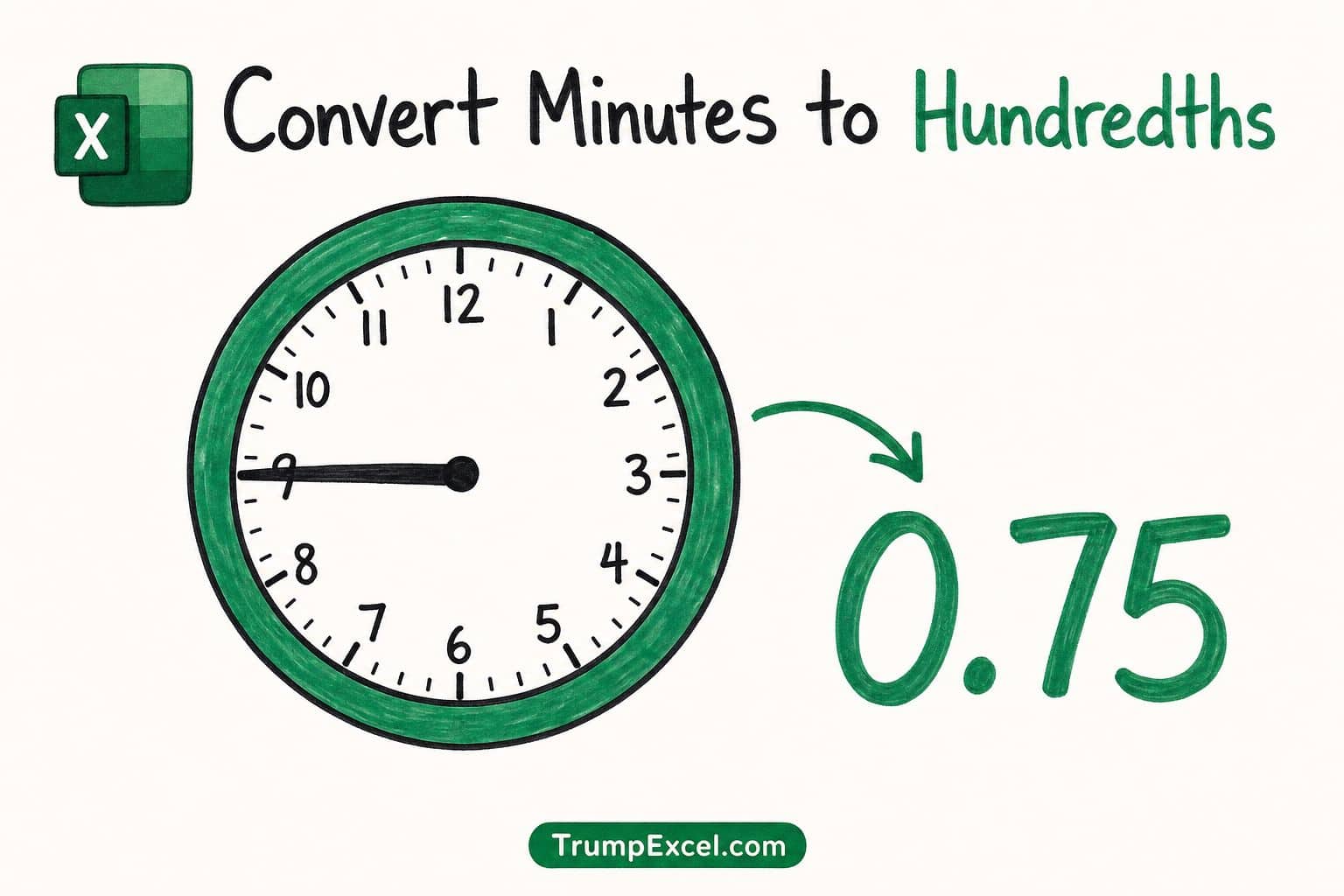
How to convert minutes to hundredths in Excel

If you want to convert minutes into hundredths in Excel, the trick is to turn each value into decimal hours. This is what payroll systems use, where The reason people get stuck is that the right formula depends on how your data is stored. A plain number like 90 needs one approach, and a real …

Read more

How to Calculate Variance in Excel (Sample vs Population)

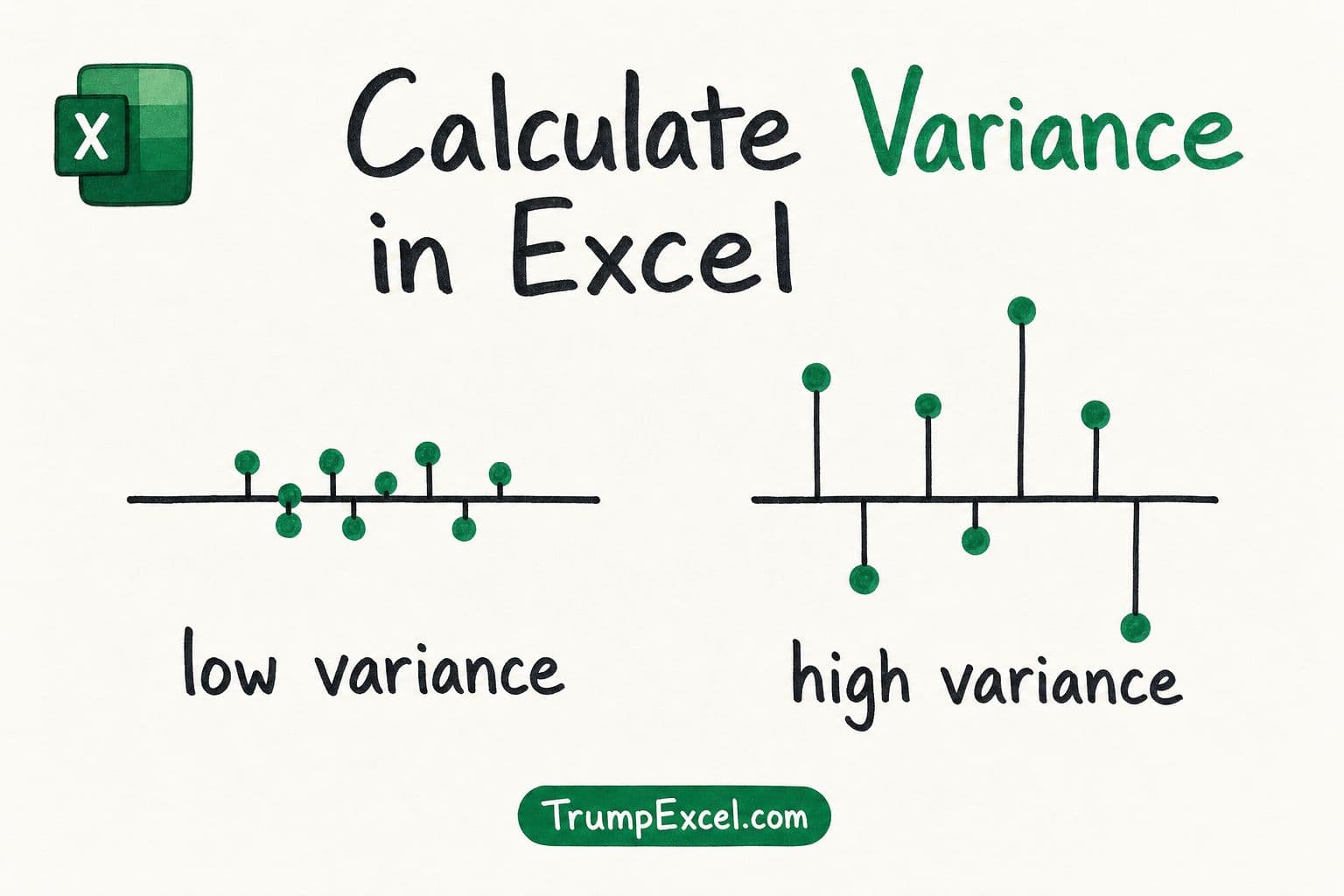
How to Calculate Variance in Excel - low variance vs high variance dot plots around a mean line

If you want to find out how spread out a set of numbers is, variance is the measure you’re after. The tricky part is that Excel has more than one variance function, and picking the wrong one gives you the wrong answer. The choice mostly comes down to one question: is your data a sample …

Read more

How to Forecast in Excel (Formulas & Forecast Sheet)

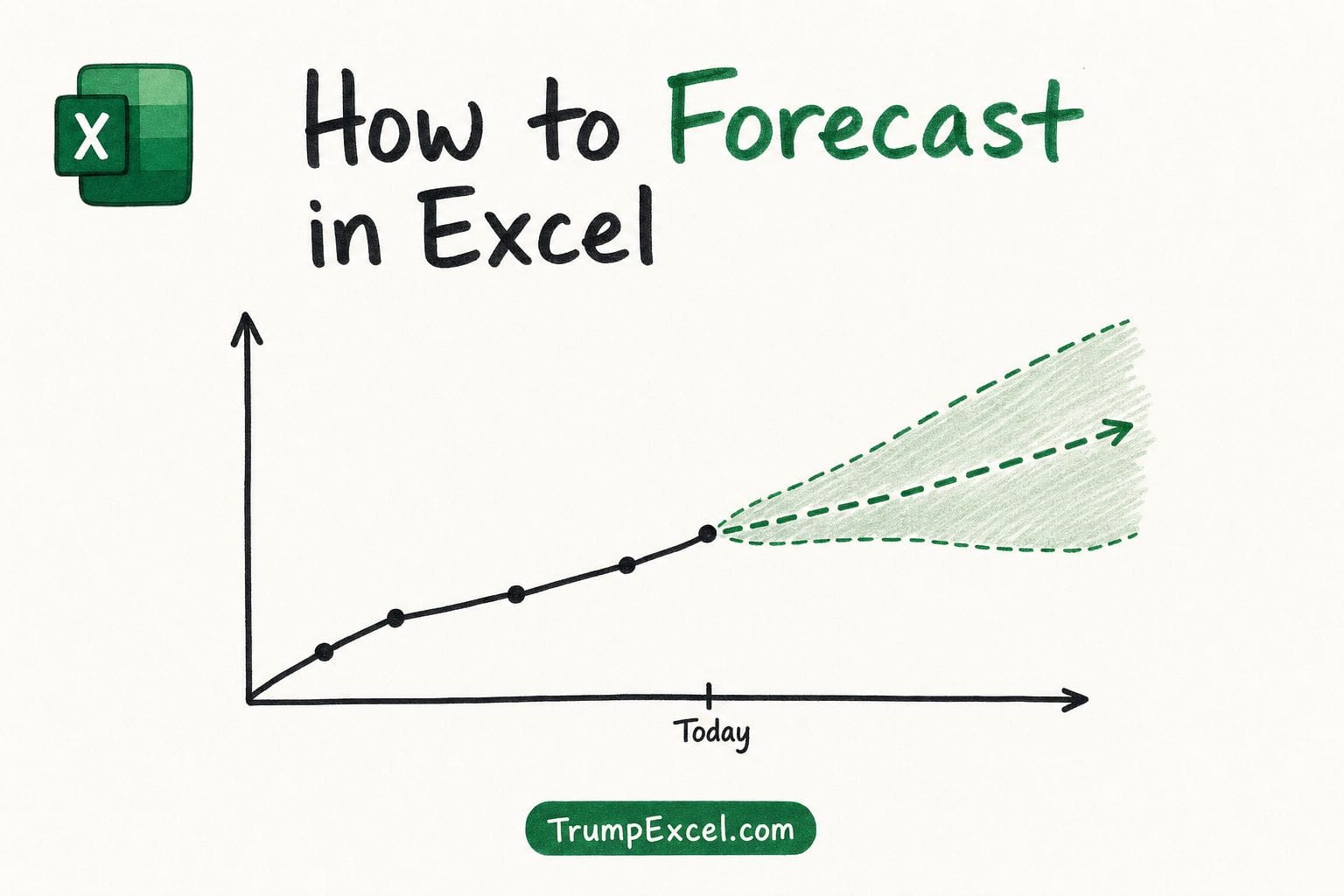
How to Forecast in Excel - forecast chart with trend line and confidence band

If you want to predict future numbers in Excel, like next month’s sales or next quarter’s demand, you do not have to guess or do the math by hand. Excel can look at your past data, spot the trend, and project it forward for you. In this article, I’ll show you how to forecast in …

Read more

How to Remove Header and Footer in Excel

How to remove the header and footer in Excel

If you have a worksheet with a header or footer you no longer want, you may sometimes face an issue deleting them. And this is because headers and footers only show up in Page Layout view and Print Preview, not in the regular Normal view. So they are not really stuck. You just need to …

Read more

How to Group and Collapse Rows in Excel

How to group and collapse rows in Excel

If you have a long worksheet and want to tidy it up so you can collapse sections out of the way and focus on what matters, grouping rows is exactly what you need. Maybe you tried hiding rows, but then you lose the easy on-off toggle. Grouping fixes that. It puts a little plus and …

Read more

How to Calculate Standard Error in Excel

How to calculate standard error in Excel

If you want to find out how reliable your sample average is, you need the standard error, and Excel does not give you a single button for it. But nothing to worry about. It is easy to get once you know which functions to combine, and in this article I will show you a few …

Read more

How to Name a Table in Excel

How to name a table in Excel - renaming the default Table1 to EmployeeData

If you have created a table in Excel, you may have noticed that it picks up a generic name like Table1 or Table2 on its own. That name tells you nothing about what is inside, and it makes your formulas harder to read later. The good news is that renaming a table takes only a …

Read more

How to Combine Two Columns in Excel (with Space/Comma)

How to combine two columns in Excel into one

If you have data split across two columns, like first names in one and last names in another, you may want to pull them together into a single column. And the tricky part is usually getting the spacing right so the names don’t end up squished together. But nothing to worry about. It’s a quick …

Read more

Calculate Confidence Interval in Excel

How to Calculate Confidence Interval in Excel

If you have a sample of data and you want to estimate the average for the whole group it came from, a single average number doesn’t tell the full story. You also want to know how much that average might be off. That’s what a confidence interval gives you. It’s a range around your sample …

Read more

Get the FREE 51 Excel Tips Ebook

Enter your details and the free PDF is on its way to your inbox.

Hmm, that didn't go through. Please check your email and try again.

No spam. You'll also get my weekly Excel newsletter. Unsubscribe anytime.

Check your inbox!

The ebook is on its way to your email. It usually lands within a couple of minutes.