How to Unhide Rows in Excel (3 Easy Ways + Shortcut)

Unhide rows in Excel

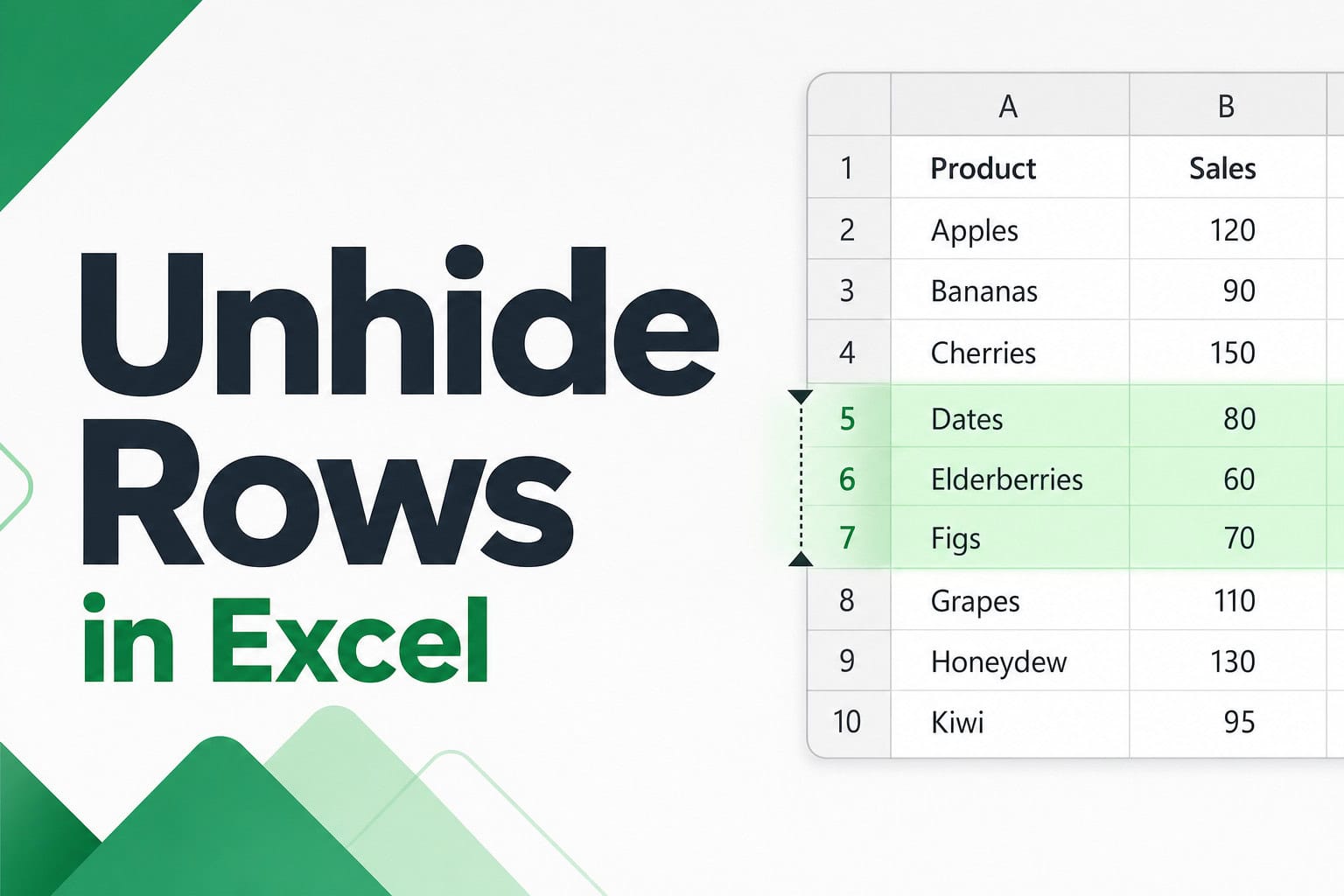
If you have a few rows hidden in your worksheet and you want them back, Excel makes it quick. Most of the time it takes a couple of clicks. But sometimes you click around, try the obvious things, and the rows still won’t show up. That usually means something else is going on, like an …

Read more

XLS vs XLSX – Key Differences

XLS vs XLSX

If you have been working with Excel files for a while, you have likely seen both .xls and .xlsx file extensions and wondered what the difference is. And this is because Excel switched its default file format back in 2007, so older files still hang around with the .xls extension, while everything new uses .xlsx. …

Read more

CSV vs XLSX – Key Differences (and When to Use Each)

CSV vs XLSX (Excel) - Key Differences

If you’ve ever opened a CSV file in Excel and watched the formatting disappear, leading zeros vanish, or dates flip into something weird, you’re probably wondering whether you should even be using CSV in the first place. The short answer is that CSV and XLSX are very different formats built for very different jobs. In …

Read more

Growing Annuity Formula in Excel

Growing Annuity Formula in Excel

A growing annuity is a series of payments where the amount goes up by the same percentage every period. Something like a pension that rises with inflation each year, a stock dividend that keeps getting raised, or a lease with a fixed annual rent hike. Excel doesn’t have a built-in function for this (the way …

Read more

3 Easy Ways to Clip Text in Excel

Clip Text in Excel

If you have a cell with text that’s longer than the cell width, Excel lets that text spill over into the next column when that column is empty. Google Sheets has a built-in Clip option that cuts off the extra text right at the cell border. Unfortunately, Excel does not have a built-in Clip option. …

Read more

Calculate Chi-Square in Excel

Chi Square Test in Excel

The Chi-Square test lets you figure out if two things in your data are actually related. Maybe you ran a survey and want to know if gender affects car color preference. Or you’re looking at student results and wondering whether the teaching method makes a difference in pass rates. It works with any data where …

Read more

Convert Number to Words in Excel

Convert Number to Words in Excel

Excel doesn’t have a built-in function to convert numbers into words. But there are a couple of reliable ways to do it, and I’ll walk you through both in this article. Click here to download the example file Method 1: Using VBA Macro to Create Custom Function (Recommended) This is the most widely used and …

Read more

Bulk Create Folders (and Subfolders) Using Excel List

Bulk Create Folders (and Subfolders) Using Excel List

If you’ve ever had to create dozens (or even hundreds) of folders manually, you know how tedious it can get. Right-click, new folder, type the name, repeat. It gets old really fast. The good news? You can automate this entire process using a simple VBA code in Excel. Just list your folder names in a …

Read more

Remove Blank Rows in Excel Using a Formula

Remove Blank Rows in Excel Using a Formula

If you want to remove blank rows from a dataset using a formula in Excel, you can do that by using the FILTER function. Below is an example where I have a dataset on the left, and then I’ve used the filter function to extract only those rows that are not blank on the right. …

Read more

Get the FREE 51 Excel Tips Ebook

Enter your details and the free PDF is on its way to your inbox.

Hmm, that didn't go through. Please check your email and try again.

No spam. You'll also get my weekly Excel newsletter. Unsubscribe anytime.

Check your inbox!

The ebook is on its way to your email. It usually lands within a couple of minutes.