How to Add Years to Date in Excel?

How to Add Years to Date in Excel

Adding years to a date in Excel can be a bit tricky. This is because Excel stores dates as numerical values in the backend. So if I want to add one year to a date (say 1st January 2026), I have to ensure that I am adding the right number to my existing date, which …

Read more

Get End of Year Date in Excel (Easy Formula)

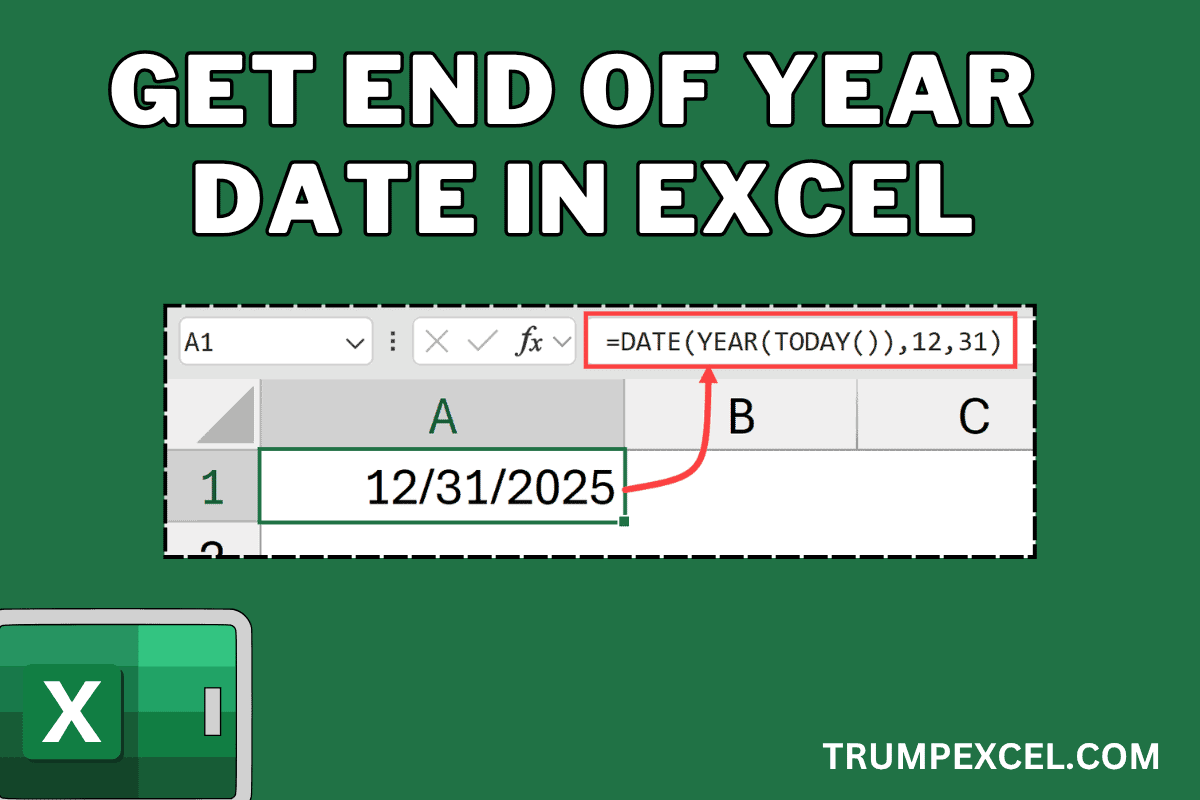
Get End of Year Date in Excel (Easy Formula)

In this article, I will show you some simple Excel formulas you can use to get the end-of-year date in Excel. Now if you’re wondering why you may even want that, and of course the end of the year date is going to always be 31st December of that year, here is the thing: Dates …

Read more

Select Every Other Column in Excel

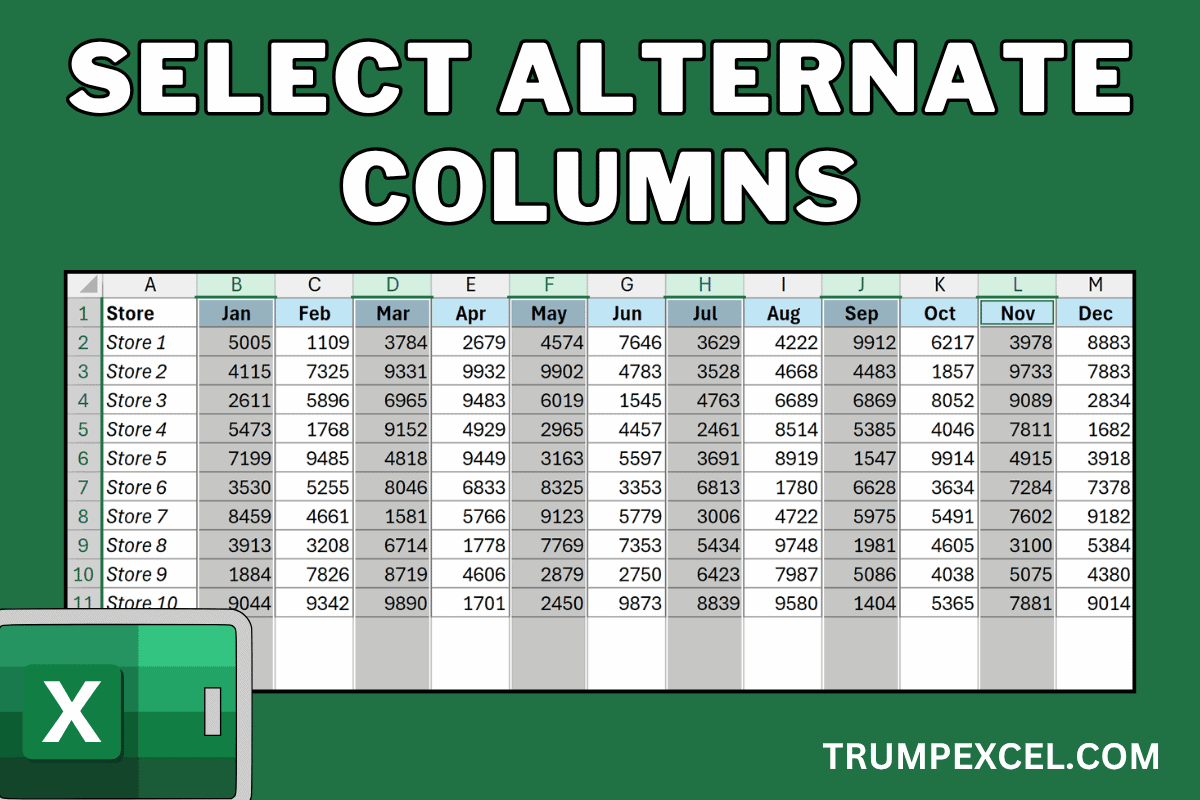
Select Alternate Columns in Excel

Sometimes you may have a large dataset that you are working with in Excel and you want to select alternate columns, or every third or every fourth column in your dataset. While there is no inbuilt feature to do this in Excel, there are some easy workarounds. In this article, I’ll show you three ways …

Read more

Sort Pivot Table in Excel

Sort Pivot Table in Excel

Pivot Tables come with a lot of in-built sorting options that allow you to structure your data the way you want. While you can use the regular sorting options (sorting A-Z / Z-A or Smallest to Largest or Largest to Smallest), there are also options to sort based on a custom list and even specify …

Read more

Loan Amortization Schedule in Excel (Free Template)

Loan Amortization Schedule in Excel

Thanks to some easy-to-use financial functions in Excel, it’s pretty easy to create a loan amortization schedule in Excel. In this article, I will show you how to create a simple loan amortization schedule, when you input the details (such as the principal amount, interest rate, and duration) in some cells, it instantly generates the …

Read more

How to Format Phone Numbers in Excel?

✅ ALWAYS Get Phone Numbers in the Right Format in Excel 3

If you work with phone numbers data in Excel, it would be useful to know how to properly format them. For example, if you’re working with phone numbers in the US, instead of just showing a 10-digit screen, you can format it to show in the following format: (123) 456-7890 If you are working with …

Read more

How to Show Ruler in Excel?

How to Show Ruler in Excel

Do you know there’s a functionality to show a ruler in Excel that can help you align objects perfectly and set precise margins for printing? Just like you can show the ruler in Microsoft Word, you can also get that in Excel. Ruler is not one of the more used functionalities in Excel, which is …

Read more

Connect Slicer to Multiple Pivot Tables in Excel

Connect a Single Slicer to Multiple Pivot Tables in Excel

If you work with Pivot Tables and also use slicers, you may sometimes wonder whether a slicer can be used to control multiple Pivot Tables. The answer is, of course, YES (otherwise I won’t be writing about it). This is useful when you have multiple Pivot Tables and you want all of them to update …

Read more

Change Pivot Table to Tabular Form

Change Pivot Table to Tabular Form

When working with Pivot Tables in Excel, I always ensure that my Pivot Tables are displayed in the tabular form. I don’t know why, but Microsoft has decided that any default Pivot Table would be shown in the Compact form. While powerful, the standard Compact Form in Pivot Tables can sometimes feel a bit… well, …

Read more

Get the FREE 51 Excel Tips Ebook

Enter your details and the free PDF is on its way to your inbox.

Hmm, that didn't go through. Please check your email and try again.

No spam. You'll also get my weekly Excel newsletter. Unsubscribe anytime.

Check your inbox!

The ebook is on its way to your email. It usually lands within a couple of minutes.