5 Simple Ways to Add Bullet Points in Excel (Shortcut + VIDEO)

You can easily add bullet points in a cell Excel (Yes.. easily). Until I knew this trick, I used to put a dash (-) or arrow greater than (>>) at the beginning of the text, and that could sometimes be a pain. I always wondered why was Excel devoid of such basic functionality. But that …

Read more

How to Quickly Insert New Cells in Excel

There isn’t any trickery involved in this post. I just want to give you a quick and simple way to insert new cells in excel. First, let’s see the usual way of doing it. Suppose, you have a data set as shown below and you want to insert blank cells in C2:C4, in such a …

Read more

Analyze Each Character in Excel using the Triad of Indirect(), Row() & Mid()

Today I am going to give you a powerful formula cocktail. The less-used INDIRECT() and ROW() function together with the MID() function can create a magnificent concoction. This triad enables you to get into the contents in a cell. and analyze each character separately. For example, suppose you have Excel123 in a cell, and you want …

Read more

Creating a Searchable Drop Down list in Excel – Step by Step Guide

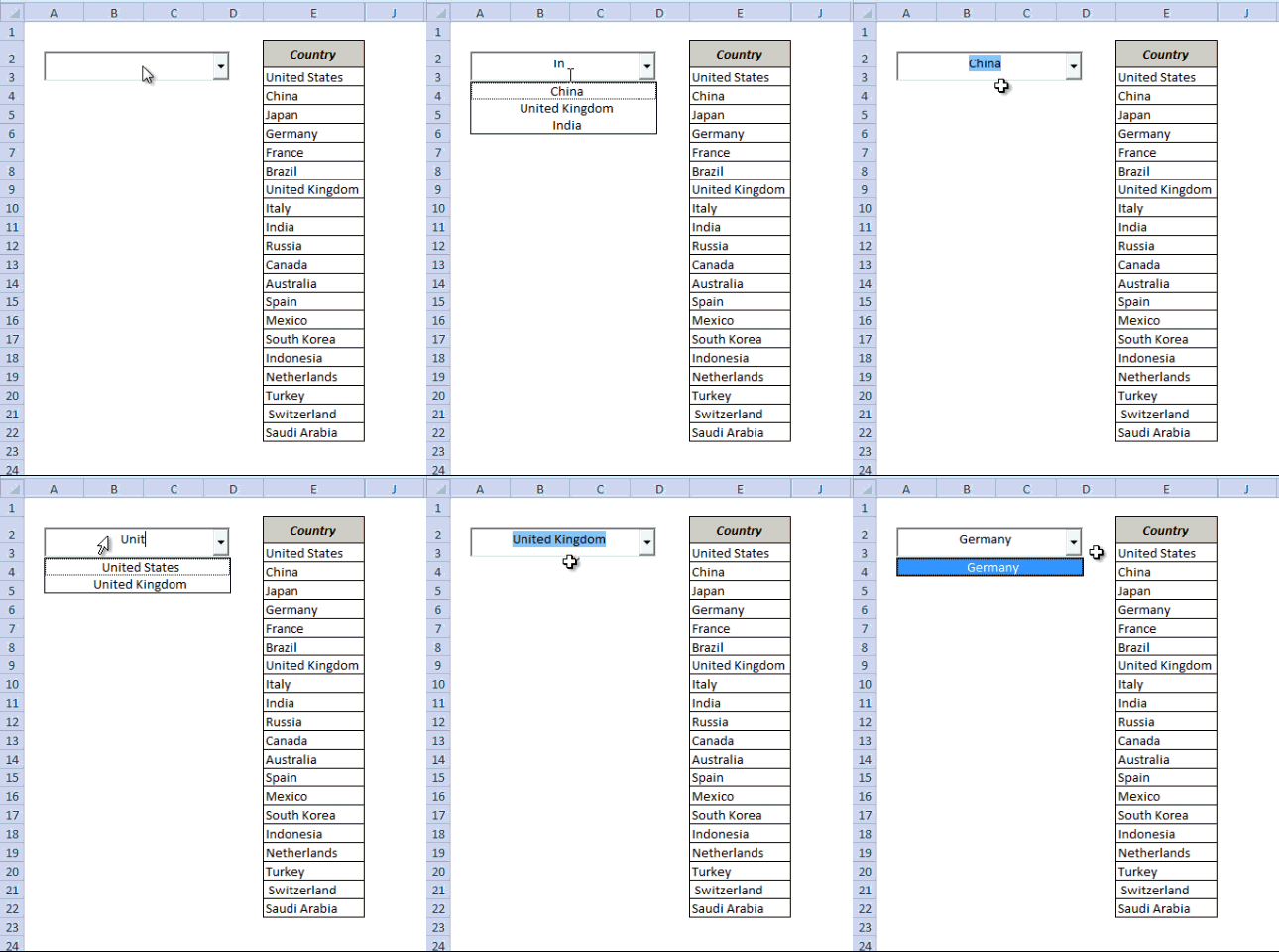
We all use Google as a part of our daily routine. One of its features is search suggestion, where Google acts smart and gives us a list of suggestions while we are typing. In this tutorial, you’ll learn how to create a searchable drop-down list in Excel – i.e., a drop-down list that will show the matching …

Read more

Highlight EVERY Other ROW in Excel (using Conditional Formatting)

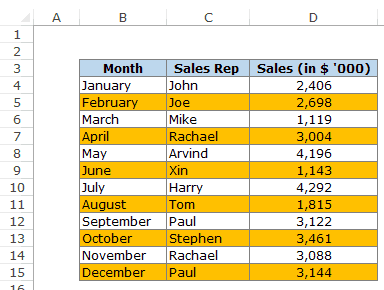
Below is the complete written tutorial, in case you prefer reading over watching a video. Conditional Formatting in Excel can be a great ally in while working with spreadsheets. A trick as simple as the one to highlight every other row in Excel could immensely increase the readability of your data set. And it is as …

Read more

Format Numbers as Text in a Drop Down List in Excel

A few days ago, I was working on creating an Excel dashboard. I had to create a number of drop-downs with the options ranging from 1 to 5. To make it more user-friendly, I also wanted to give an option of ‘Not Selected’, when a user does not want to make a selection in the drop …

Read more

[Quick Tip] How to Copy a Worksheet in Excel

A lot of times we need to make a copy of a worksheet in Excel. Maybe you want to create a back-up worksheet, or you want to create a new worksheet but don’t want to redo the formatting.  The long (and inefficient) way is: This will create a copy of the worksheet. While this is …

Read more

Get the FREE 51 Excel Tips Ebook

Enter your details and the free PDF is on its way to your inbox.

Hmm, that didn't go through. Please check your email and try again.

No spam. You'll also get my weekly Excel newsletter. Unsubscribe anytime.

Check your inbox!

The ebook is on its way to your email. It usually lands within a couple of minutes.