
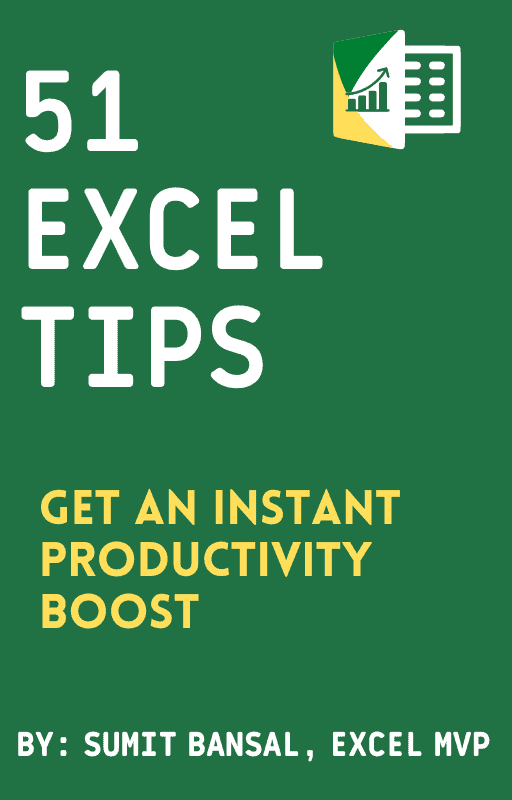
51 Excel Tips That Get Work Done Faster
A free PDF with the shortcuts, formula tricks and small habits I use to finish Excel work in a fraction of the time.
- 51 practical tips you can use in your next file
- Written by a 13x Microsoft Excel MVP
- Free PDF, sent straight to your inbox
No spam. The ebook lands in your inbox in a couple of minutes.
What is inside the ebook
The tips are grouped around the things you actually do in Excel every day.
Keyboard Shortcuts
The key combos that save you a trip to the mouse, over and over again.
Formulas and Functions
Formula tricks that handle work you would otherwise be doing by hand.
Formatting Tricks
Make a sheet clean and easy to read without fiddling with it for an hour.
Data Cleanup
Sort out messy data, stray spaces, duplicates and text that will not behave.
Everyday Time Savers
Small moves that quietly shave minutes off every file you touch.
Printing and Setup
Get your sheet to print the way you want it on the first try, not the fifth.

Written by Sumit Bansal
I have been teaching Excel for over 15 years, and the same handful of tips keep coming up as the ones that save people the most time.
So I put them together in one short PDF and made it free. If it saves you an hour this week, that is a good enough reason for me.
Prefer watching? Join 515,000+ people learning Excel on YouTube
New Excel tutorials every week, from quick tips to full projects. All free.
Quick questions
The things people usually want to know before they sign up.
Is it really free?
Yes. No cost, no trial, no card. Enter your email and the ebook is sent over.
What format is it in?
It is a PDF, sent to you by email. Read it on your laptop or your phone, and keep it around for whenever you need it.
Will you email me other stuff?
You will also get my weekly Excel newsletter, with tips and tutorials I think you will find useful. If it is not for you, there is an unsubscribe link in every email.
Which Excel versions does it cover?
The tips work across modern versions of Excel, including Microsoft 365. A few keyboard shortcuts look different on Mac, but the ideas are the same.
Ready to get faster at Excel?
Grab the ebook, try a few tips today, and see how much time you get back.
Free PDF. Sent by email.
More free stuff from TrumpExcel
If the ebook is useful, these are free too.
Free Excel Course
A full video course that takes you from the basics right through to the advanced stuff.
Start the courseFree Dashboard Course
Build a real Excel dashboard step by step, one video at a time.
Watch on YouTubeFree VBA Course
Start writing macros and hand the boring, repetitive work over to Excel.
Start learning VBAFree Power Query Course
Clean and combine your data once, then refresh the whole thing with a click.
Start Power Query