RANK Function in Excel

RANK Function in Excel

If you want to rank a list of numbers in Excel, say the highest sales figure as rank 1, the next as rank 2, and so on, you don’t have to sort the data or count positions by hand. The RANK function does this for you, and it works in every version of Excel. In …


Read more

SUMIF Function in Excel

SUMIF Function in Excel

If you want to add up only the numbers that meet one condition, like the total sales for a single region, you cannot use a plain SUM because SUM adds everything. But nothing to worry about. This is exactly what the SUMIF function is built for, and it’s easy once you see it in action. …

Read more

HLOOKUP Function in Excel

HLOOKUP Function in Excel

If you want to look up a value across a row and pull back a matching value from a row below it, the HLOOKUP function is what you need. It searches the top row of a table from left to right, and once it finds your value, it drops down to grab an answer from …

Read more

SMALL Function in Excel

SMALL Function in Excel

If you want to pull the smallest, second smallest, or third smallest number out of a list, the SMALL function is what you’re looking for. It’s the function you reach for when MIN only gives you the single lowest value and you need to go a few places past that. In this article, I’ll show …

Read more

AVERAGEIFS Function in Excel

AVERAGEIFS Function in Excel

If you want to average only the numbers that meet more than one condition, a plain AVERAGE won’t get you there. It averages everything in the range, with no way to say “only these rows.” That’s exactly what the AVERAGEIFS function is for. You give it a range of numbers to average, then pair up …

Read more

Date.FromText Function in Power Query M

Date.FromText Function in Power Query M

If you have dates that came in as text and you want to turn them into real date values, the Date.FromText function is what you’re looking for. In this article, I’ll show you how to use Date.FromText to convert text into dates, including how to handle different regional formats, month names, compact or oddly-separated dates, …

Read more

SUBTOTAL Function in Excel

SUBTOTAL Function in Excel

If you have ever used SUM on a filtered list and watched it return the total of the entire dataset instead of just the visible rows, you have run into the exact problem SUBTOTAL was built to solve. Most people reach for SUM, COUNT, or AVERAGE out of habit, and those functions don’t care about …

Read more

Table.Buffer Function in Power Query M

table.buffer power query

Table.Buffer is an interesting (and useful) function in Power Query. It loads a table into memory so Power Query reads from the cached copy instead of going back to the original data source each time. This is useful when you want to preserve sort order before grouping or removing duplicates, or when a small table …

Read more

Combine CSV Files When Column Headers Don’t Match

Combine CSVs When Column Headers Don't Match (Using Power Query)

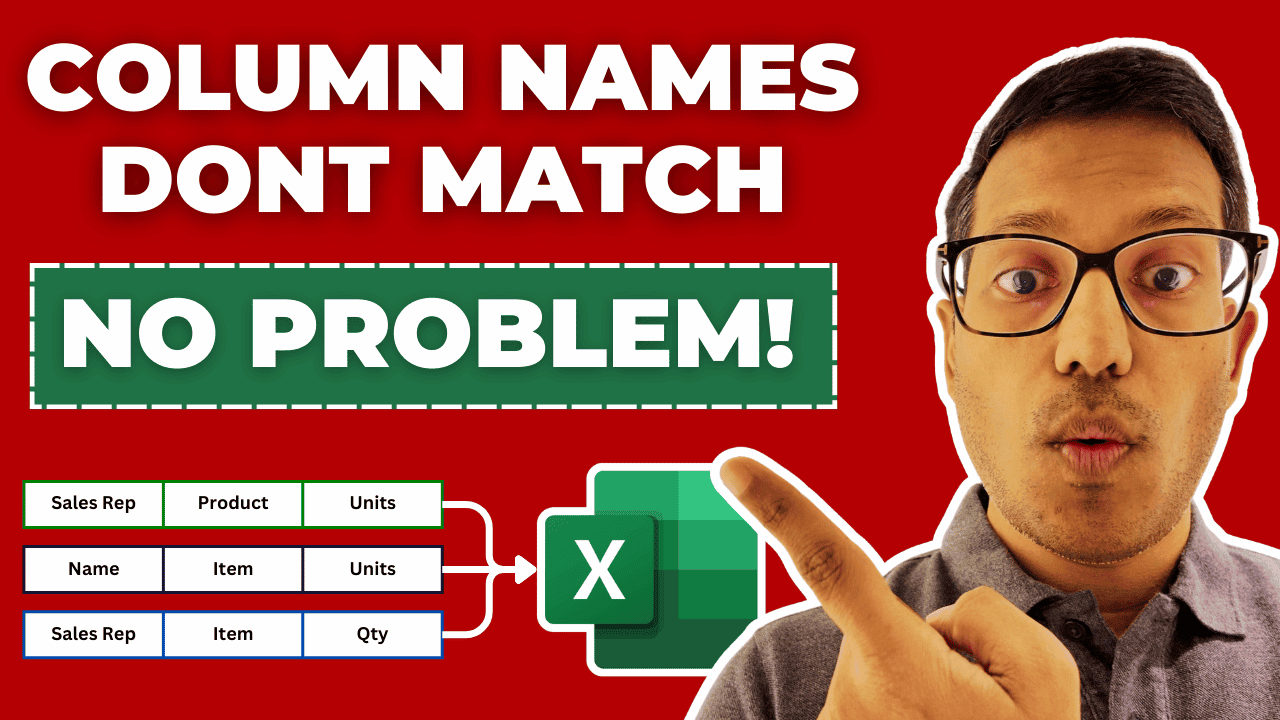
When you combine multiple CSV files using Power Query, it works great if all files have the same column names. But what if they don’t? What if one file calls it “Sales Rep” and another calls it “Salesperson”? One says “Units Sold” and another says “Quantity Sold”? Power Query treats these as separate columns, leaving …

Read more

Get the FREE 51 Excel Tips Ebook

Enter your details and the free PDF is on its way to your inbox.

Hmm, that didn't go through. Please check your email and try again.

No spam. You'll also get my weekly Excel newsletter. Unsubscribe anytime.

Check your inbox!

The ebook is on its way to your email. It usually lands within a couple of minutes.