How to Add Years to Date in Excel?

How to Add Years to Date in Excel

Adding years to a date in Excel can be a bit tricky. This is because Excel stores dates as numerical values in the backend. So if I want to add one year to a date (say 1st January 2026), I have to ensure that I am adding the right number to my existing date, which …
Read more

Get End of Year Date in Excel (Easy Formula)

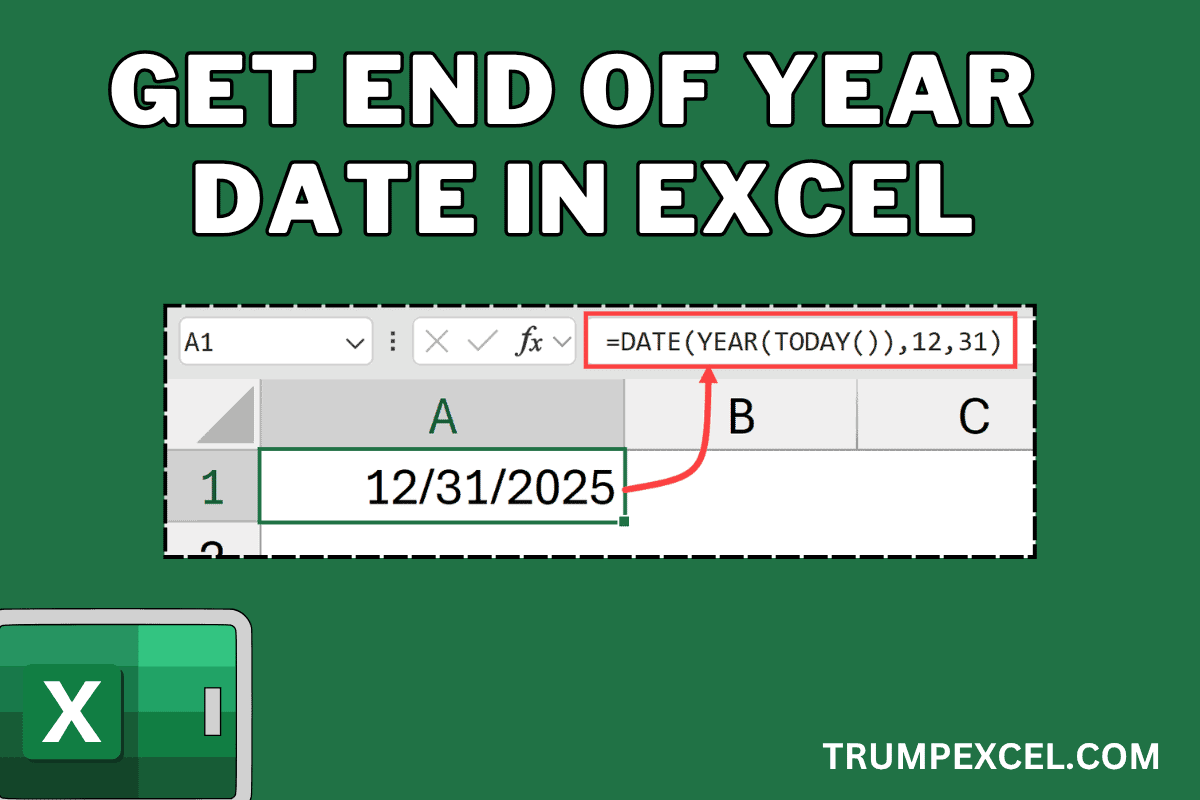
Get End of Year Date in Excel (Easy Formula)

In this article, I will show you some simple Excel formulas you can use to get the end-of-year date in Excel. Now if you’re wondering why you may even want that, and of course the end of the year date is going to always be 31st December of that year, here is the thing: Dates …

Read more

Add Comments Within Excel Formulas

Add Comments Within Excel Formulas

Excel formulas can get complicated, especially when you’re working with advanced functions or creating solutions for others to use. Adding comments directly within your formulas can make them more understandable and easier to maintain in the future. It’s like leaving helpful notes for yourself or anyone else who might need to work with your spreadsheets …

Read more

Create All Possible Combinations from Lists in Excel

I was recently working on a project where I had multiple lists in Excel and I had to create all the possible combinations using these lists. To give you an example, suppose I three separate lists where I have: Now I want to get one single list that would include all the possible combinations from …

Read more

Convert Columns to Rows in Excel

Convert Columns to Rows in Excel

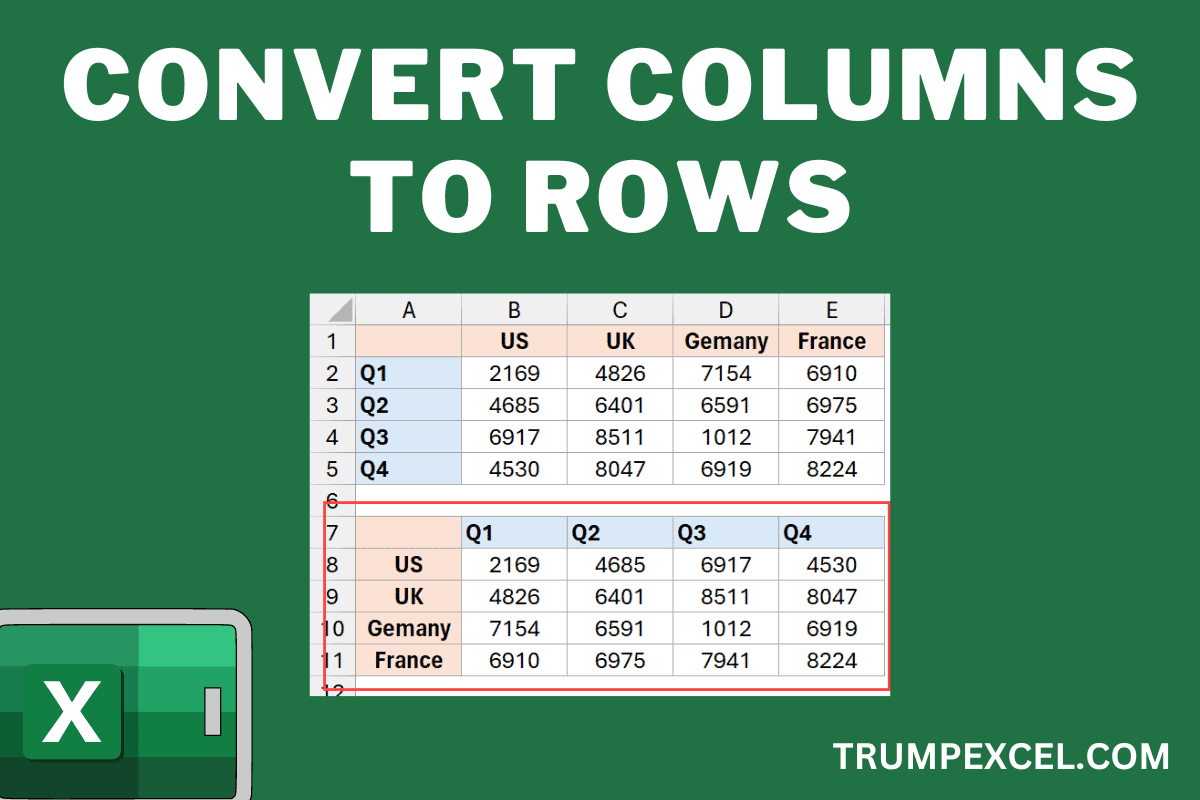
Most of the time, when working with Excel, you need to restructure your data before you can start any kind of analysis. One common task many Excel users have to do is convert columns into rows in their existing dataset. This is usually the case when you get your data set from a database or …

Read more

Count Cells Less than a Value in Excel (COUNTIF Less Than)

Count Cells Less than a Value in Excel (COUNTIF Less Than)

It’s a common data analysis task to count the number of cells with a value that is less than a specific threshold. For example, if you have sales figures of different sales reps in a column, you may want to know how many sales reps were not able to meet the given sales target. Or …

Read more

Highlight Cells With Formulas in Excel

How to Highlight Cells With Formulas in Excel

In many situations, you may want to quickly highlight all the cells with formulas in Excel. When I was working as a financial analyst a few years ago, this is something I used to do often to mark the cells that contain formulas. Another situation where this may be useful is when you want to …

Read more

How to Get the Number of Days in a Month in Excel?

Get Total Days in Month in Excel (Easy Formulas)

When working with dates, sometimes you may need to know the total number of days in a given month. This could be useful when working on project scheduling or payroll calculation, or even travel planning. While you can easily figure out the total days in a given month, when doing it for a larger dataset, …

Read more

How to Switch First and Last Name in Excel with Comma?

Formula to reverse the first and the last name

When working with name data sets in Excel, you may want the names to be in a specific format. Usually, the names are either in the ‘First Name Last Name’ format (such as Joe Davis or Sumit Bansal). In some specific situations, you may want the names data to be formatted as Last Name, First …

Read more

Get the FREE 51 Excel Tips Ebook

Enter your details and the free PDF is on its way to your inbox.

Hmm, that didn't go through. Please check your email and try again.

No spam. You'll also get my weekly Excel newsletter. Unsubscribe anytime.

Check your inbox!

The ebook is on its way to your email. It usually lands within a couple of minutes.