How to Get the Word Count in Excel (Using Simple Formulas)

Want to get the word count in Excel? Believe it or not, Excel does not have an inbuilt word counter. But don’t worry. A cool bunch of excel functions (or a little bit of VBA if you’re feeling fancy) can easily do this for you. In this tutorial, I will show a couple of ways to count …
Read more

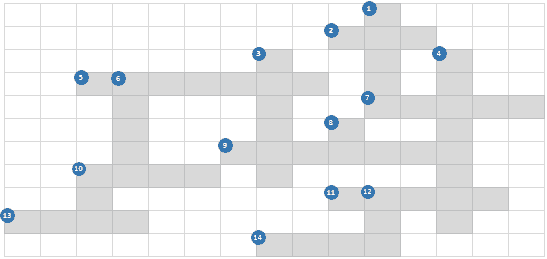
Check your EQ (Excel Quotient) – Formula Crossword

Do you think you know Excel Formulas? Here is a fun way to test it!! This blog post has a downloadable file (at the end) that has an Excel Formula Crossword in it. Go ahead and test your formula knowledge. Since I am a nice guy, I did not put a timer in it. Solve it at …

Read more

Identify Errors Using Excel Formula Debugging (2 Methods)

Imagine you have created a super long formula in Excel. While you are proud of yourself, there is a minor glitch. It is returning an error or an unexpected value. Now you have two options: Excel Formula Debugging Method #1 – F9 Key Here is how this works: For example, suppose you have the text …

Read more

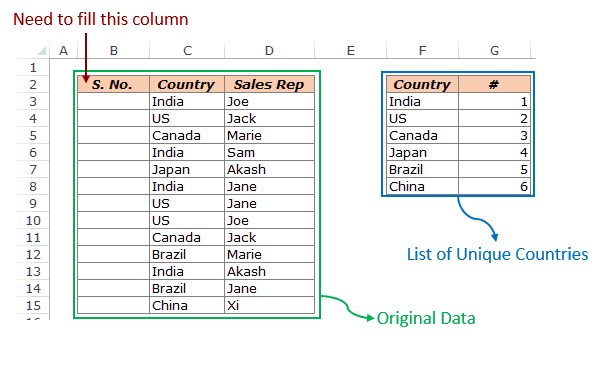
How to Get Unique Items from a List in Excel Using Formulas

In this blog post, I will show you a formula to get a list unique items from a list in excel that has repetitions. While this can be done using Advanced Filter or Conditional Formatting, the benefit of using a formula is that it makes your unique list dynamic. This means that you continue to get …

Read more

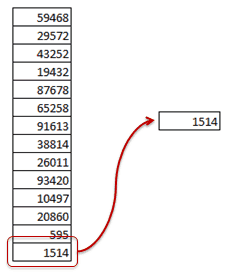
Use VLookup to Get the Last Number in a List in Excel

Excel has its own limitations, and in this blog post, I will show you how we can use one of the limitations to our advantage. Get the Last Number in a List in Excel using Excel VLOOKUP Function The largest positive number that you can use in Excel is 9.99999999999999E+307 (I tried this in Excel 2010). …

Read more

Analyze Each Character in Excel using the Triad of Indirect(), Row() & Mid()

Today I am going to give you a powerful formula cocktail. The less-used INDIRECT() and ROW() function together with the MID() function can create a magnificent concoction. This triad enables you to get into the contents in a cell. and analyze each character separately. For example, suppose you have Excel123 in a cell, and you want …

Read more

Lookup and Return Values in an Entire Row/Column in Excel

VLOOKUP is one of the most used functions in Excel. It looks for a value in a range and returns a corresponding value in a specified column number. Now I came across a problem where I had to lookup entire row and return the values in all the columns from that row (instead of returning a …

Read more

Avoid Nested IF Function in Excel…VLOOKUP to Rescue

A lot of times people ask me to help them in rectifying an error in their nested IF function. And sometimes their formula is bigger than this blog post (seriously! not kidding). However, in some of the cases, this long formula can be cut short by using the VLOOKUP function. Avoiding Nested IF Function Consider …

Read more

Get the FREE 51 Excel Tips Ebook

Enter your details and the free PDF is on its way to your inbox.

Hmm, that didn't go through. Please check your email and try again.

No spam. You'll also get my weekly Excel newsletter. Unsubscribe anytime.

Check your inbox!

The ebook is on its way to your email. It usually lands within a couple of minutes.