Excel Tips & Tutorials

Step-by-step Excel guides, formulas, and tips. New tutorials added regularly.

How to Assign a Macro to a Button in Excel (Easy Guide)

Click on Form Control button icon

While there are many different ways to run a macro in Excel, none of those methods can be as easy and user-friendly as clicking on a button. And for that to work, you need to assign a macro to a button first. In this tutorial, I will show you a couple of ways to insert …

Read more

Remove First Character from String in Excel

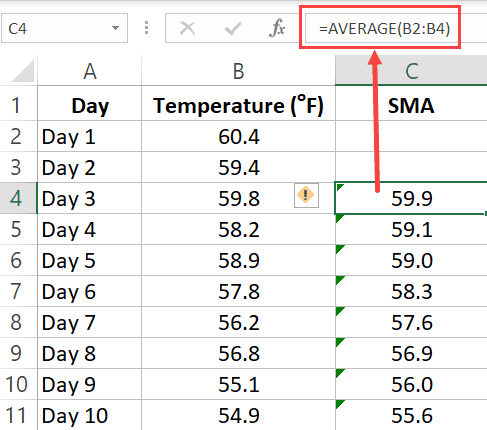
Manually Enter the second value in the second adjacent cell

Working with text data would often require slicing and dicing it. And one such common thing people often have to do is to remove the first characters from a string in Excel. Suppose you have a dataset as shown below (in column A) and you want to remove only the first characters from each cell …

Read more

Split Each Excel Sheet Into Separate Files

Files after each sheet is split into separate file

If you have an Excel workbook with many worksheets, there is no easy way to split each of these sheets into separate Excel files and save separately. This could be needed when you sheets for different months or regions or products/clients and you want to quickly get a separate workbook for each sheet (as an …

Read more

How to Sum a Column in Excel (5 Really Easy Ways)

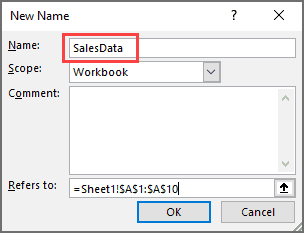
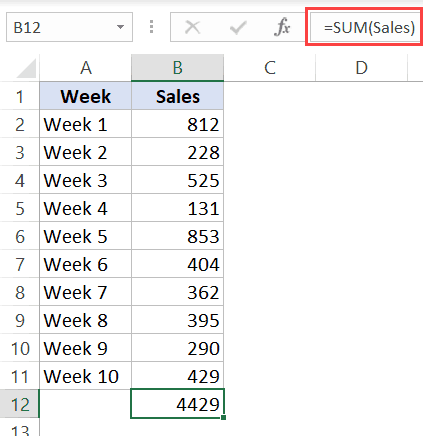
Sum a column using named range

To get the sum of an entire column is something most of us have to do quite often. For example, if you have the sales data to date, you may want to quickly know the total sum in the column to the sales value till the present day. You may want to quickly see what …

Read more

Insert a Blank Row after Every Row in Excel (or Every Nth Row)

Final Dataset where blank rows have been inserted after each row

People who work with large data sets often need simple things such as inserting/deleting rows or columns. While there are already many different (and simple) ways to add rows in Excel, when it comes to inserting a blank row after every other row (or every third or fourth row), things get a bit complicated. Insert …

Read more

Excel VBA Immediate Window – 5 Awesome Ways to Use it!

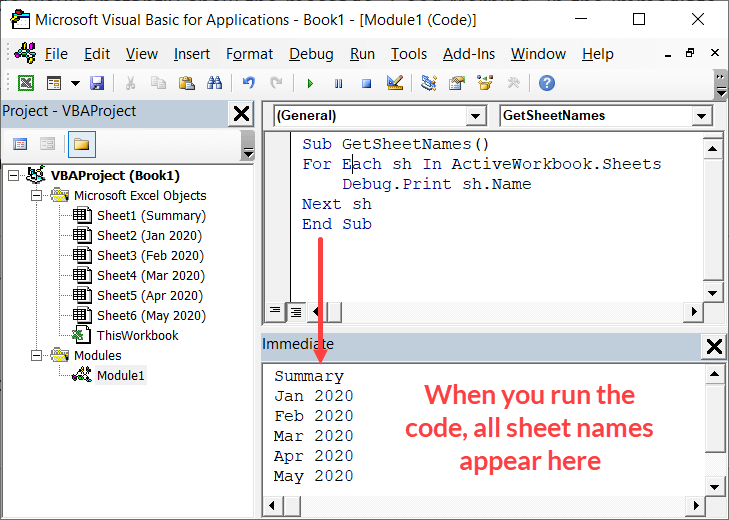
Get Sheet names in the immediate window

‘Immediate window’ can be a useful tool to use when working with VBA in Excel. The Immediate window allows you to quickly do things such as: While you don’t need to use immediate window to work with VBA in Excel, knowing how to use it well can make you a lot more efficient. In this …

Read more

Get the FREE 51 Excel Tips Ebook

Enter your details and the free PDF is on its way to your inbox.

Hmm, that didn't go through. Please check your email and try again.

No spam. You'll also get my weekly Excel newsletter. Unsubscribe anytime.

Check your inbox!

The ebook is on its way to your email. It usually lands within a couple of minutes.