
FREE DOWNLOAD
Free Excel Templates
A curated collection of ready-to-use Excel templates. Download, customize, and boost your productivity in seconds.
Productivity Templates
8 templates
Productivity
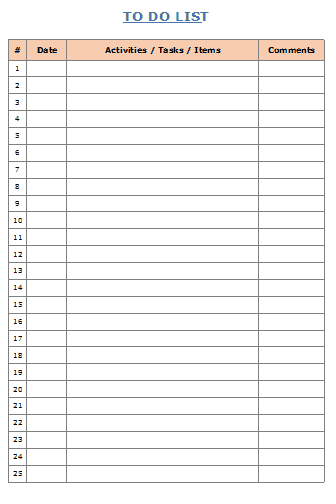
Productivity
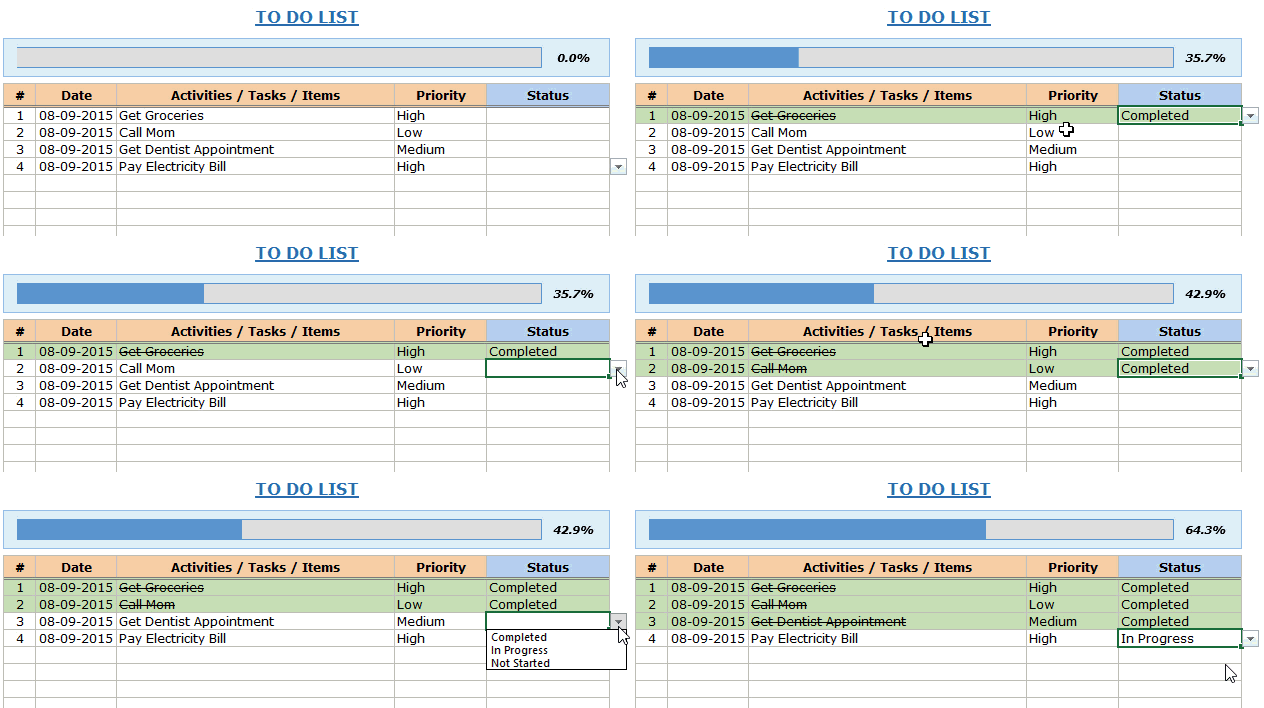
Productivity
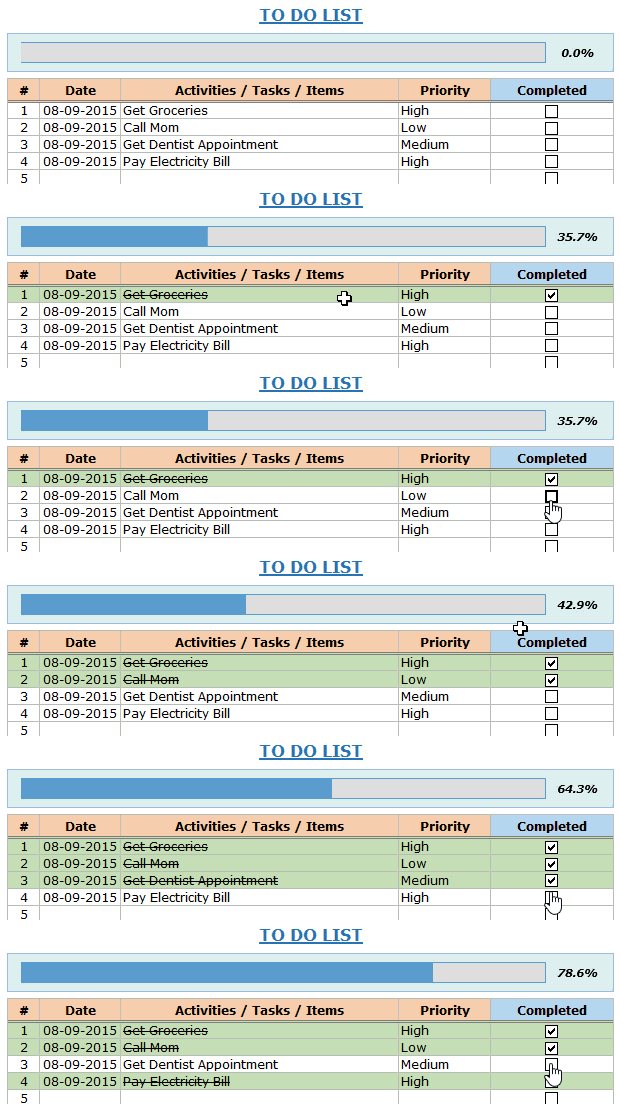
Productivity
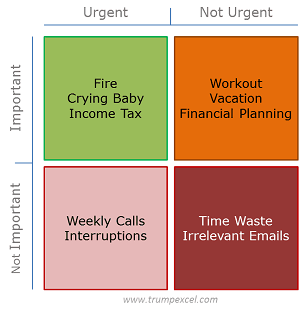
Productivity
Productivity
Productivity
Project Management
6 templates
Project
Project
Project
Project
Project
Finance Templates
2 templates
Finance
Other Templates
6 templates
Other
Other

Other
Other
Other

Other Useful Excel Resources:


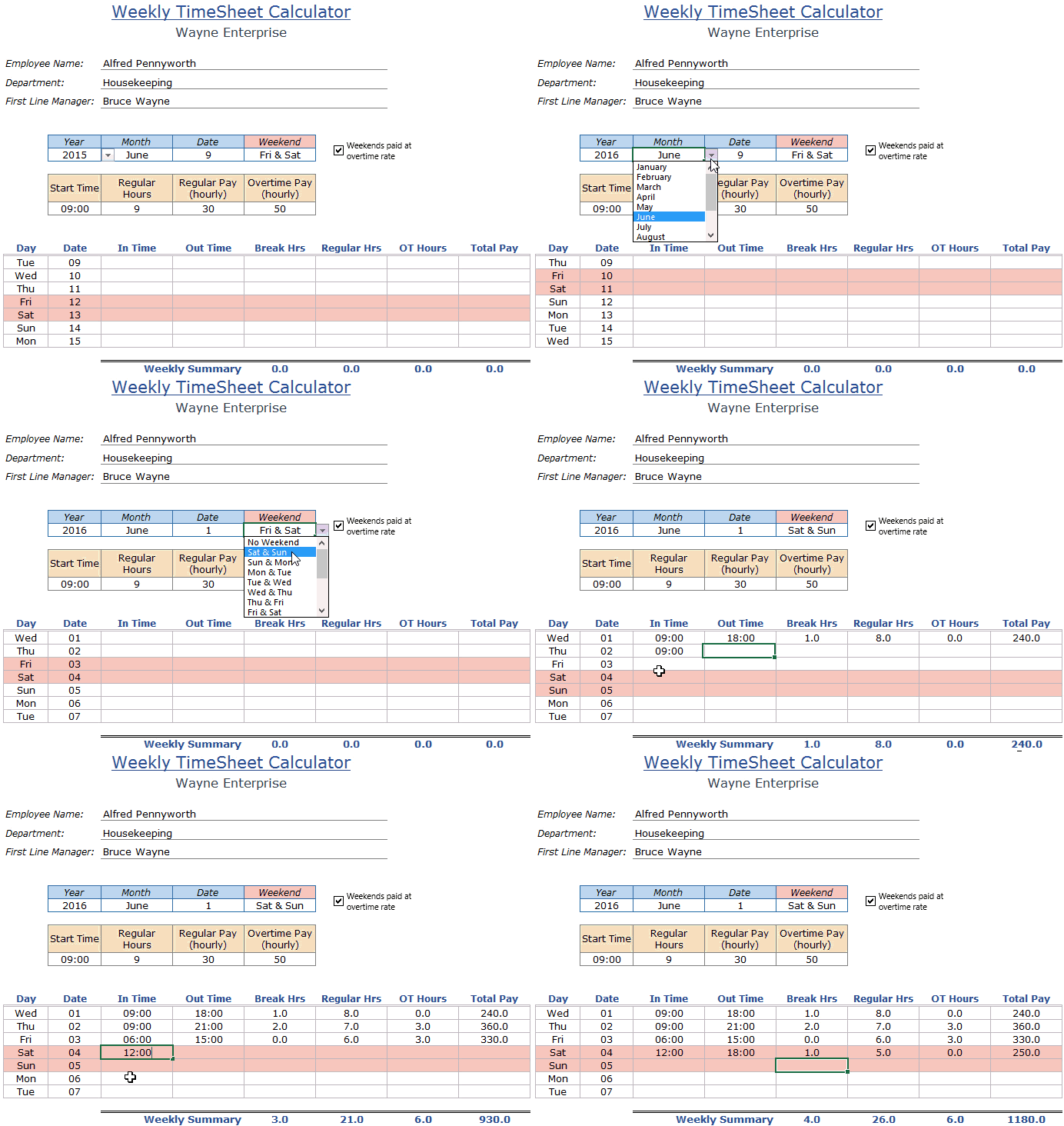
On the Timesheet calculator, I need to add another in and out time for when my time is split on the same day. Can you tell me how to formulate the cells for it to figure the times correctly?
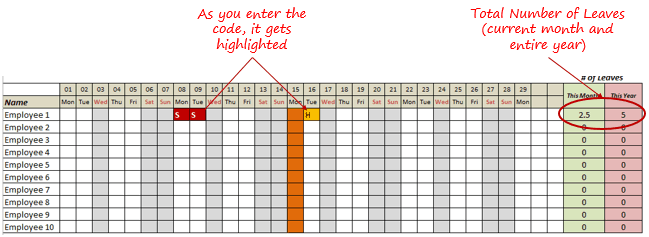
Hello! I have been using your Leave tracker for 3 years, and it works every time, its just so great! thank you.
In light of Covid and safe workspace, i think an idea for you is to create an excel which enables employees to mark days in the office, and grey out days for their neighbors? 🙂
Brilliant works.
Sadly this is not what I was looking for.
I tried to get a little problem to calculate automatically.
I use it manual today and want to make it easier.
The problem is when we play bowling and make series over 200 we get points for that.
If you score 200 you get 2 points and following.
If you make 205 you get 2,5 points and so on. 210 makes 3 points.
220 makes 4 points, 240 makes 6 points.
You take the first number 2 and add whit the following 2 and 3. I can´t get it to work in Excel.
Thanks for all the help I can get.
Stefan
Dear Excel Guru,
I have an issue that I am finding hard to resume and I hope that Excel has the functionality to resolve.
1. I have an excel spreadsheet that tracks purchases in a school tuckshop. I have a menu list that has been abbreviated to reduce the size of the document.
2. This list has been converted into a multiple selections drop-down list using VBA.
Problem:
I am trying to figure out how I can get the multiple selections in the drop-down list to transfer the calculation of items purchased into a total box. e.g. MS = $3:50, BA=$2:50.
The dropdown list would look in a cell MS,BA – then in a seperate cell the total $6.00 the addition of the two abbreviated items.
Can this be done
Thank you
Dear Sir,
I want in A column only the highlighted/ colored cells to be numbered sequentially, while the unlighted cells numbers undisturbed. As soon as I highlight the cell it should give automatically the next number.
1 Highlighted
1
2
2 Highlighted
1
2
3
3 Highlighted
1
2
4 Highlighted
1
2
3
4
5 Highlighted
1
2
3
1 Highlighted
2
3
4
Can you help me in this matter ?
Thank You.
Dr. Prakash Kulkarni
How can i copy a specific data from word to excel with minimum efforts ?
How can I change the colour of the weekends or the employee leave tracker? I can’t find where you have put the code for that. I really don’t like brown for the holidays. Thank you.