How to Quickly Unhide COLUMNS in Excel (A Simple Guide)

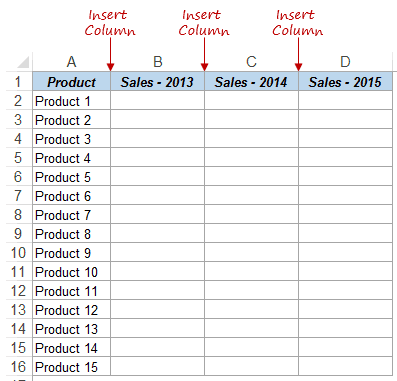
If you prefer written instruction instead, below is the tutorial. Hidden rows and columns can be quite irritating at times. Especially if someone else has hidden these and you forget to unhide it (or even worse, you don’t know how to unhide these). While I can’t do anything about the first issue, I can show …

Read more

6 Easy Ways to Insert the Delta Symbol (Δ) in Excel

Formula Bar - Delta Result

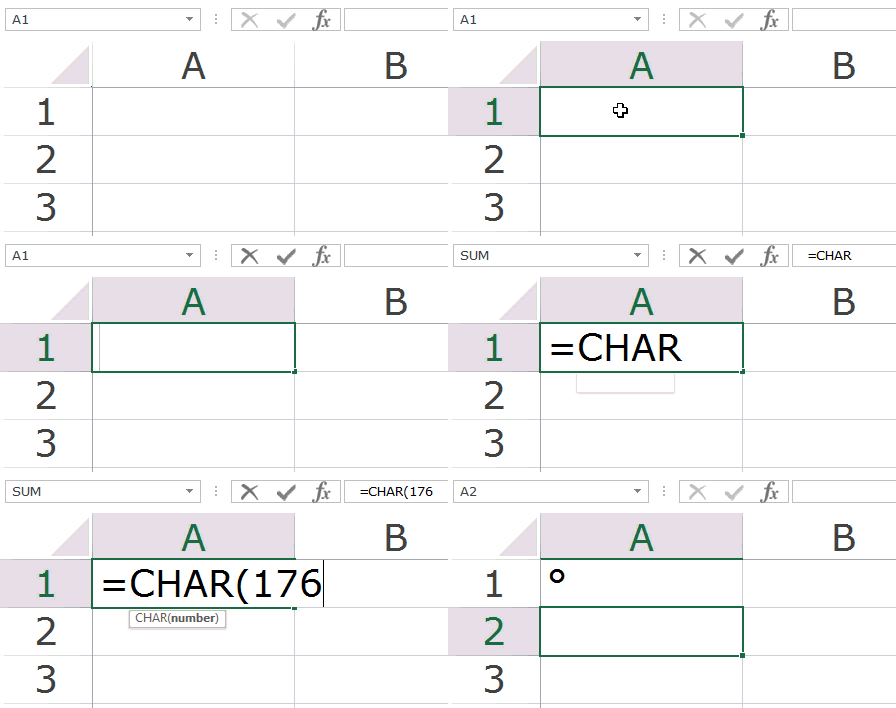
When it comes to inserting symbols in Excel, things can get a bit complicated. You either need to know the keyboard shortcut, or use the methods that are not very straightforward. And there are a lot of symbols that many people need to insert regularly, such as the degree symbol, cent symbol, delta symbol, etc. …

Read more

Show Formulas in Excel Instead of the Values

As soon as you type a formula in Excel and hit enter, it would return the calculated result, and the formula would disappear. That’s how it’s supposed to work. But what if you want to show formulas in the cells and not the calculated values. In this Excel tutorial, I will cover the following topics: …

Read more

20 Excel Keyboard Shortcuts that will Impress Your Boss

If you work with Excel day in and day out, Excel Keyboard Shortcuts can help you shorten your workday and save a lot of time. Additionally, it also has the power to enchant your co-workers and boss into thinking you’re an Excel Wizard. When I started my career as an analyst, I was completely in awe …

Read more

Strikethrough Text in Excel – Keyboard Shortcut and Examples

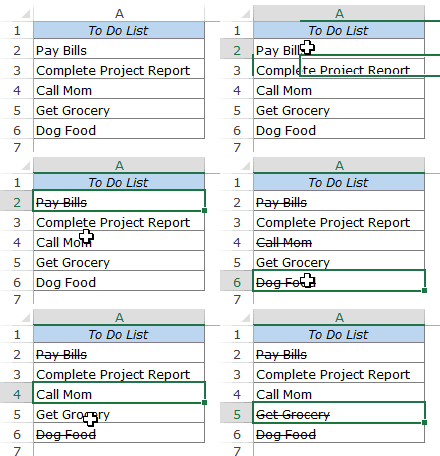
What comes to your mind when you see text with a strikethrough in Excel (something as shown below)? In most cases, it means that the task or activity has been completed and has been checked off. Those who work with Microsoft Word use this extensively, and there is a strikethrough icon right there in the …

Read more

Keyboard & Mouse Tricks that will Reinvent the Way You Excel

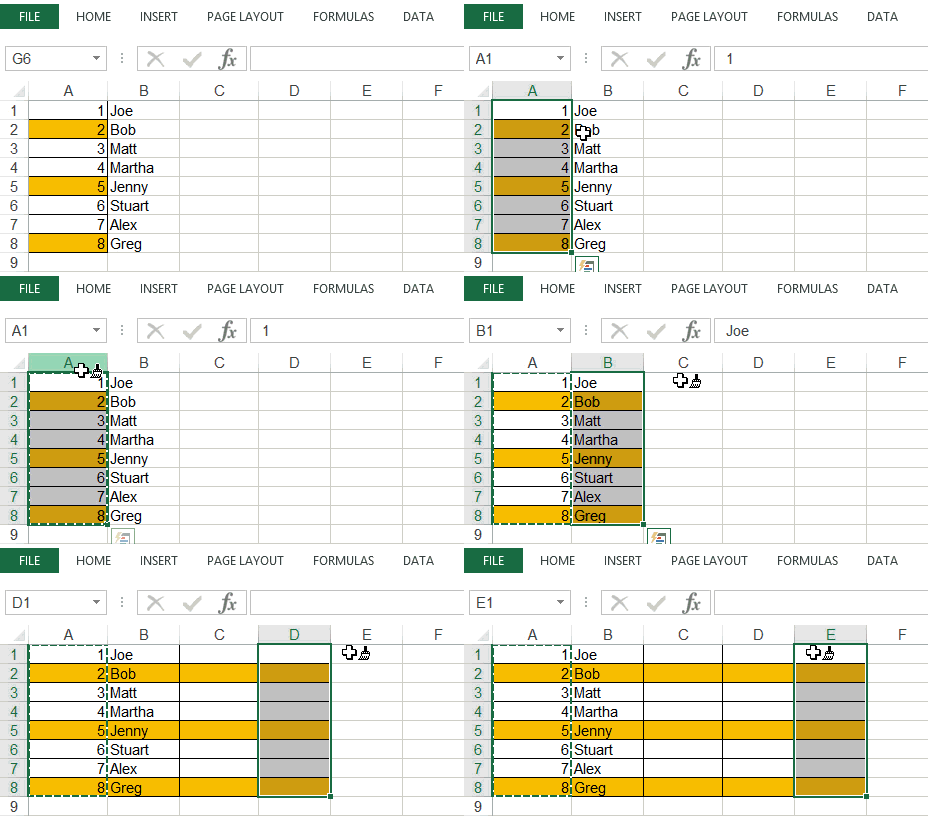
In my last article, I wrote about mouse double-click tricks. In this tutorial, I will show you some amazing things you can do in Excel by using a combination of mouse and keyboard. Shift Rows/Columns/Cells Suppose you have three cells, and you want to shift the content of cell A1 to cell A3 (as shown …

Read more

Get the FREE 51 Excel Tips Ebook

Enter your details and the free PDF is on its way to your inbox.

Hmm, that didn't go through. Please check your email and try again.

No spam. You'll also get my weekly Excel newsletter. Unsubscribe anytime.

Check your inbox!

The ebook is on its way to your email. It usually lands within a couple of minutes.