500+ Excel Functions (Explained with Examples)

Here, you’ll find every Excel function, grouped by the same categories Excel uses. Click a function name to open its full tutorial with examples. Excel Functions – Date and Time Excel Function Description Excel DATE Function Excel DATE function can be used when you want to get the date value using the year, month, and …
Read more

Avoid Nested IF Function in Excel…VLOOKUP to Rescue

A lot of times people ask me to help them in rectifying an error in their nested IF function. And sometimes their formula is bigger than this blog post (seriously! not kidding). However, in some of the cases, this long formula can be cut short by using the VLOOKUP function. Avoiding Nested IF Function Consider …

Read more

Dynamic Arrays in Excel

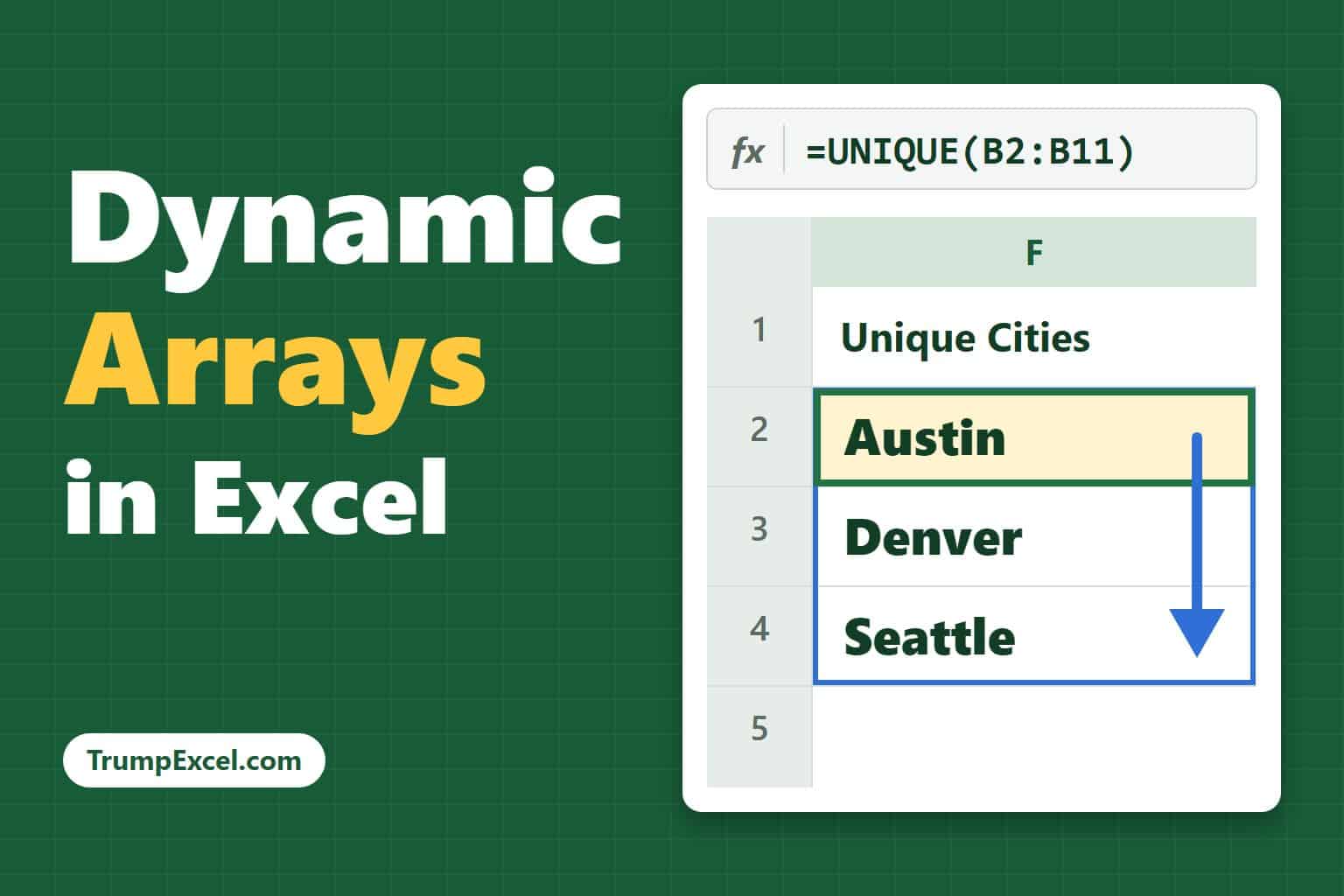
Dynamic Arrays in Excel, showing a UNIQUE formula spilling Austin, Denver, and Seattle down a column

If you have ever wanted one formula to return a whole list of results instead of just a single value, dynamic arrays are exactly what you are looking for. With dynamic arrays, a single formula can return many values that “spill” into the cells around it automatically. No dragging the formula down, no copy-paste. In …

Read more

How to Use XLOOKUP with Multiple Criteria in Excel

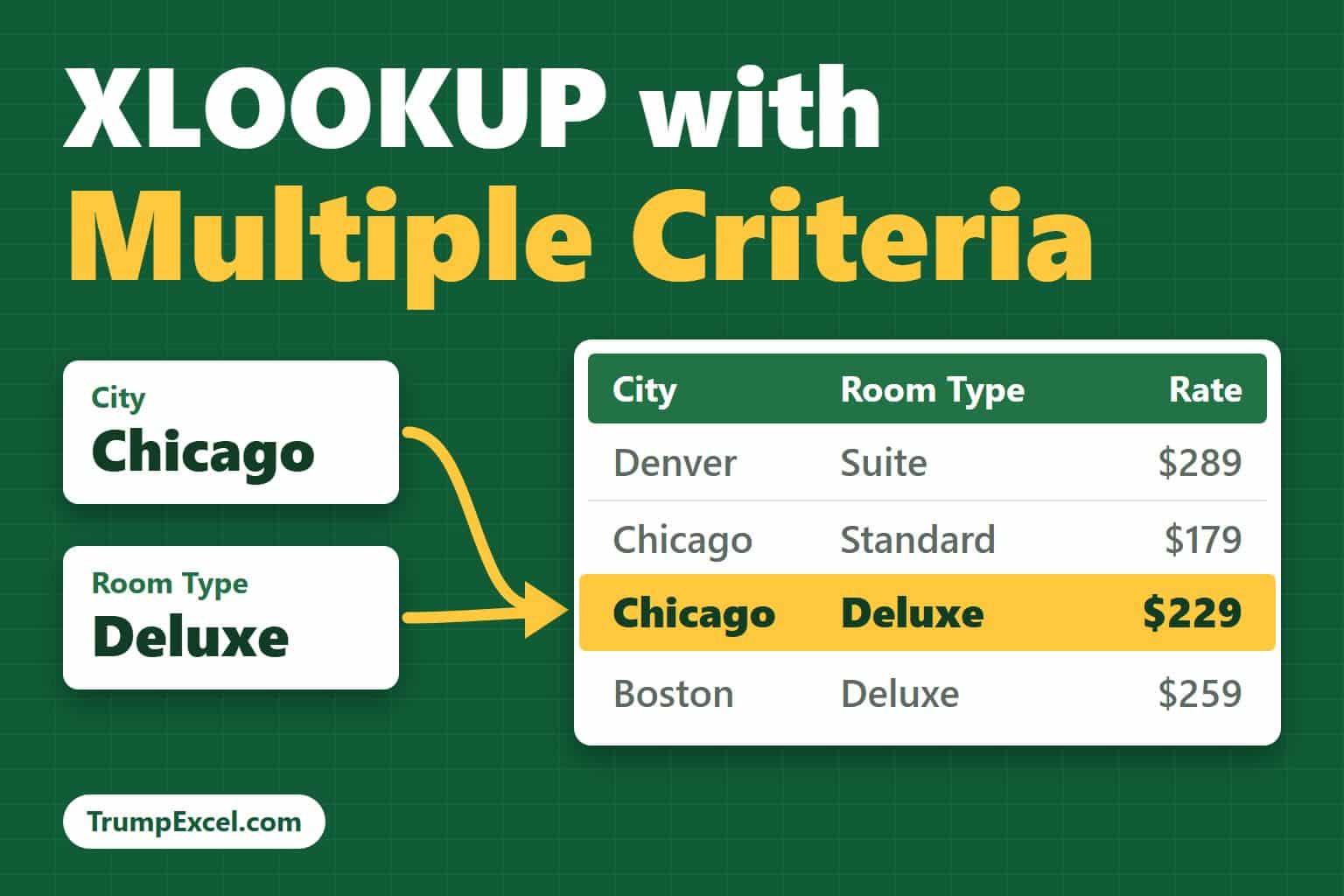
XLOOKUP with multiple criteria in Excel, matching a city and room type to one row of a rate table

To use XLOOKUP with multiple criteria, you combine your conditions into something one lookup value can find. XLOOKUP only takes a single lookup value, so this small workaround is what lets it match on two, three, or more columns. In this article, I’ll show you three ways to do it, starting with the one I …

Read more

Convert Month Name to Number in Excel

Convert Month Name to Number in Excel

In some situations, you may have the month name that you want to convert into the month number so that it can be used further in calculations. While there is no built-in function to do this in Excel, it’s pretty easy with simple formula workarounds. In this article, I will show you a couple of …

Read more

Insert Sigma Symbol in Excel (Σ or σ)

Insert Sigma Symbol in Excel

In various fields like statistics, mathematics, and engineering, the sigma symbol (Σ or σ) is frequently used, often representing the sum of a set of terms or as a symbol for standard deviation in statistics. There are two types of sigma symbols: In this article, I’ll guide you through several straightforward methods to insert the …

Read more

Find the Second Largest Value in Excel

Find the Second Largest Value in Excel

If you want to get the highest value in a column or a range, you can easily do that using the built-in MAX function in Excel. But what if you want to get the second largest value, the third largest value, or the nth largest value from the same data set? In this scenario, you …

Read more

How to Return Cell Address Instead of Value in Excel

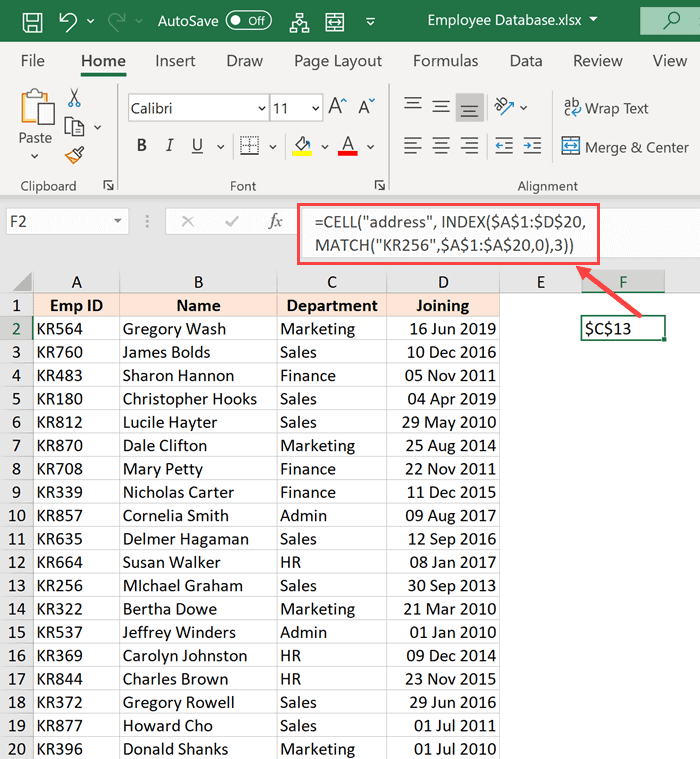
CELL formula to return Cell Address Instead of Value

When using lookup formulas in Excel (such as VLOOKUP, XLOOKUP, or INDEX/MATCH), the intent is to find the matching value and get that value (or a corresponding value in the same row/column) as the result. But in some cases, instead of getting the value, you may want the formula to return the cell address of …

Read more

Lookup the Second, the Third, or the Nth Value in Excel

Excel table highlights the second of three Mike entries in yellow and returns its sales value of 820 as the lookup result.

When it comes to looking up data in Excel, there are a few amazing functions that I often use, XLOOKUP, VLOOKUP and INDEX (mostly in conjunction with the MATCH function). However, these formulas are designed to find only the first instance of the lookup value. XLOOKUP can also give you the last match, but not …

Read more

Get the FREE 51 Excel Tips Ebook

Enter your details and the free PDF is on its way to your inbox.

Hmm, that didn't go through. Please check your email and try again.

No spam. You'll also get my weekly Excel newsletter. Unsubscribe anytime.

Check your inbox!

The ebook is on its way to your email. It usually lands within a couple of minutes.