FREE Online Excel Training (12+ Hours) | Learn Excel (Basic/Advanced)

FREE Online Excel Training (12+ Hours) Basic Advanced

26 Lessons, 12+ hours of Free Excel Training (Videos)Absolutely FREE | No Sign-up Needed | Scroll Down and Start Learning If you’re an Excel beginner (or an intermediate) and want to learn Excel, this is the perfect place for you to start. This page gives you access to a completely FREE Online Excel Training (26 …
Read more

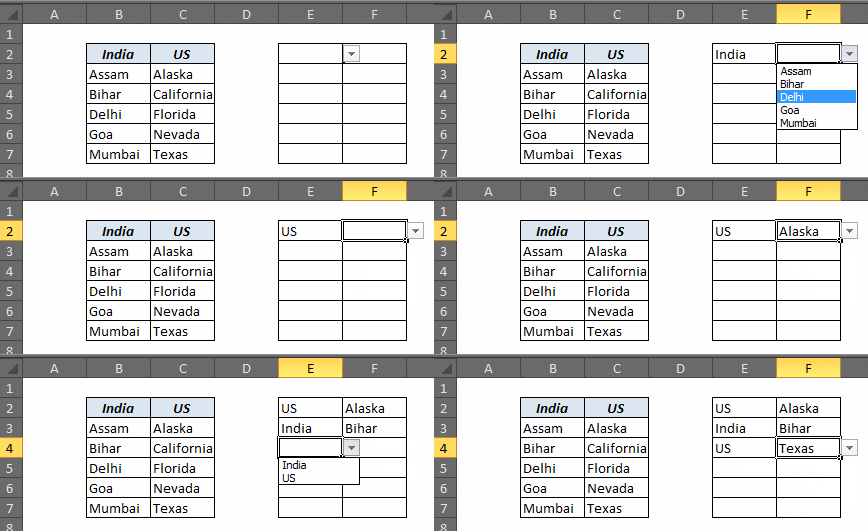
How to Create a Dependent Drop Down List in Excel

Sometimes, you may want the options in one drop-down list to change based on what you pick in another. This is called a dependent drop-down list. For example, when you pick Furniture as the category, the second drop-down should only show items such as Chairs and Tables. Excel doesn’t have this as a built-in feature, …

Read more

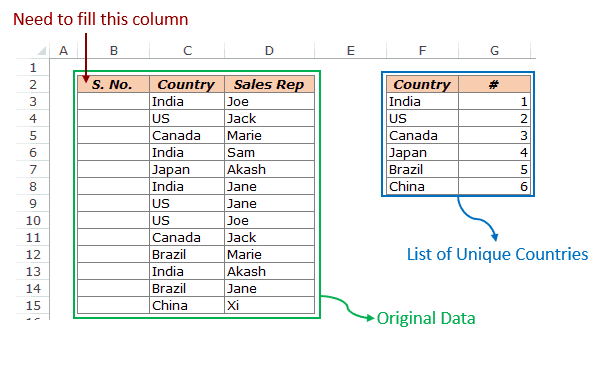
How to Give Duplicate Values the Same Serial Number in Excel

If you have a list where the same value repeats, you may want every occurrence of that value to carry the same serial number, no matter where it shows up in the list. A regular 1, 2, 3 fill won’t do this, because it gives every row a different number. But it’s simple to fix …

Read more

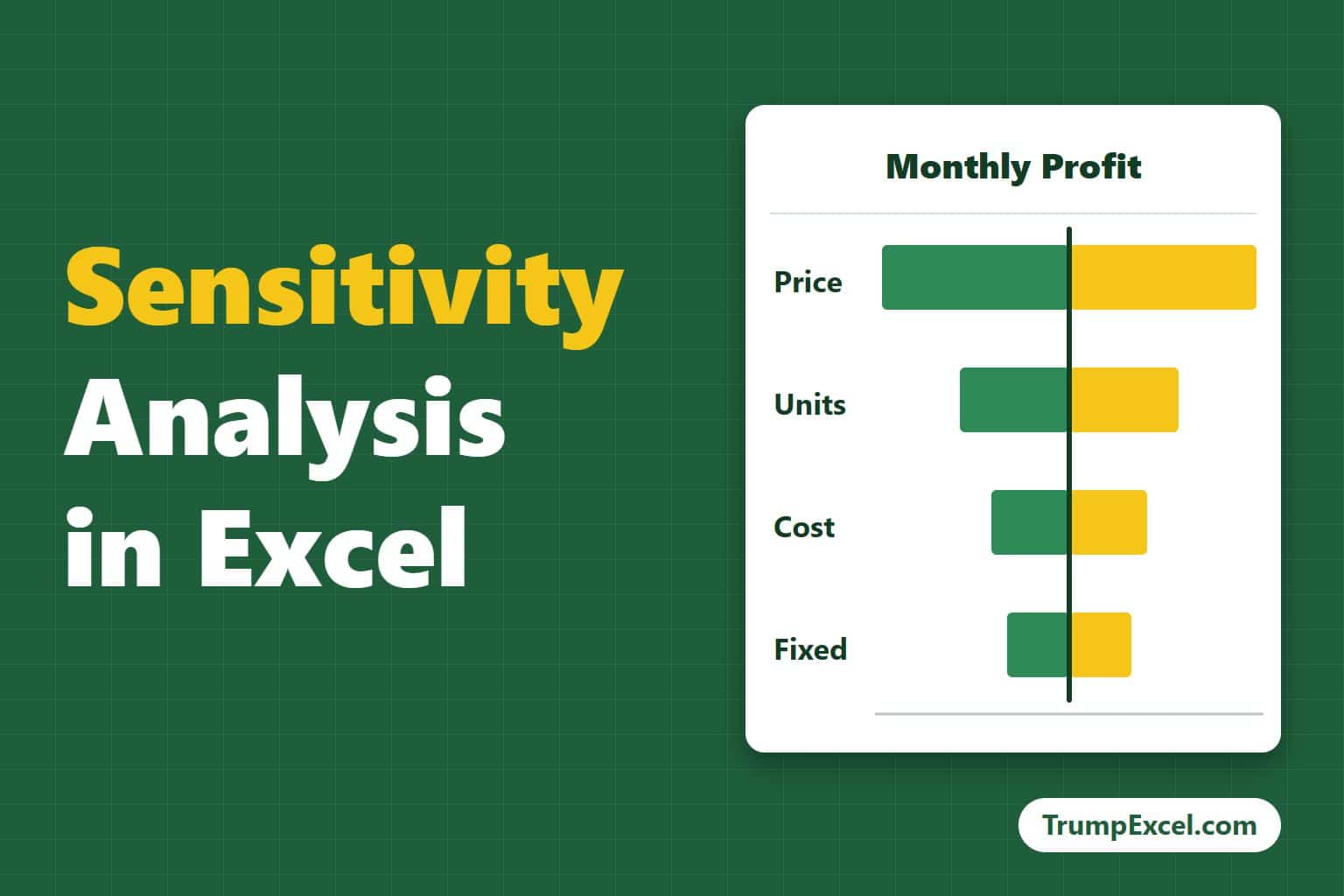
How to Do Sensitivity Analysis in Excel

How to Do Sensitivity Analysis in Excel

To do sensitivity analysis in Excel, you change the inputs in a model and see how much the result moves. Excel’s What-If Analysis tools do this for many values at once, so you don’t have to retype each number and write down the answer. It’s useful whenever a forecast rests on guesses, like the price …

Read more

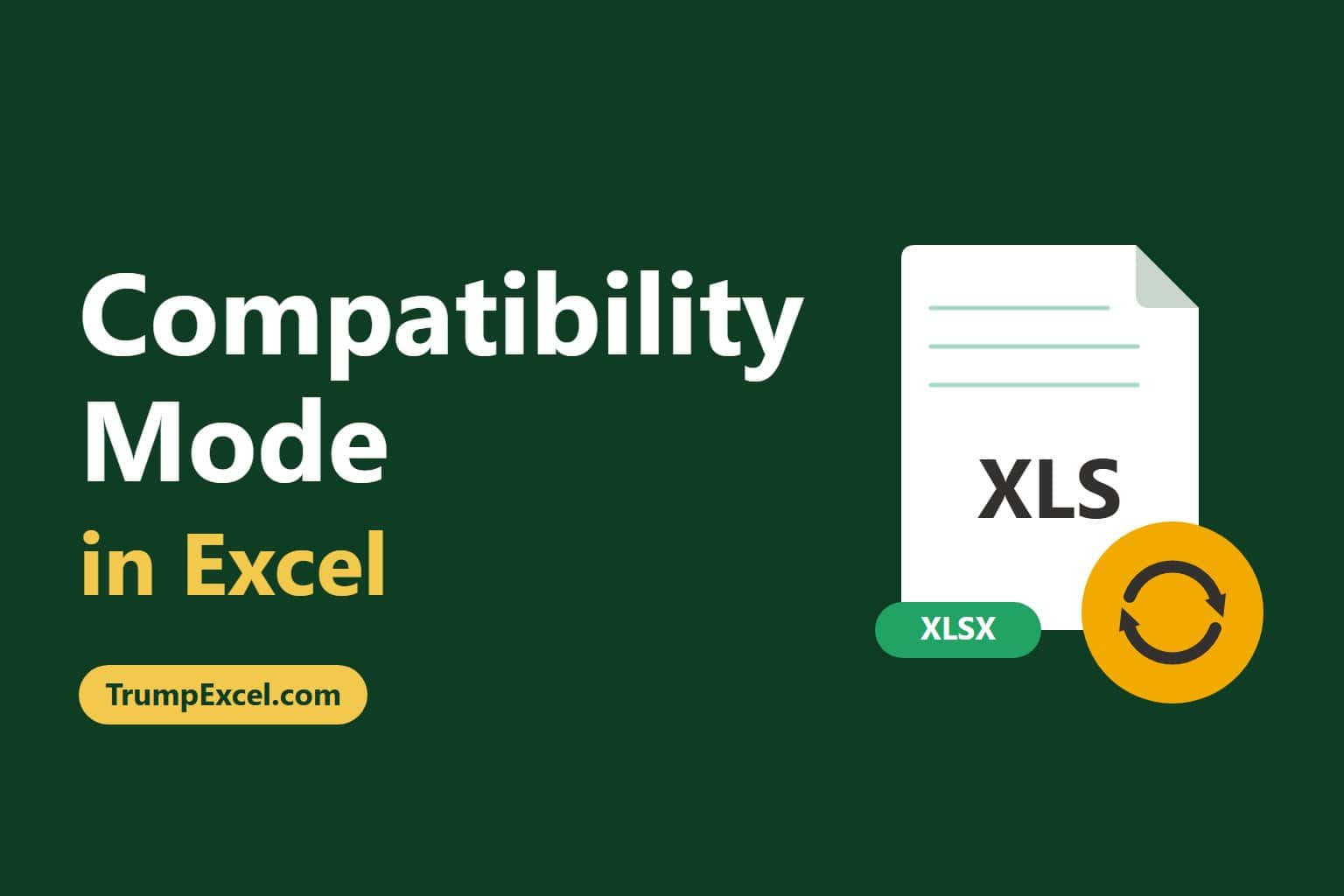
Compatibility Mode in Excel: What It Is and How to Turn It Off

Compatibility Mode in Excel, showing an XLS workbook converting to XLSX

If you have opened a file and seen Compatibility Mode next to the file name at the top, you may have noticed that some Excel features are greyed out. And this is because the file is saved in the old Excel 97-2003 format. Nothing is broken and your data is safe. In this article, I’ll …

Read more

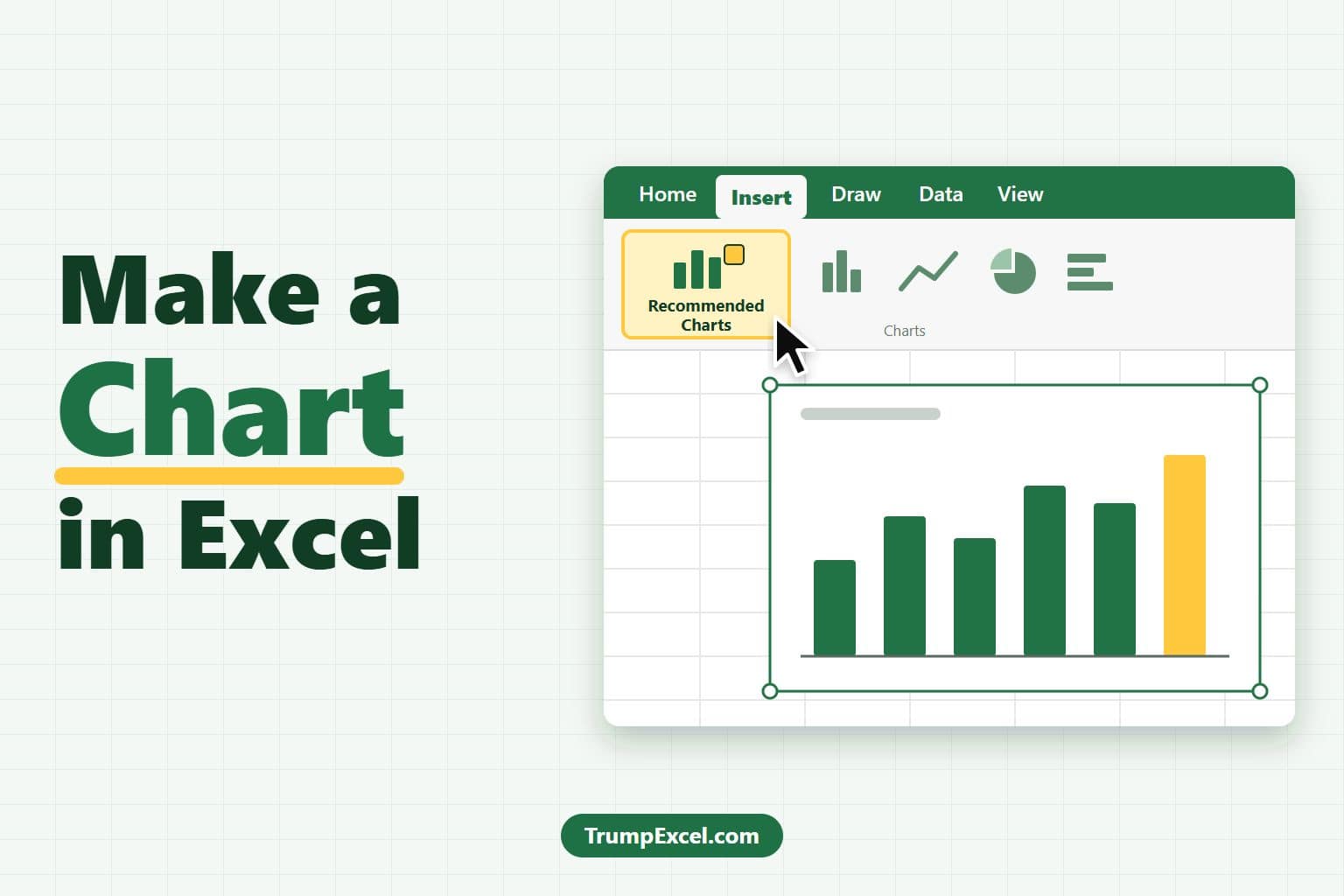
How to Make a Chart (Graph) in Excel

How to make a chart in Excel using Recommended Charts on the Insert tab

Making a chart in Excel takes a few clicks. You select your data, pick a chart, and Excel turns a table of numbers into something people can understand at a glance. In this tutorial, I’ll show you how to make a chart in Excel, set up your data so the chart comes out right, pick …

Read more

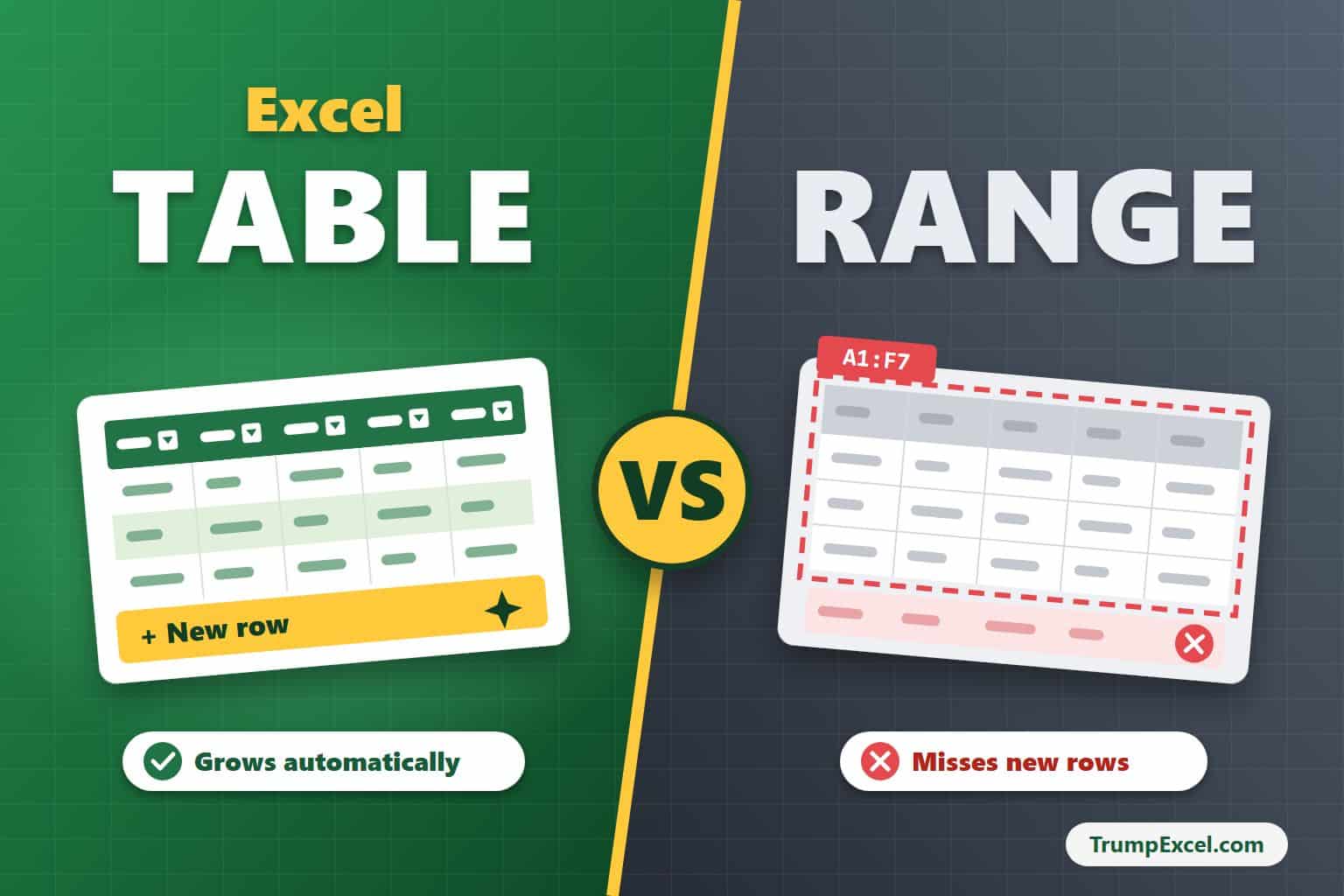
Excel Table vs Range: Key Differences and When to Use Each

Excel Table expands to include a new row, while a fixed range reference leaves the new row outside its boundaries.

If you’re deciding between an Excel Table and a normal range, start with how you’ll use the data. For a list that keeps growing, a Table can save you from updating formulas and report sources each time you add records. For a report layout or a few input cells, a normal range gives you more …

Read more

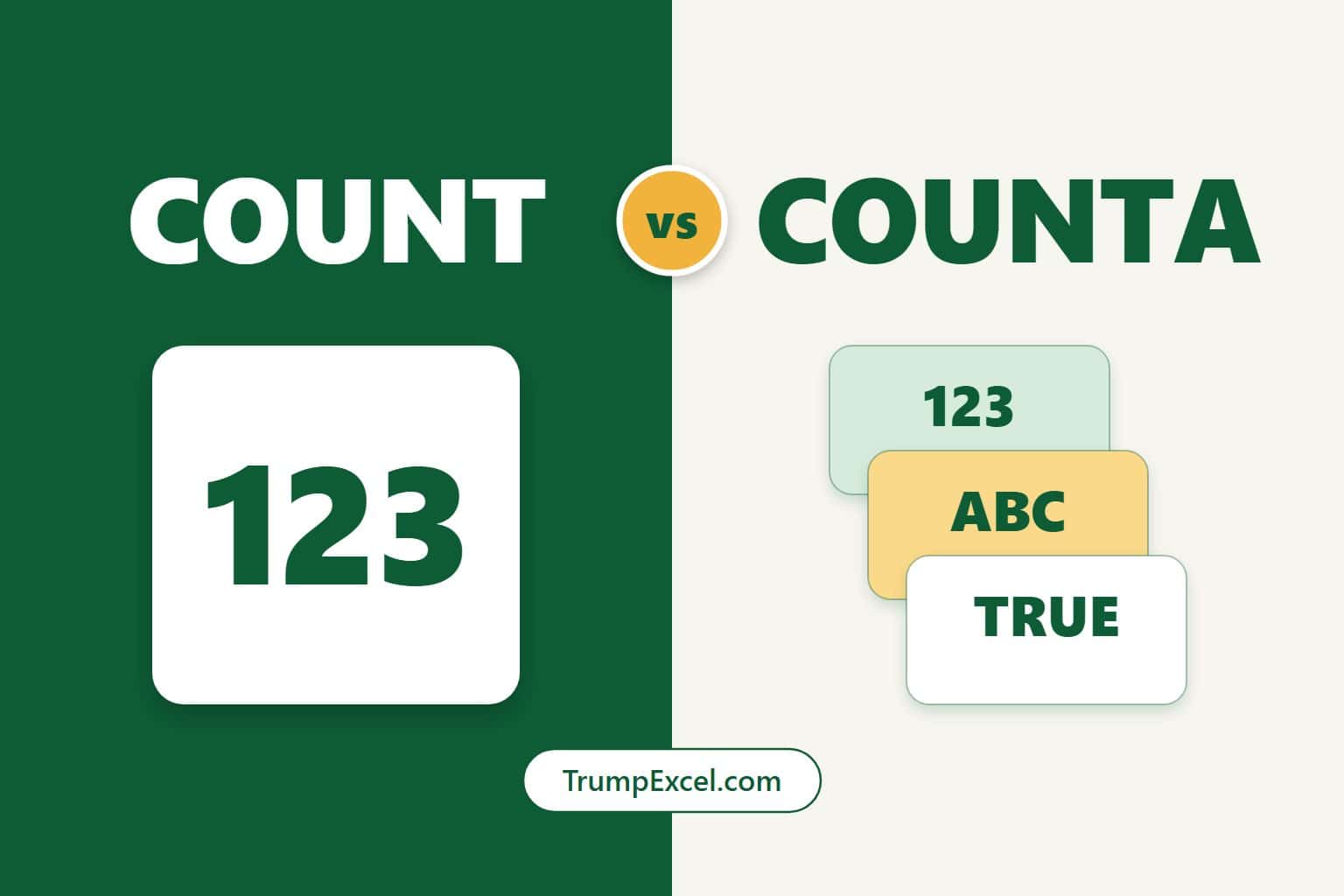
COUNT vs COUNTA in Excel: What’s the Difference?

COUNT vs COUNTA in Excel

You used COUNT and COUNTA on the same range, but they returned two different numbers. The difference between COUNT and COUNTA is that COUNT counts cells with numbers, while COUNTA counts every cell that isn’t empty. That sounds simple, but cells that only look empty and numbers stored as text can give you a count …

Read more

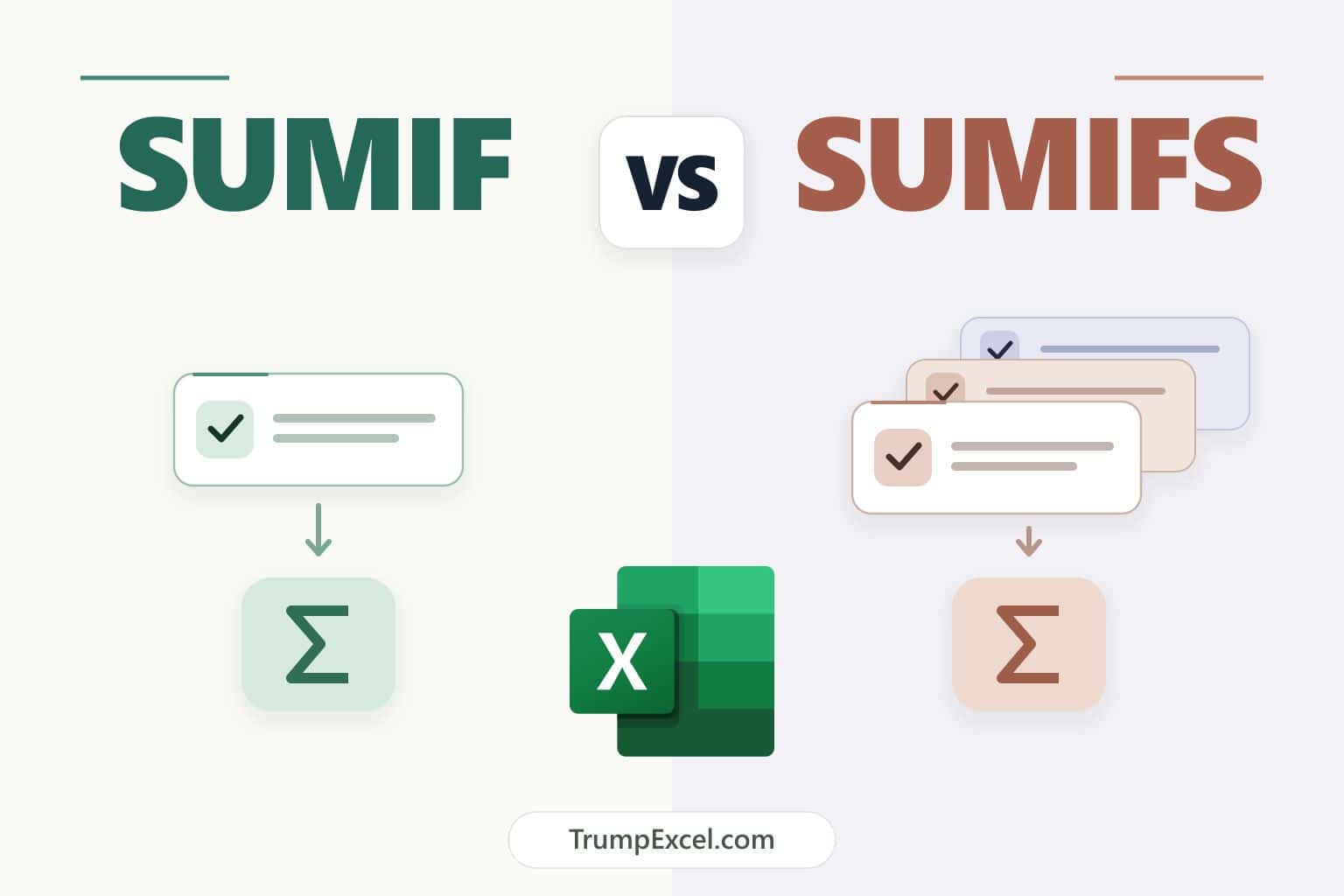
SUMIF vs SUMIFS in Excel: What’s the Difference?

SUMIF vs SUMIFS in Excel, illustrated with one condition and multiple conditions feeding into sum symbols

If you want to add up numbers based on a condition, Excel gives you two functions that look almost identical, SUMIF and SUMIFS. And it’s not always obvious which one you should pick. The short version is that SUMIF handles one condition and SUMIFS handles one or more. But there are a few less obvious …

Read more

Get the FREE 51 Excel Tips Ebook

Enter your details and the free PDF is on its way to your inbox.

Hmm, that didn't go through. Please check your email and try again.

No spam. You'll also get my weekly Excel newsletter. Unsubscribe anytime.

Check your inbox!

The ebook is on its way to your email. It usually lands within a couple of minutes.