How to Use IF with AND in Excel to Check Multiple Conditions
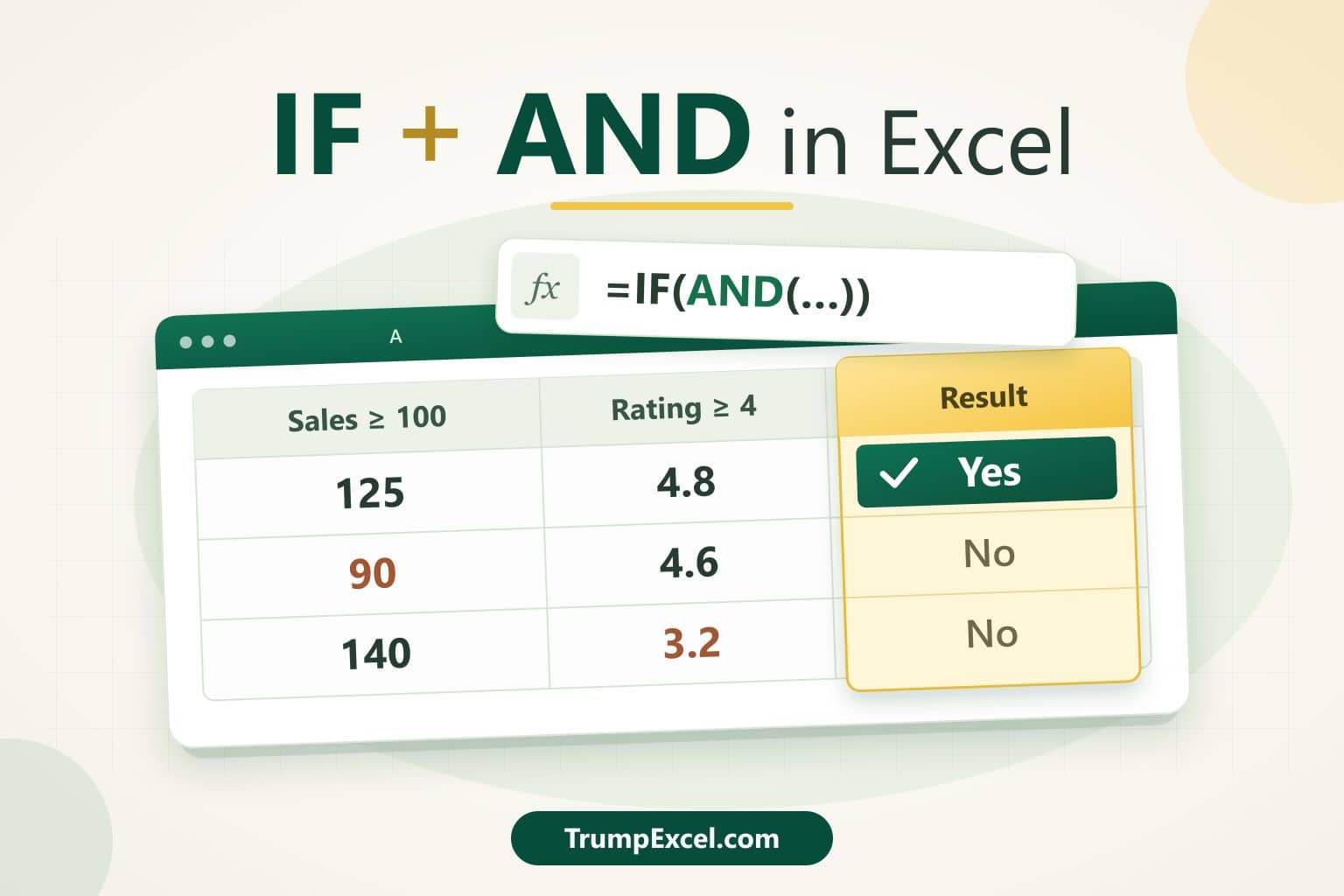
IF and AND in Excel checking sales and rating conditions to return Yes or No

If you want to check whether two or more conditions are true at the same time, a plain IF function won’t get you there. For example, you may want to pass a student only if they scored at least 50 and also have 75% attendance. That’s because IF only tests one condition at a time. …
Read more

Power Query vs Power Pivot vs Power BI

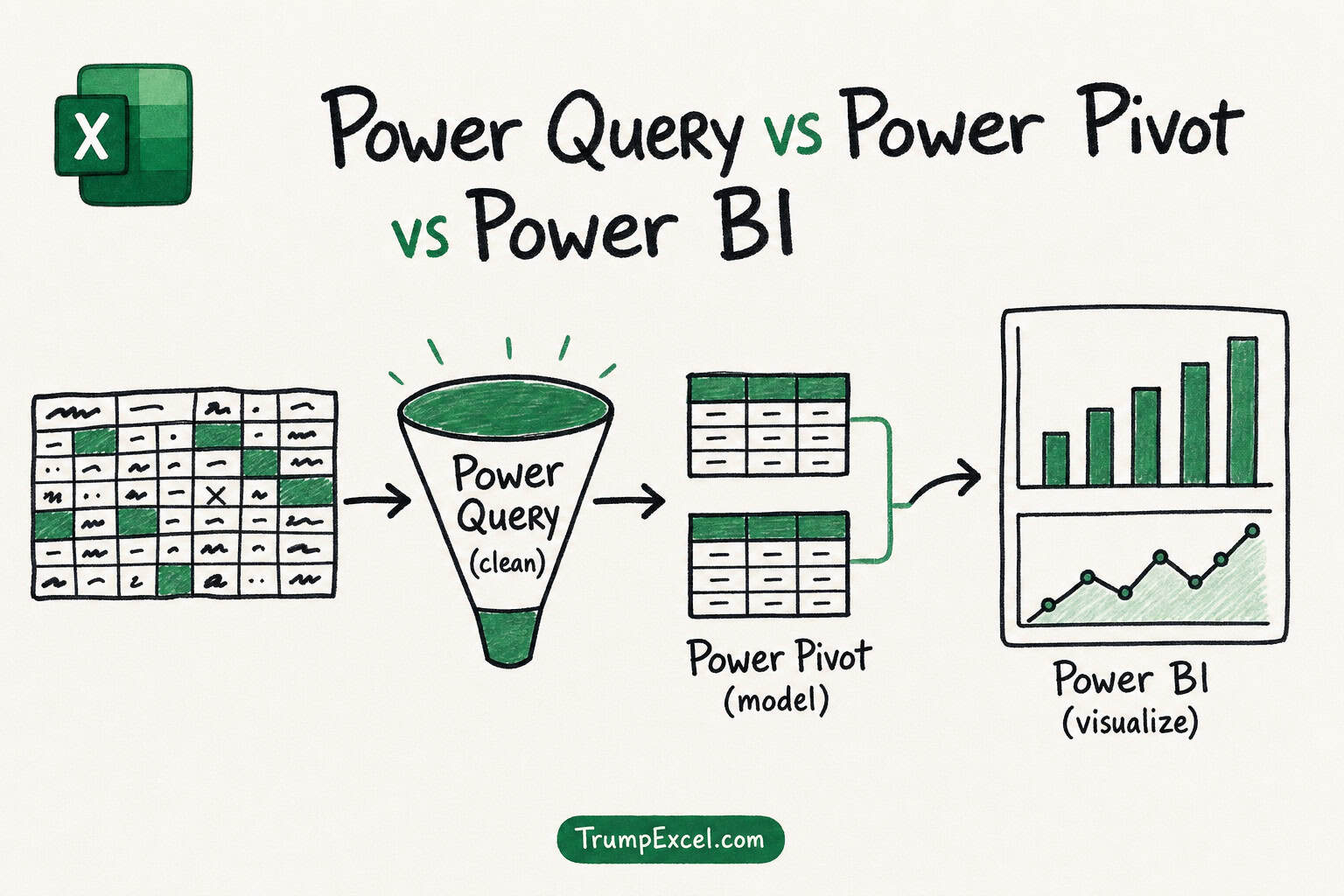
Power Query vs Power Pivot vs Power BI

So you keep hearing these three names: Power Query, Power Pivot, and Power BI. And because they all start with Power, it sounds like three versions of the same thing. They are not. Two of them are features that already sit inside your copy of Excel, and one is a separate app altogether. In this …

Read more

Power Query vs DAX: Which One Should You Use (and When)?

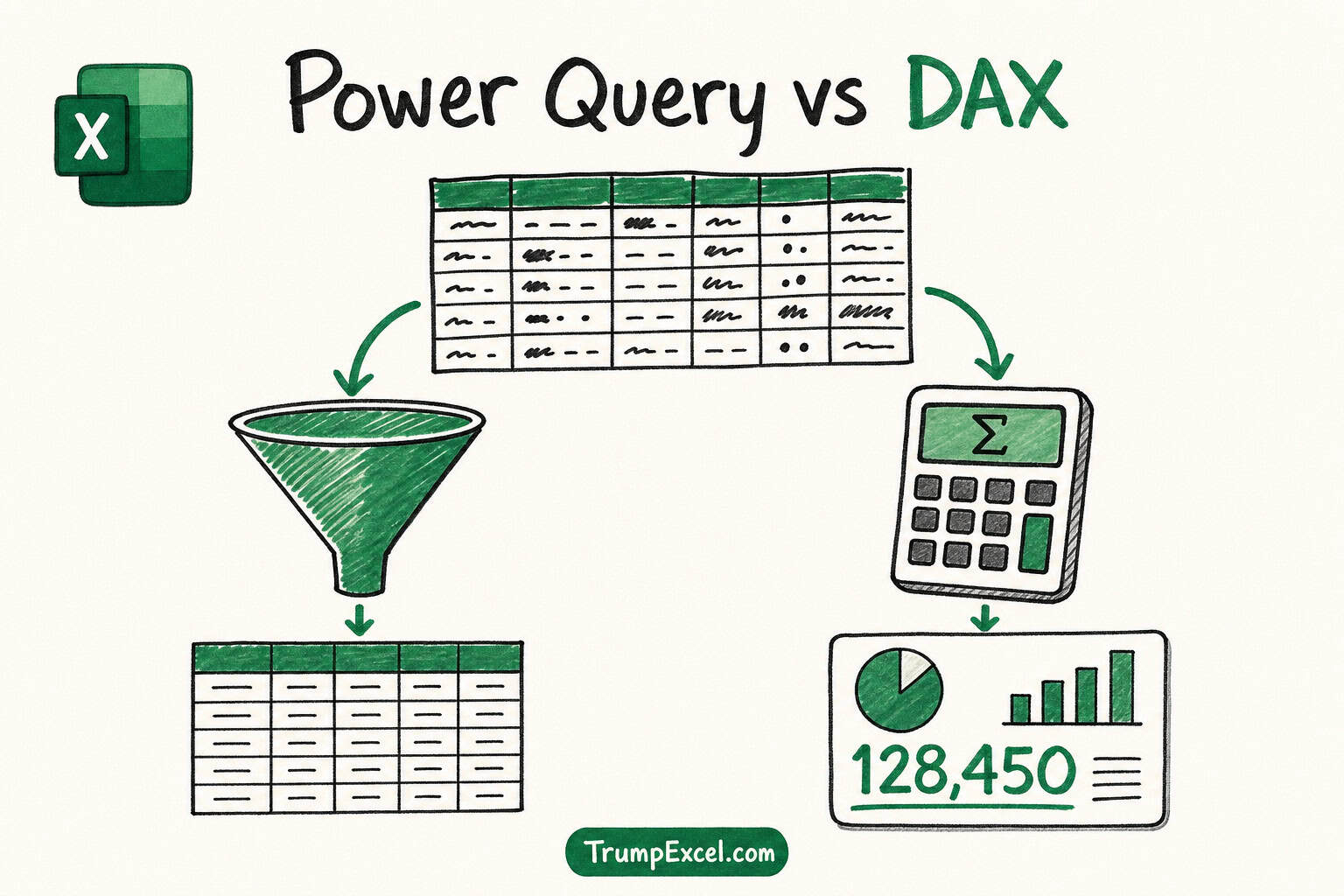
Power Query vs DAX

If you use Power Query and Pivot Tables (or Power BI), you have probably hit this question: should I do this calculation in Power Query or in DAX? And this is confusing because both tools can add columns and do calculations, so it often feels like either one would work. But nothing to worry about. …

Read more

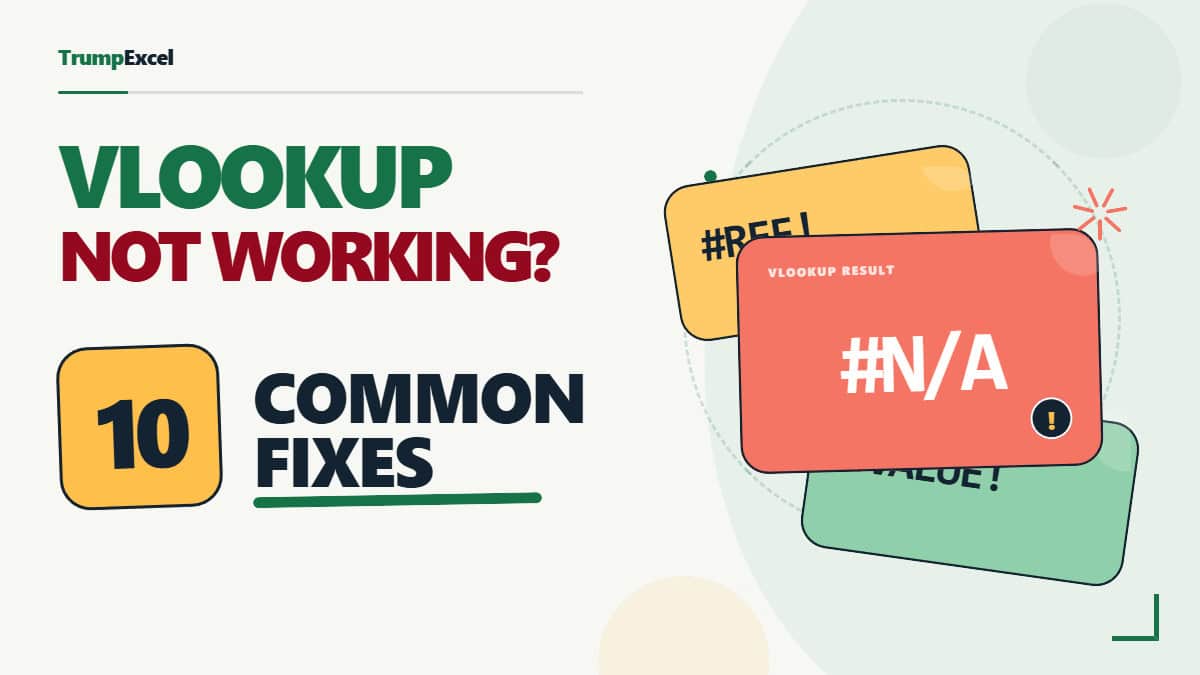
VLOOKUP Not Working? (10 Common Fixes)

VLOOKUP Not Working (10 Common Fixes)

You wrote a VLOOKUP, hit Enter, and instead of the value you expected you got a #N/A error (or worse, a wrong number). It’s one of the most frustrating things in Excel, and it almost always comes down to a small mismatch between what you’re looking up and what’s actually sitting in your table. The …

Read more

Count Cells That Are Not Blank in Excel

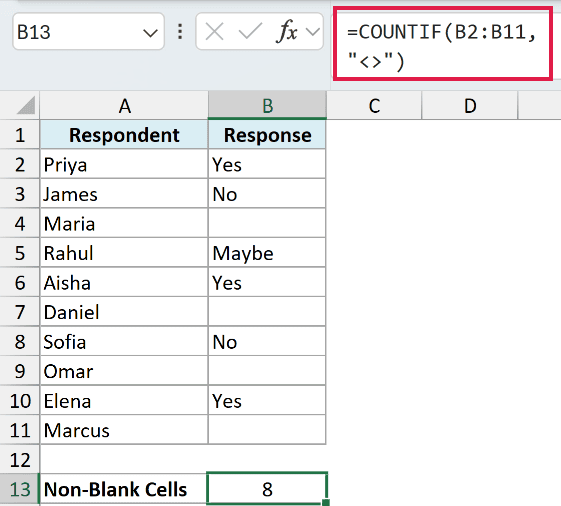
COUNTIF formula with the not-equal-to-blank criteria returning 8 non-blank cells

If you have a list with some gaps in it and you want to know how many cells actually have something in them, you cannot always trust a quick eyeball count. And this is because some cells that look empty are not truly empty, like a cell with just a space or a formula that …

Read more

3D References in Excel

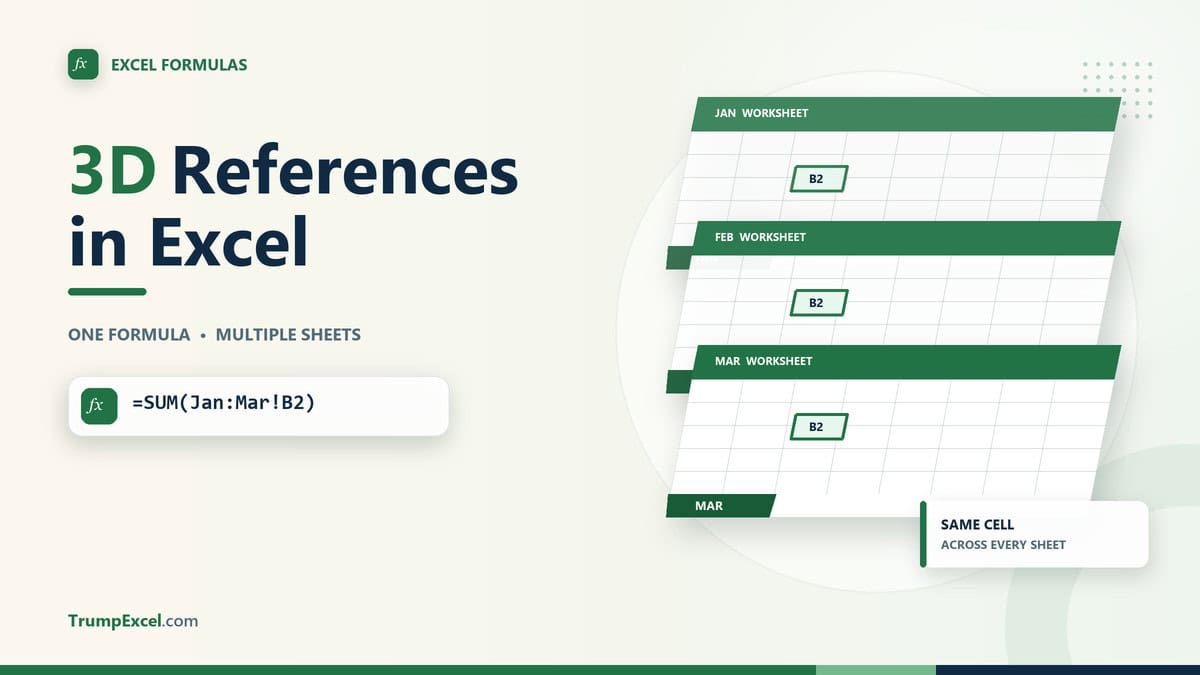
3d References in Excel

Say you have twelve monthly sheets that all look the same, and you want one total that pulls the same cell from each sheet. The manual way is to type out =Jan!B5+Feb!B5+Mar!B5 and keep going… for nine more months. There is a much better way. It is called a 3D reference, and it lets you …

Read more

How to Convert Minutes to Hundredths in Excel

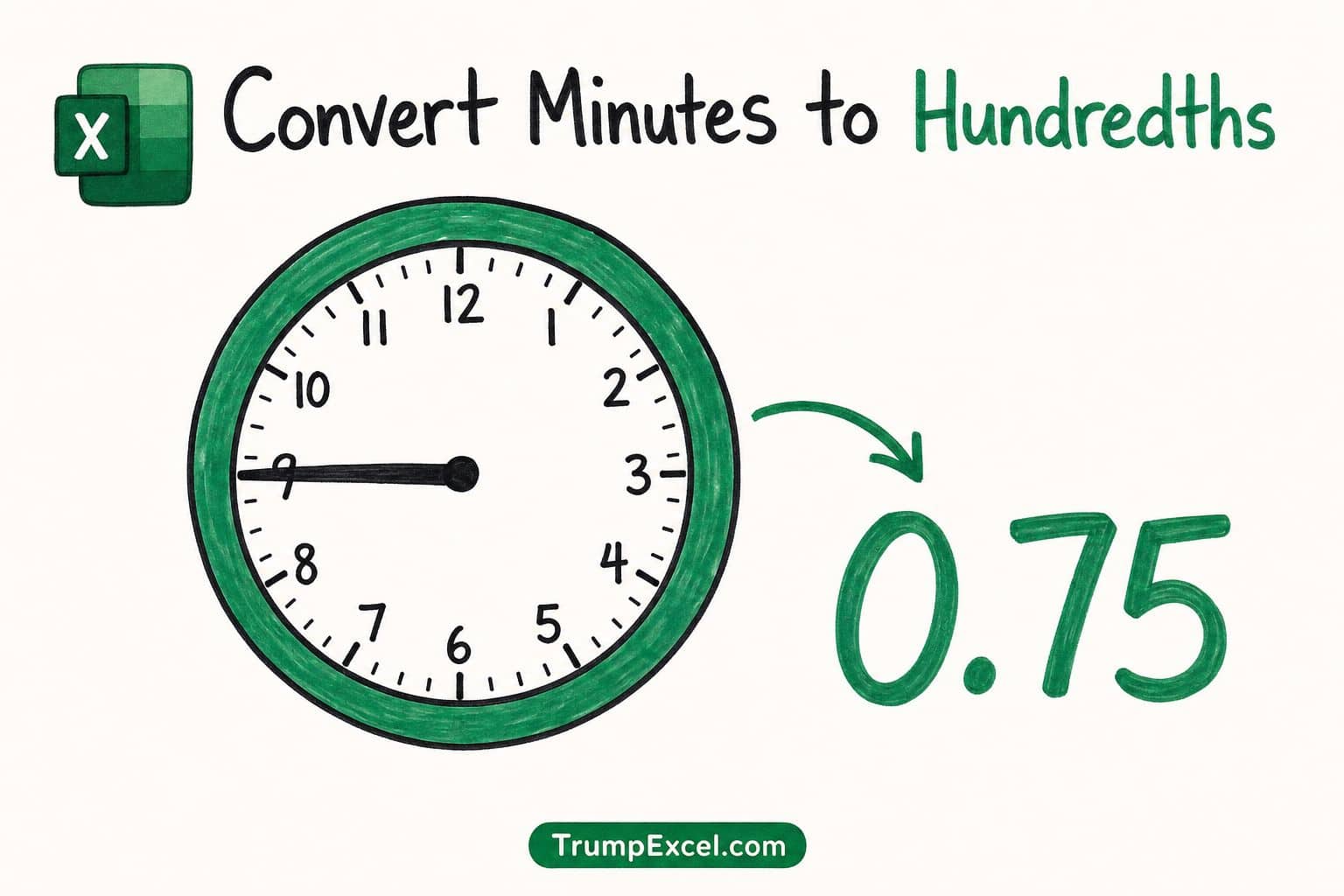
How to convert minutes to hundredths in Excel

If you want to convert minutes into hundredths in Excel, the trick is to turn each value into decimal hours. This is what payroll systems use, where The reason people get stuck is that the right formula depends on how your data is stored. A plain number like 90 needs one approach, and a real …

Read more

How to Calculate Variance in Excel (Sample vs Population)

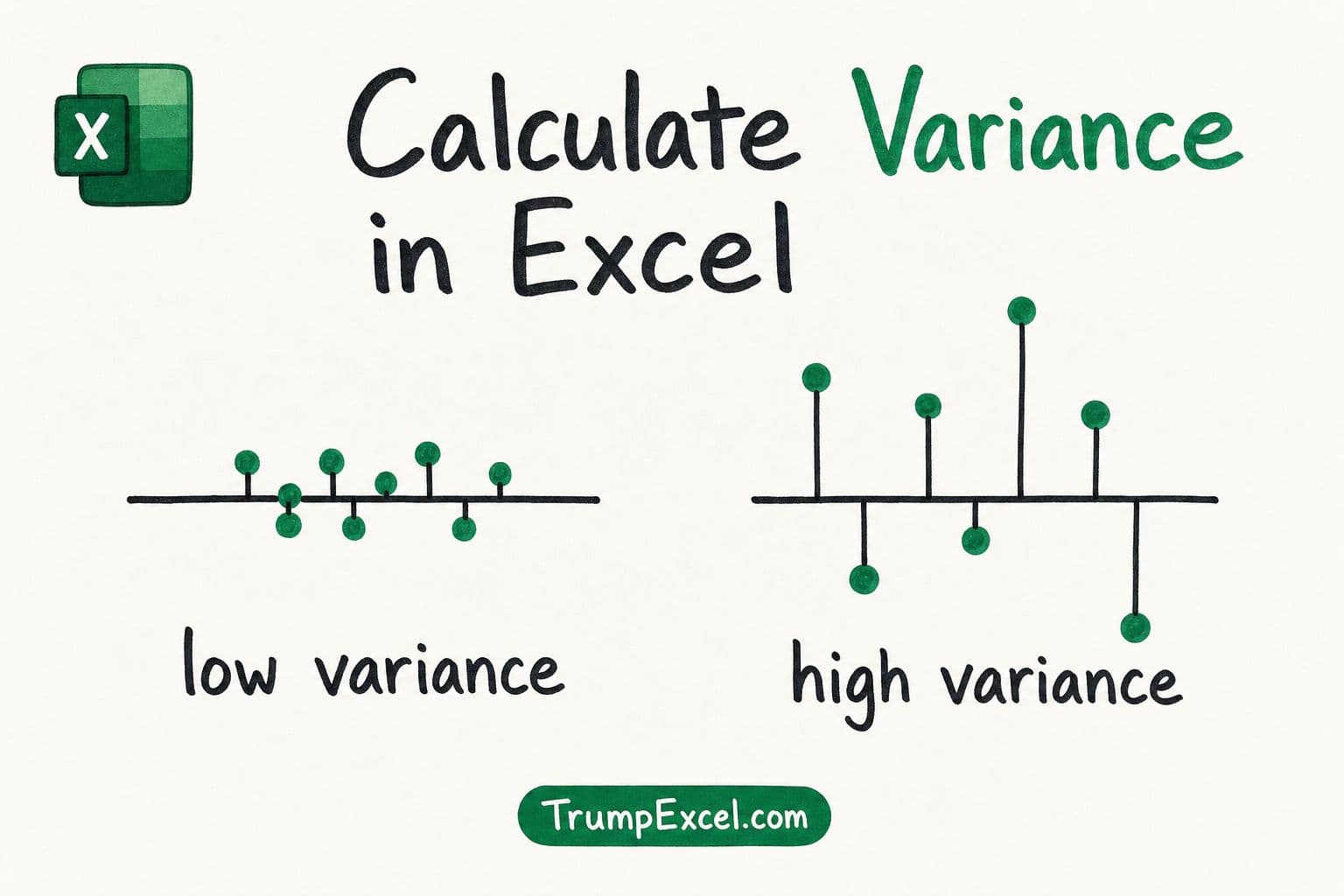
How to Calculate Variance in Excel - low variance vs high variance dot plots around a mean line

If you want to find out how spread out a set of numbers is, variance is the measure you’re after. The tricky part is that Excel has more than one variance function, and picking the wrong one gives you the wrong answer. The choice mostly comes down to one question: is your data a sample …

Read more

How to Forecast in Excel (Formulas & Forecast Sheet)

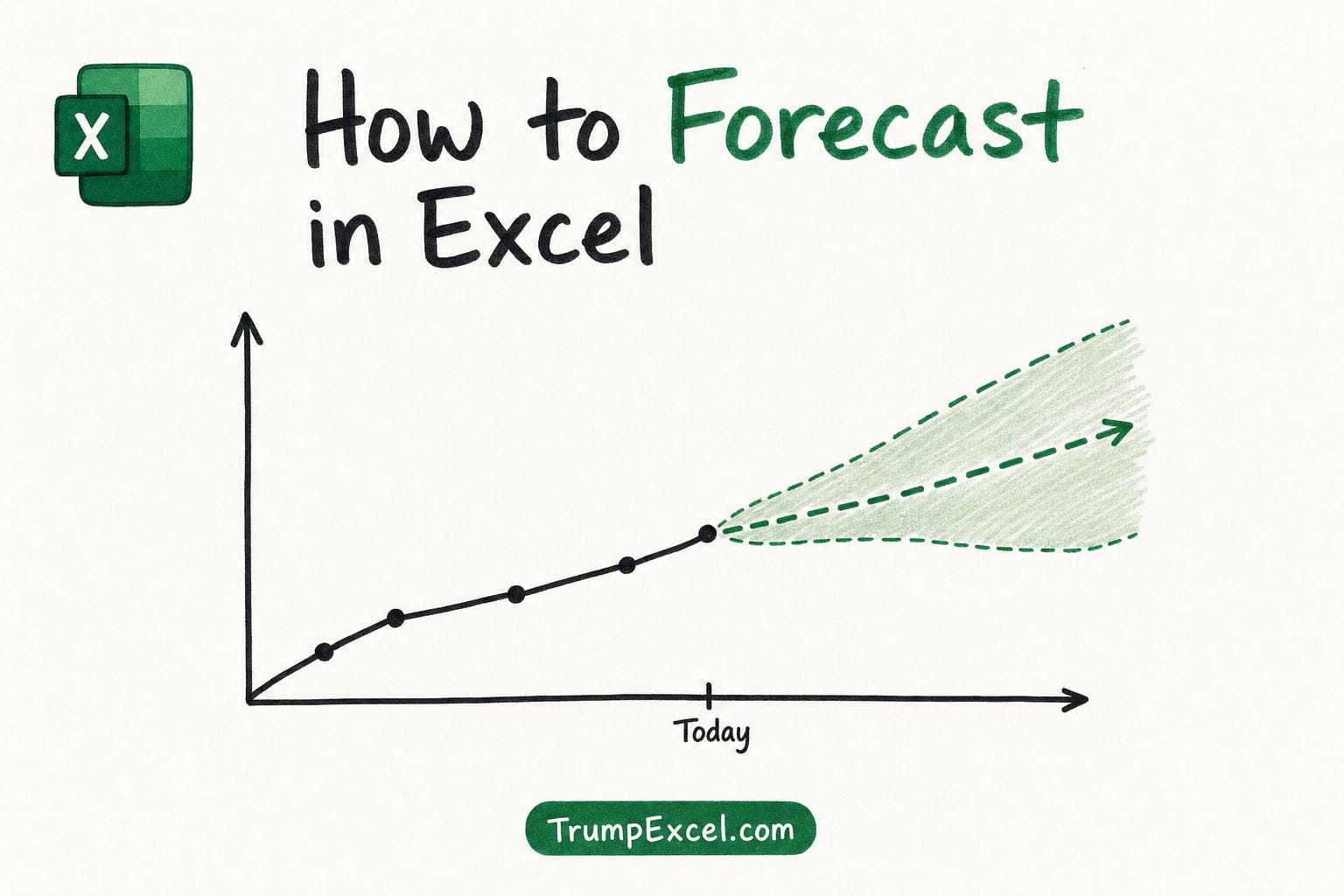
How to Forecast in Excel - forecast chart with trend line and confidence band

If you want to predict future numbers in Excel, like next month’s sales or next quarter’s demand, you do not have to guess or do the math by hand. Excel can look at your past data, spot the trend, and project it forward for you. In this article, I’ll show you how to forecast in …

Read more

Get the FREE 51 Excel Tips Ebook

Enter your details and the free PDF is on its way to your inbox.

Hmm, that didn't go through. Please check your email and try again.

No spam. You'll also get my weekly Excel newsletter. Unsubscribe anytime.

Check your inbox!

The ebook is on its way to your email. It usually lands within a couple of minutes.