Excel Tips & Tutorials

Step-by-step Excel guides, formulas, and tips. New tutorials added regularly.

Calculate Chi-Square in Excel

Chi Square Test in Excel

The Chi-Square test lets you figure out if two things in your data are actually related. Maybe you ran a survey and want to know if gender affects car color preference. Or you’re looking at student results and wondering whether the teaching method makes a difference in pass rates. It works with any data where …

Read more

Convert Number to Words in Excel

Convert Number to Words in Excel

Excel doesn’t have a built-in function to convert numbers into words. But there are a couple of reliable ways to do it, and I’ll walk you through both in this article. Click here to download the example file Method 1: Using VBA Macro to Create Custom Function (Recommended) This is the most widely used and …

Read more

Bulk Create Folders (and Subfolders) Using Excel List

Bulk Create Folders (and Subfolders) Using Excel List

If you’ve ever had to create dozens (or even hundreds) of folders manually, you know how tedious it can get. Right-click, new folder, type the name, repeat. It gets old really fast. The good news? You can automate this entire process using a simple VBA code in Excel. Just list your folder names in a …

Read more

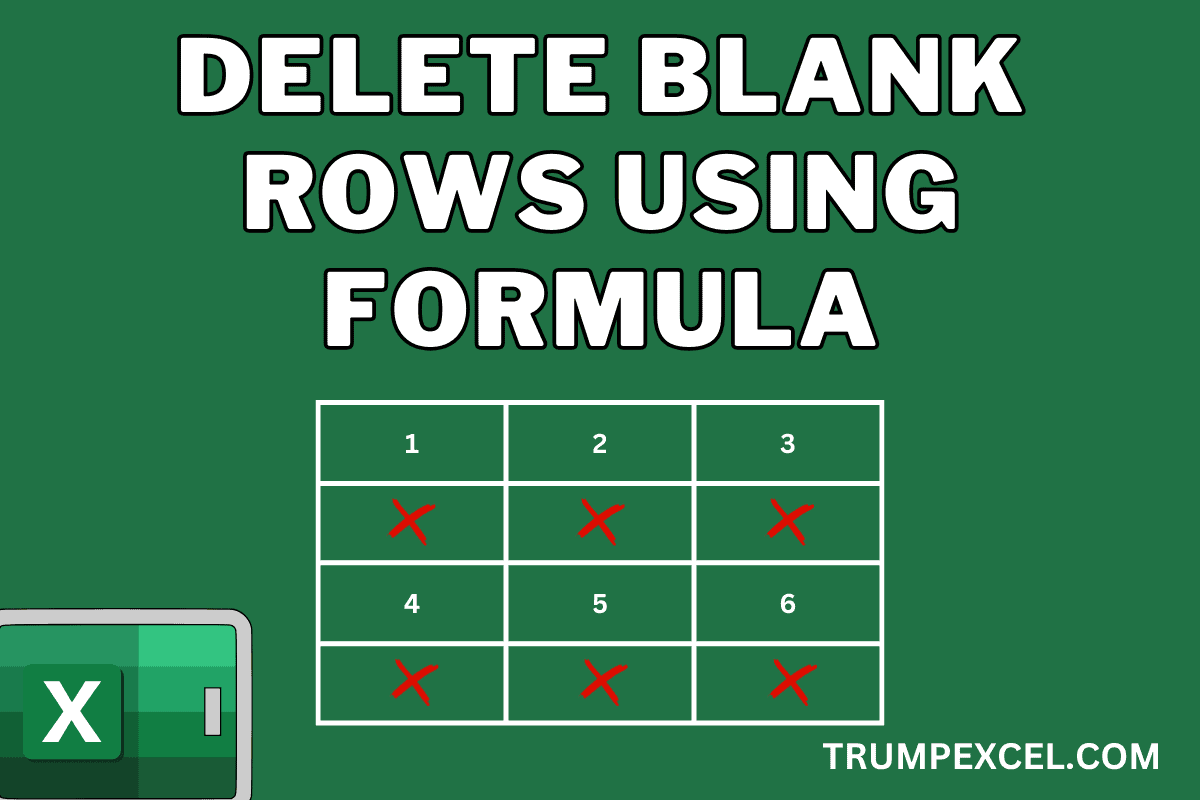
Remove Blank Rows in Excel Using a Formula

Remove Blank Rows in Excel Using a Formula

If you want to remove blank rows from a dataset using a formula in Excel, you can do that by using the FILTER function. Below is an example where I have a dataset on the left, and then I’ve used the filter function to extract only those rows that are not blank on the right. …

Read more

How to Add Years to Date in Excel?

How to Add Years to Date in Excel

Adding years to a date in Excel can be a bit tricky. This is because Excel stores dates as numerical values in the backend. So if I want to add one year to a date (say 1st January 2026), I have to ensure that I am adding the right number to my existing date, which …

Read more

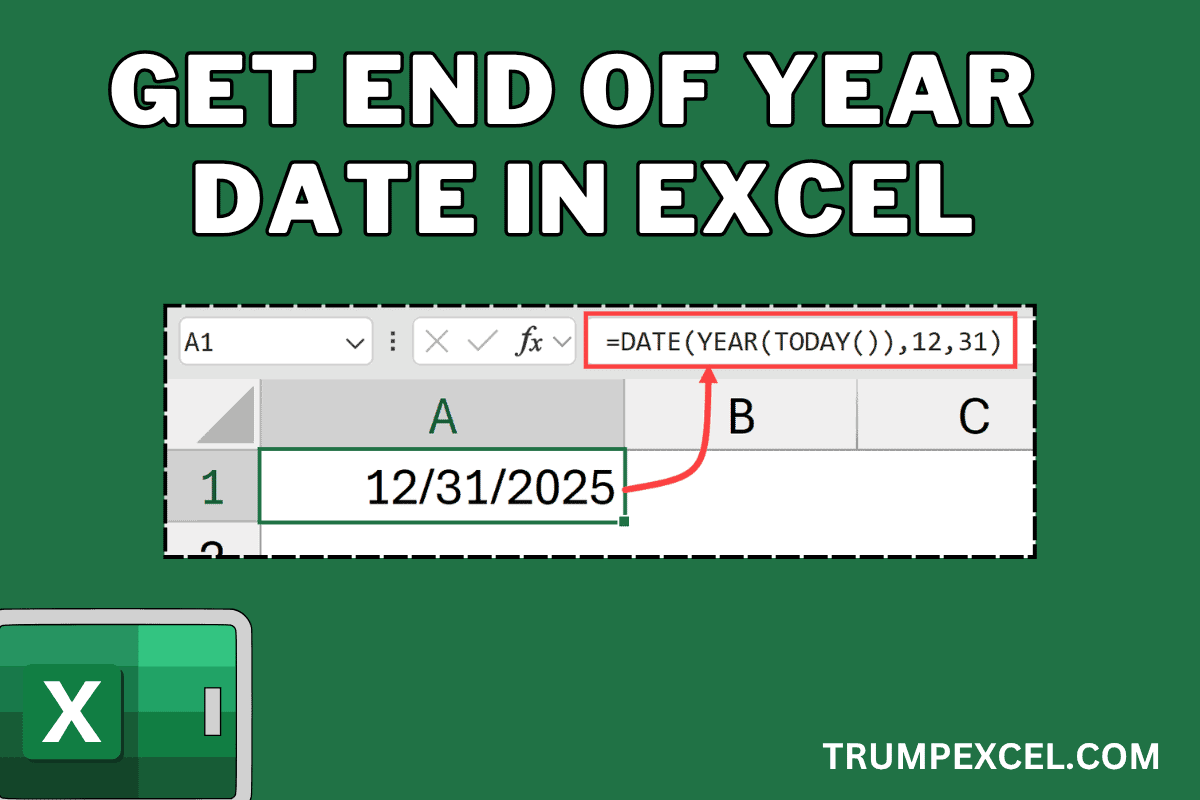
Get End of Year Date in Excel (Easy Formula)

Get End of Year Date in Excel (Easy Formula)

In this article, I will show you some simple Excel formulas you can use to get the end-of-year date in Excel. Now if you’re wondering why you may even want that, and of course the end of the year date is going to always be 31st December of that year, here is the thing: Dates …

Read more

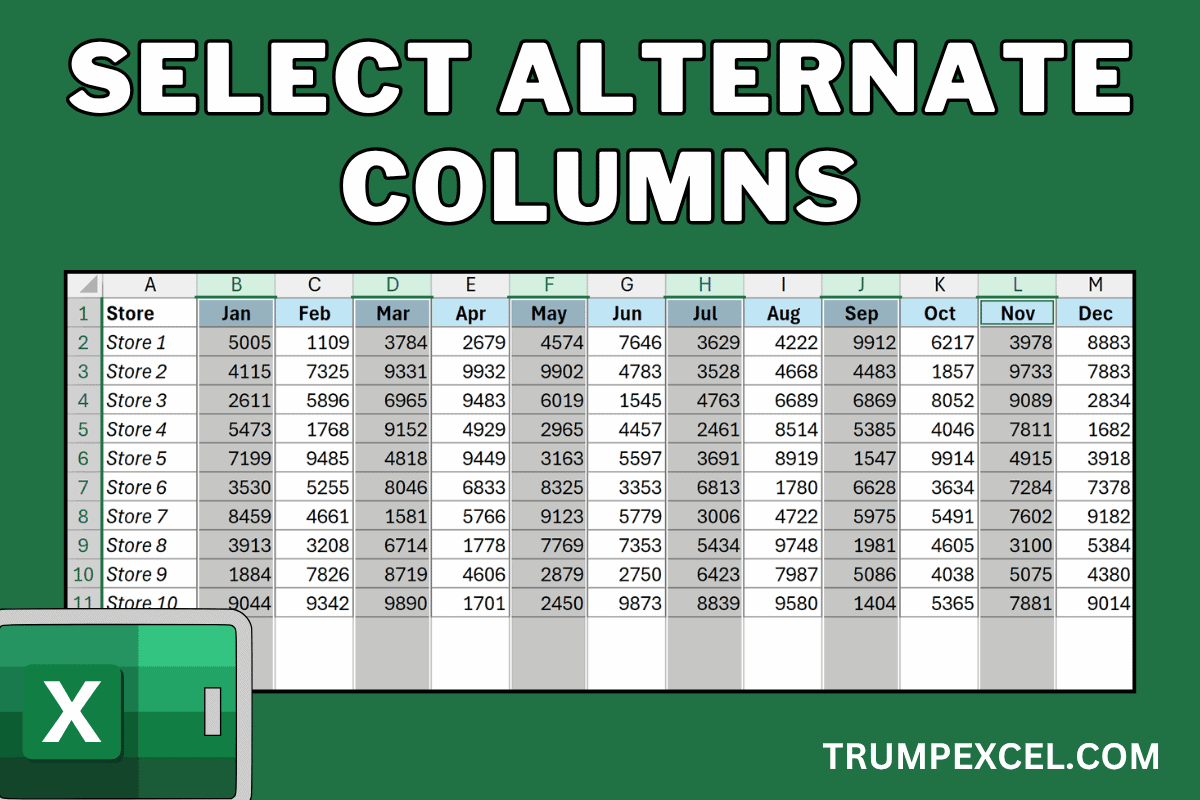
Select Every Other Column in Excel

Select Alternate Columns in Excel

Sometimes you may have a large dataset that you are working with in Excel and you want to select alternate columns, or every third or every fourth column in your dataset. While there is no inbuilt feature to do this in Excel, there are some easy workarounds. In this article, I’ll show you three ways …

Read more

Sort Pivot Table in Excel

Sort Pivot Table in Excel

Pivot Tables come with a lot of in-built sorting options that allow you to structure your data the way you want. While you can use the regular sorting options (sorting A-Z / Z-A or Smallest to Largest or Largest to Smallest), there are also options to sort based on a custom list and even specify …

Read more

Loan Amortization Schedule in Excel (Free Template)

Loan Amortization Schedule in Excel

Thanks to some easy-to-use financial functions in Excel, it’s pretty easy to create a loan amortization schedule in Excel. In this article, I will show you how to create a simple loan amortization schedule, when you input the details (such as the principal amount, interest rate, and duration) in some cells, it instantly generates the …

Read more

Get the FREE 51 Excel Tips Ebook

Enter your details and the free PDF is on its way to your inbox.

Hmm, that didn't go through. Please check your email and try again.

No spam. You'll also get my weekly Excel newsletter. Unsubscribe anytime.

Check your inbox!

The ebook is on its way to your email. It usually lands within a couple of minutes.