Excel Tips & Tutorials

Step-by-step Excel guides, formulas, and tips. New tutorials added regularly.

How to Create Custom List in Excel (Easy Step-by-Step Guide)

Create High Medium Low custom list

Excel has some useful features that allow you to save time and be a lot more productive in your day-to-day work. One such useful (and less-known) feature in the Custom Lists in Excel. Now, before I get to how to create and use custom lists, let me first explain what’s so great about it. Suppose …

Read more

How to Select Non-adjacent Cells in Excel?

The cells with specific text have been selected

When you have to select a block of cells, the easiest way is to use a mouse, click on a cell and then drag to cover all the cells that you want to select. Or if you’re a keyboard person, you can hold the shift key and move the cursor to make the selection. But …

Read more

How to Copy Conditional Formatting to Another Cell in Excel

Resulting data where conditional formatting has been copied and pasted

Conditional Formatting in Excel enables you to quickly format a cell (or range of cells) based on the value or the text in it. For example, below I have an example where I have student’s scores and I have used conditional formatting to highlight all the scores that are above 80. If you’re interested in …

Read more

How to Deselect Cells in Excel?

Deselect specific columns in the worksheet

Excel is a really thought out spreadsheet tool and has so many simple tricks that can boost your productivity and save time. But at the same time, there are some simple things that are missing and often leads to a lot of frustration. For example, there are so many ways for you to quickly select …
Read more

AutoFit Columns and Rows in Excel to Fit Text Automatically

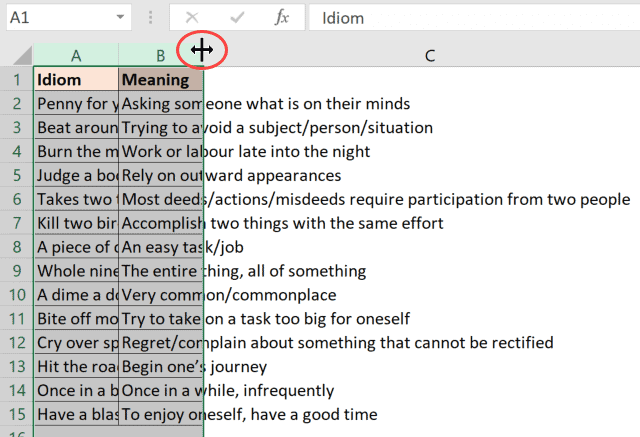
Place the cursor at the right edge of the selected columns

If you want all the text in your worksheet to stay visible, dragging every column and row by hand gets old quickly. AutoFit can size them from their current contents, so you don’t have to guess the right width or height. In this article, I’ll show you how to AutoFit columns and rows, what to …

Read more

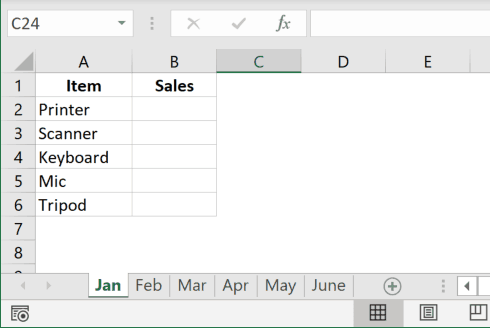
How to Rename a Sheet in Excel (4 Easy Ways + Shortcut)

Rename sheet option in the ribbon in Excel

Using multiple worksheets in an Excel workbook is an easy way to keep your data organized. For example, you can have different sheets for different regions, or for different months/year, or different projects, etc. And when working with multiple sheets, you may sometimes need to change their names. In this Excel tutorial, I will show …

Read more

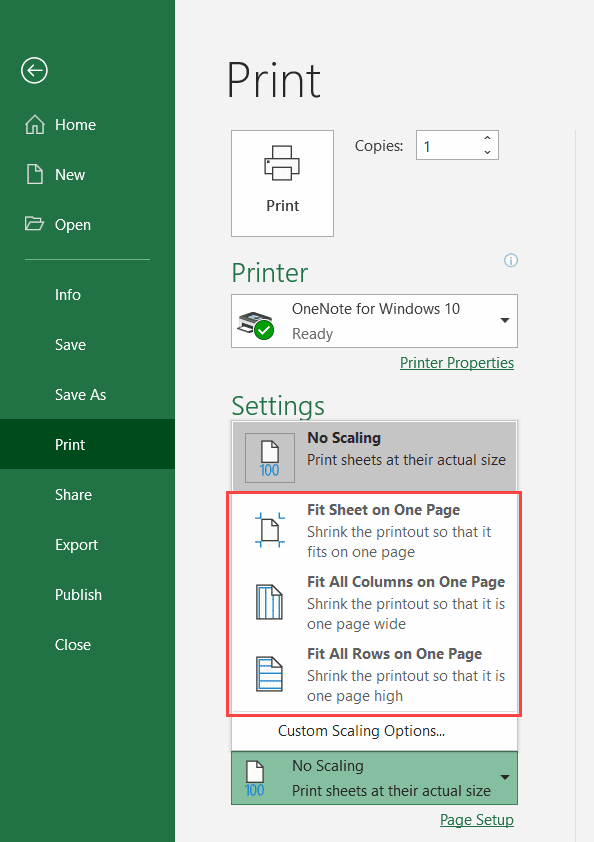
How to Print Excel Sheet on One Page (Fit to One Page)

Fit sheet on one page using Scaling

If you often print your data/work in Excel, I am sure you have faced the issue where it prints multiple pages instead of one single page. Sometimes, it’s so frustrating that a new page is printed just to accommodate a few extra lines of data (which also leads to wastage of paper). There are some …

Read more

#REF! Error in Excel – How to Fix the Reference Error!

KPI Data with errors

If you have worked with formulas in Excel for some time, I am sure you have already met the #REF! Error (reference error). Since this is quite common, I thought of writing a tutorial just to tackle the #REF! error. In this Excel tutorial, I will cover what is the #REF! error, what causes it, …

Read more

Get the FREE 51 Excel Tips Ebook

Enter your details and the free PDF is on its way to your inbox.

Hmm, that didn't go through. Please check your email and try again.

No spam. You'll also get my weekly Excel newsletter. Unsubscribe anytime.

Check your inbox!

The ebook is on its way to your email. It usually lands within a couple of minutes.