How to Calculate Correlation Coefficient in Excel (2 Easy Ways)

Output showing correlation of all series

Excel is a powerful tool that has some amazing functions and functionalities when working with statistics. Finding a correlation between two data series is one of the most common statistical calculation when working with large datasets, I was working as a financial analyst a few years ago, and although we were not heavily involved in …

Read more

5 Easy Ways to Calculate Running Total in Excel (Cumulative Sum)

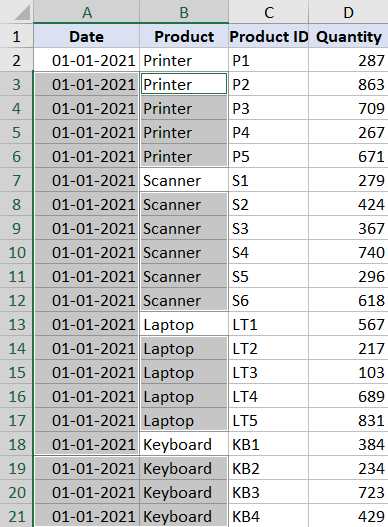
Running totals for Printer only

Running total (also called cumulative sum) is quite commonly used in many situations. It’s a metric that tells you what’s the sum of the values so far. For example, if you have the monthly sales data, then a running total would tell you how much sales have been done till a specific day from the …

Read more

How to Import XML File into Excel | Convert XML to Excel

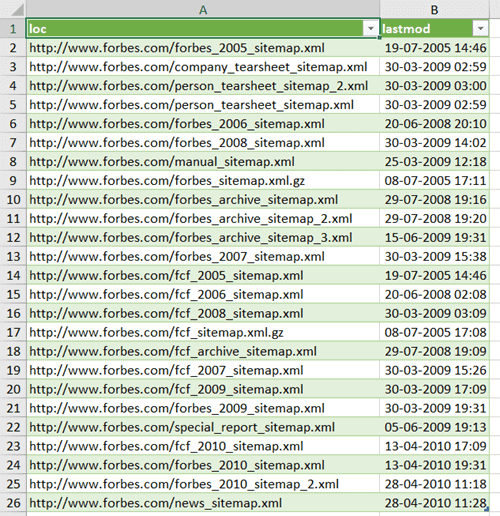
XML data in the Excel file

The XML file format is quite commonly used on the web, and there is a possibility that sometimes you may have to work with the data in the XML file. Now you can’t use the XML file directly, as it’s not meant to be read by humans (but machines). In such a case, it would …

Read more

How to Get Month Name from Date in Excel (4 Easy Ways)

Click on Custom option in Fomat Cells dialog box

Excel allows you to format dates in many different ways. You can choose to show the date in a short date format or in a long date format. You can also only show the day number, the month name, or the year from a given date. In this short Excel tutorial, I will show you …

Read more

Flip Data in Excel | Reverse Order of Data in Column/Row

SORTBY function to flip the data

Sometimes, you may have a need to flip the data in Excel, i.e., to reverse the order of the data upside down in a vertical dataset and left to right in a horizontal dataset. Now, if you’re thinking that there must be an inbuilt feature to do this in Excel, I’m afraid you’d be disappointed. …

Read more

Microsoft Excel Won’t Open – How to Fix it! (6 Possible Solutions)

Uncheck Dynamic Data Exchange option

When working with Excel spreadsheets, most people are either short on time or have a deadline to meet. And it could be a nightmare if, at that point in time, Microsoft Excel decides not to open (arghhhhh!). Unfortunately, this unexpected behavior is quite common where Excel refuses to open one of your important Excel files, …

Read more

How to Find Outliers in Excel (and how to handle these)

OR formula to show Outliers

When working with data in Excel, you’ll often have the issues of handling outliers in your data set. Having outliers is quite common in all kinds of data, and it’s important to identify and treat these outliers to make sure that your analysis is correct and more meaningful. In this tutorial, I’ll show you how …

Read more

Calculate Time in Excel (Time Difference, Hours Worked, Add/ Subtract)

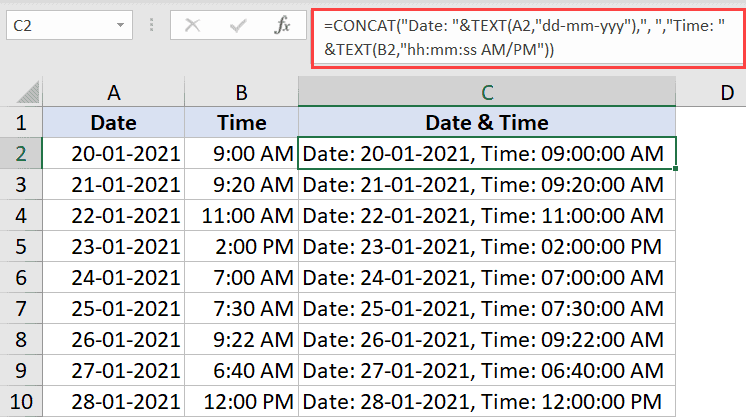
TEXT formula to show days in the time result

Since dates and times are stored as numbers in the back end in Excel, you can easily use simple arithmetic operations and formulas on the date and time values. For example, you can add two different time values or date values or you can calculate the time difference between two given dates/times. In this tutorial, …

Read more

Get the FREE 51 Excel Tips Ebook

Enter your details and the free PDF is on its way to your inbox.

Hmm, that didn't go through. Please check your email and try again.

No spam. You'll also get my weekly Excel newsletter. Unsubscribe anytime.

Check your inbox!

The ebook is on its way to your email. It usually lands within a couple of minutes.