How to Stop Excel from Rounding Numbers (Decimals/Fractions)

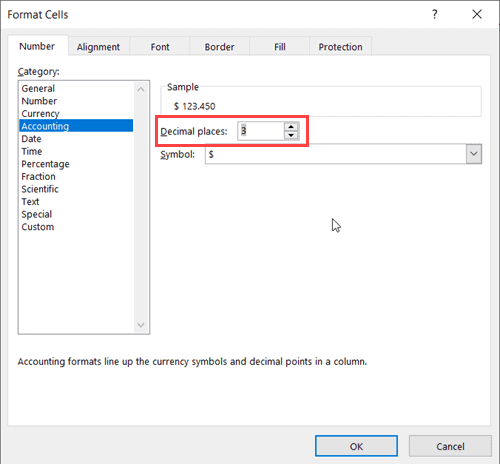
Change the Decimal Place

Excel is an amazingly well-developed spreadsheet tool that has been designed to maximize the efficiency of its users. While it works as expected in most of the cases, in some cases, it can be a little counterproductive. One such area is when Excel decides to round-off numbers (arghhh). In this tutorial, I will show you …

Read more

How to Add Decimal Places in Excel (Automatically)

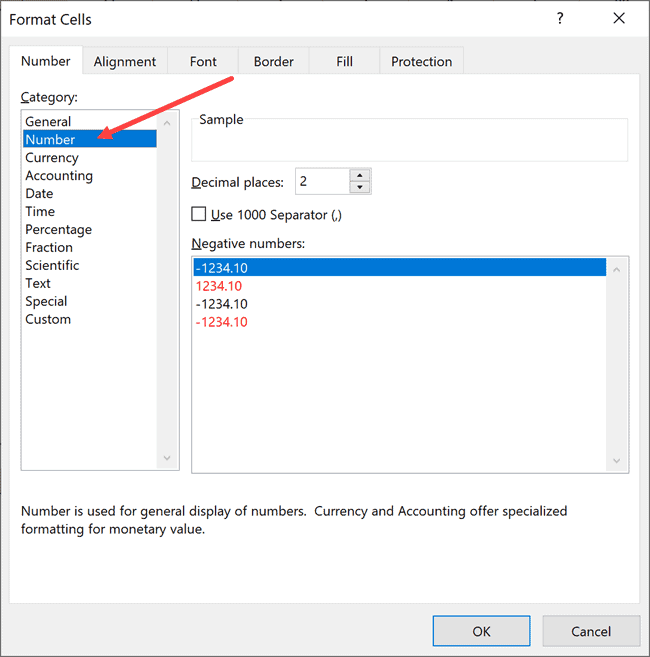
Click on the Number option in Format cells dialog box

When you’re working with data in Excel, most of the time you’ll have to deal with decimals (especially if you’re working with currency data or accounting numbers). In an attempt to make Excel a smart and more user-friendly tool, there are some in-built features that end up being a little bit of an irritation. Working …

Read more

Calculate Quarter from Date in Excel (Easy Formula)

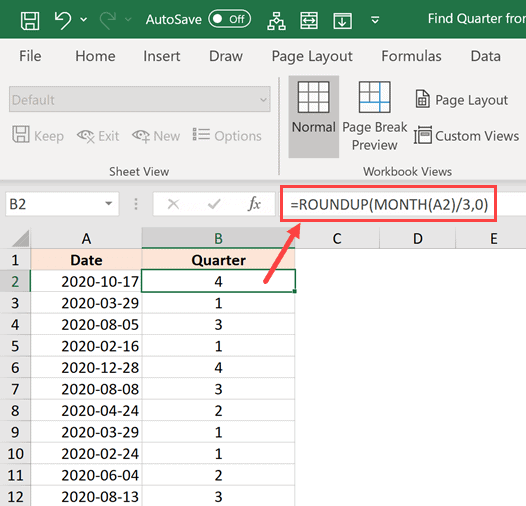
Calculate quarter value from date

I was recently working on a project where I had dates in Excel and I had to find out what quarter of the year it was based on the date. For the purpose of this tutorial, let’s consider the following: In case you’re working with financial data where the quarter starts from April, then you …

Read more

How to Apply Formula to Entire Column in Excel (5 Easy Ways)

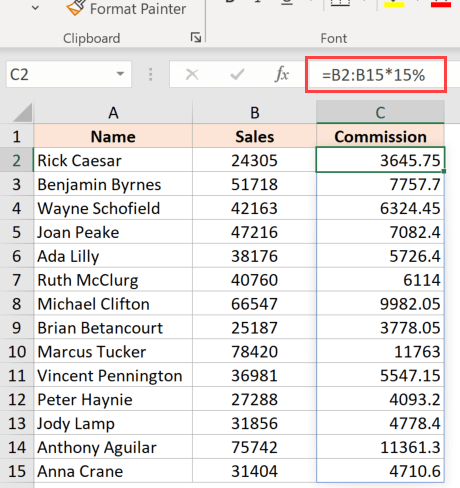
Array formula to apply formula to an entire column

Formulas are the life and blood of Excel spreadsheets. And in most cases, you don’t need the formula in just one cell or a couple of cells. In most cases, you would need to apply the formula to an entire column (or a large range of cells in a column). And Excel gives you multiple …

Read more

How to Delete Sheets in Excel (Shortcuts)

Click on the Delete option

When working with Excel, you spend most of your time on the worksheet (which is the area that has all the cells and everything that happens there). Working efficiently with Excel also means that you have to work with multiple worksheets within the same workbook. Excel allows you easily add multiple worksheets in the workbook, …

Read more

How to Rotate Text in Cells in Excel (Easy Steps)

Dataset where text has been rotated

When I was working as a full-time analyst, one of my jobs was to prepare weekly reports for clients and stakeholders. As a part of it, I had to make sure my reports were easy to read and also take less screen space (apparently, clients hate scrolling back and forth). And the functionality of rotating …

Read more

How to Split a Cell Diagonally in Excel (Insert Diagonal Line)

Dataset with cell that has a diagonal line

When working with data in Excel and creating reports/dashboards, sometimes you would have a need to split a cell diagonally. This is helpful when you want to show two separate headings within the same cell – one for the row and one for the column (as shown below in cell A1). And being the super …

Read more

How to Return Cell Address Instead of Value in Excel (Easy Formula)

CELL formula to return Cell Address Instead of Value

When using lookup formulas in Excel (such as VLOOKUP,  XLOOKUP, or INDEX/MATCH), the intent is to find the matching value and get that value (or a corresponding value in the same row/column) as the result. But in some cases, instead of getting the value, you may want the formula to return the cell address of …

Read more

Get the FREE 51 Excel Tips Ebook

Enter your details and the free PDF is on its way to your inbox.

Hmm, that didn't go through. Please check your email and try again.

No spam. You'll also get my weekly Excel newsletter. Unsubscribe anytime.

Check your inbox!

The ebook is on its way to your email. It usually lands within a couple of minutes.