How to Combine Duplicate Rows and Sum the Values in Excel

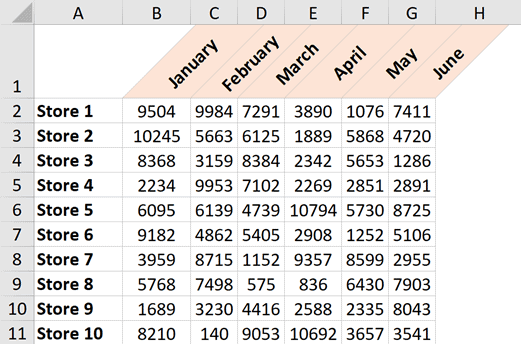
Dataset where duplicate rows are combines and sum

As a part of my full-time job a few years ago, one of the things I had to deal with was to combine data from different workbooks shared by other people. And one of the common tasks was to combine the data in such a way that there were no duplicate records. For example, below …

Read more

How to Lock Row Height & Column Width in Excel (Easy Trick)

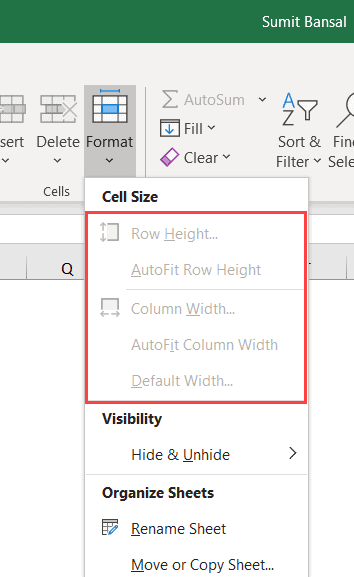
Row height and column options grayed out

It’s quite easy to change a cell’s height and width in Excel. The more you work with Excel, the more you will find yourself adjusting the row height and column width. But in some cases, you may want to lock the cell height and width so that a user cannot make any changes to it. …

Read more

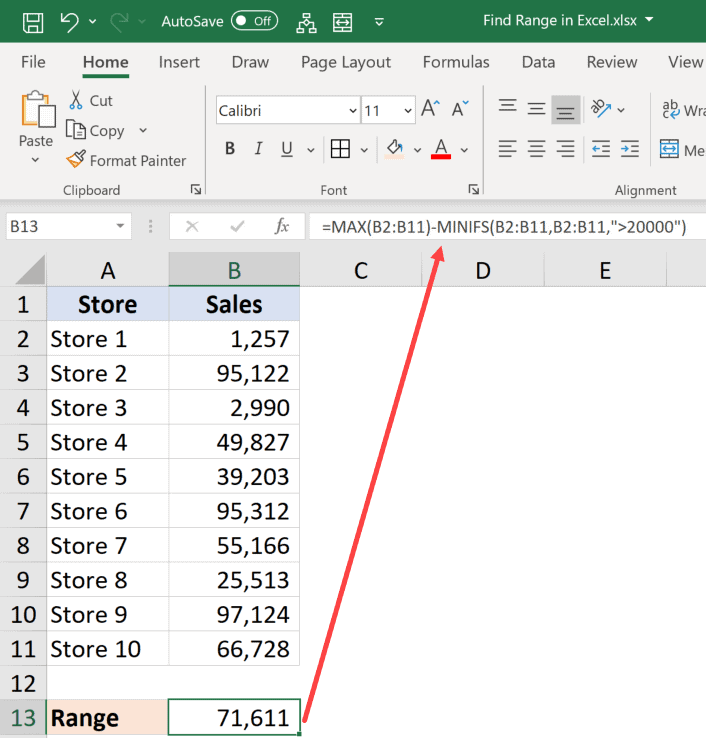
How to Find Range in Excel (Easy Formulas)

Calculating conditional range in Excel

Normally, when I use the word range in my tutorials about Excel, it’s a reference to a cell or a collection of cells in the worksheet. But this tutorial is not about that range. A ‘Range’ is also a mathematical term that refers to the range in a data set (i.e., the range between the …

Read more

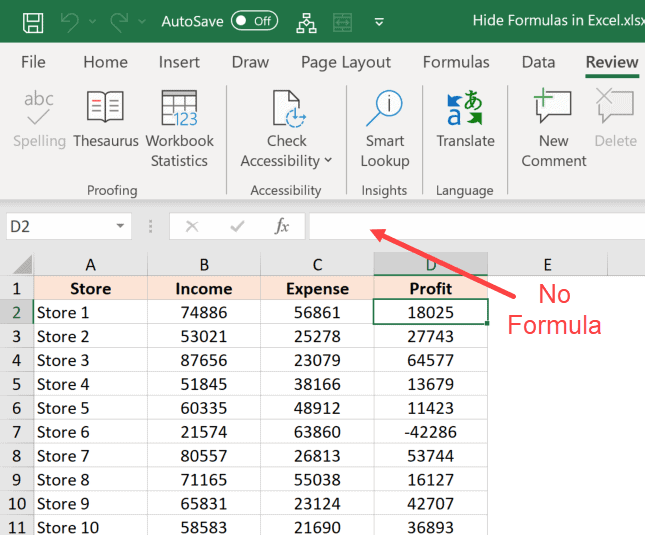
How to Hide Formulas in Excel (and Only Display the Value)

Formula hidden in the formula bar

When you share a normal Excel file with others, they are able to see and edit everything that the Excel file has. If you don’t want them to change anything, you have the option to either protect the entire worksheet/workbook or protect certain cells that have important data (that you don’t want the user to …

Read more

How to Change Row Height in Excel (5 Easy Ways)

Place the cursor at the edge of the row

Excel has cells that are neatly divided into rows and columns in a worksheet. And when you start working with data in Excel, one of the common tasks you have to do is to adjust the row height in Excel based on your data (or adjust the column width). It’s a really simple thing to …

Read more

7 Easy Ways to Select Multiple Cells in Excel

Non adjacent ranges selected

Selecting a cell is one of the most basic things users do in Excel. There are many different ways to select a cell in Excel – such as using the mouse or the keyboard (or a combination of both). In this article, I would show you how to select multiple cells in Excel. These cells …

Read more

How to Remove Leading Zeros in Excel (5 Easy Ways)

Formula to remove zero from alphanumeric string

Many people have a love-hate relationship with leading zeros in Excel. Sometimes you want it, and sometimes you don’t. While Excel has been programmed in such a way that it automatically removes any leading zeros from the numbers, there are some cases when you may have these. In this Excel tutorial, I will show you …

Read more

How to Indent in Excel (3 Easy Ways + Keyboard Shortcut)

Indent in the lines in the same cell

By default, Excel aligns numbers to the right and text strings to the left in a cell. And if you don’t like these numbers/texts that are too close to the cell border, you also have an option to indent the content of the cell. You can indent to the left or to the right in …

Read more

How to Unmerge Cells in Excel (3 Easy Ways + Shortcut)

Unmerged Cells

Excel has a lot of useful tools and features. There are some features that are widely used, but I wish were not so. The ability to merge cells is one such feature. While I don’t use this option myself, I still find myself unmerging cells (mostly in the workbooks shared by other people). In this …

Read more

Get the FREE 51 Excel Tips Ebook

Enter your details and the free PDF is on its way to your inbox.

Hmm, that didn't go through. Please check your email and try again.

No spam. You'll also get my weekly Excel newsletter. Unsubscribe anytime.

Check your inbox!

The ebook is on its way to your email. It usually lands within a couple of minutes.