How to Make an Interactive Calendar in Excel? (FREE Template)

Holidays highlighted in the monthly calendar

If you like to plan ahead and make a weekly or monthly schedule, having a calendar in Excel could be quite useful. In this tutorial, I’m going to show you how to create a calendar in Excel that automatically updates when you change the month or the year value. I will show you the exact …
Read more

How to Calculate Years of Service in Excel (Easy Formulas)

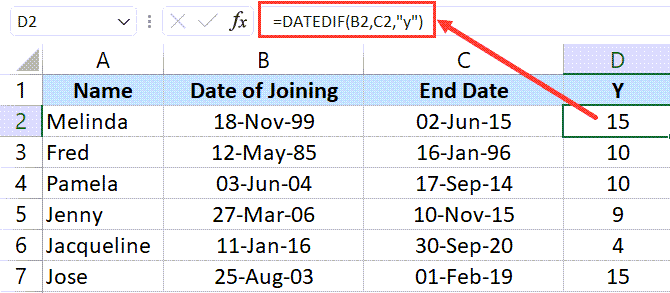
DATEDIF formula to get years of service

If you have an employee’s joining date, you can calculate their years of service in Excel with a short formula. Depending on the report, you may need completed years, decimal years, or a result that includes months and days. In this article, I’ll show you the formula for each result, including one that updates automatically …

Read more

How to Sum by Color in Excel (4 Methods, Formula & VBA)

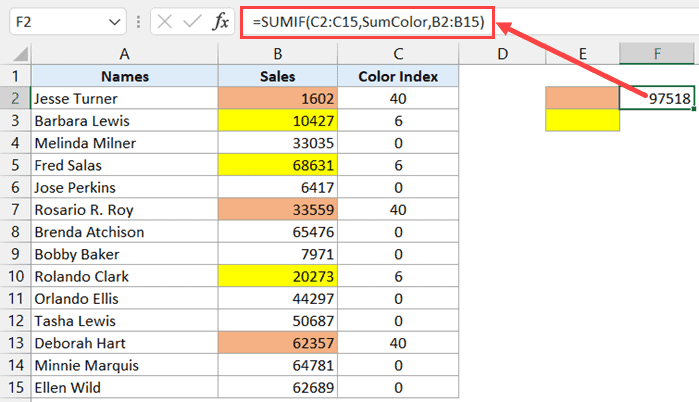
Formula to get sum by color using named range

Excel has some really amazing functions, but it doesn’t have a function that can sum cell values based on the cell color. For example, I have the dataset as shown below, and I want to get the sum of all orange and green color cells. Unfortunately, there is no in-built function to do this. But …

Read more

How to Calculate Percentage Change in Excel (Increase and Decrease)

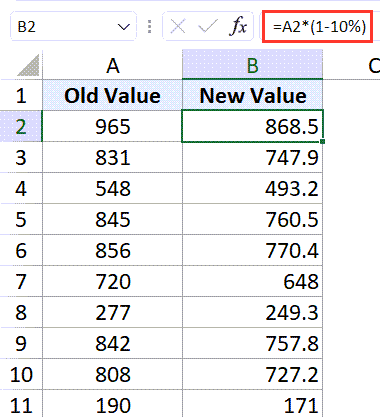
Formula to calculate value after 10% decline

If you want to find the percentage increase or decrease between an old and a new number, you can use a simple Excel formula. Whether you’re working with professional sales data, resource management, project management, or personal data, knowing how to calculate percentage change would help you make better decisions and do better data analysis …

Read more

How to Combine First and Last Name in Excel (5 Easy Ways)

CONCAT formula to combine first and last name

You can combine a first name and a last name into one cell in Excel with a simple formula, or with features that don’t need a formula at all. Excel is an amazing tool to store and analyze data. And many of the times, you will have to deal with text data types such as …

Read more

How to Add Months to Date in Excel (Easy Formula)

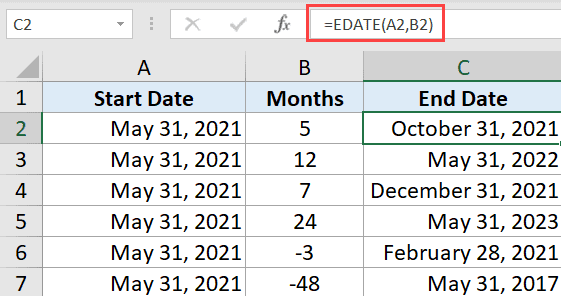
EDATE-formula-to-add-months-to-date

Sometimes, when working with dates, you may want to know the date after a specific number of months. For example, you may want to know the date three months after a specific date. Thankfully, Excel has an in-built function (EDATE) that does exactly this. In this tutorial, I will show you how to use a …

Read more

Combine Date and Time in Excel (3 Easy Ways)

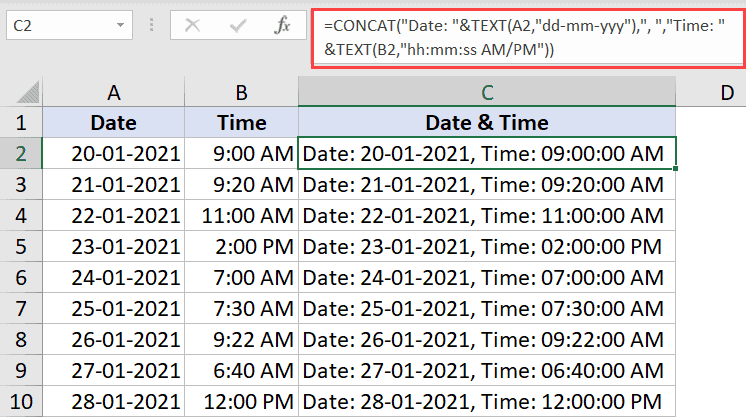
Formula to combine date and time with custom text

Sometimes you may have dates in one column and time values in another column and you want to combine these to get one single date and time value in a cell. And if you’re thinking that you can do that by easily combining the two cells by using the concatenate formula or the & sign, …

Read more

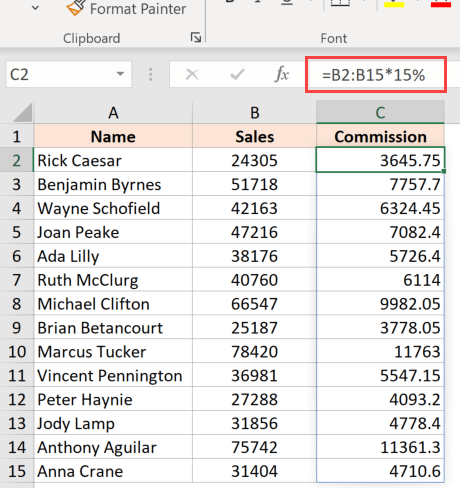
How to Apply Formula to Entire Column in Excel (8 Easy Ways)

Array formula to apply formula to an entire column

Formulas are the life and blood of Excel spreadsheets. And in most cases, you don’t need the formula in just one cell or a couple of cells. In most cases, you would need to apply the formula to an entire column (or a large range of cells in a column). For example, if you have …

Read more

Get the FREE 51 Excel Tips Ebook

Enter your details and the free PDF is on its way to your inbox.

Hmm, that didn't go through. Please check your email and try again.

No spam. You'll also get my weekly Excel newsletter. Unsubscribe anytime.

Check your inbox!

The ebook is on its way to your email. It usually lands within a couple of minutes.