How to Remove Leading Zeros in Excel (6 Easy Ways)
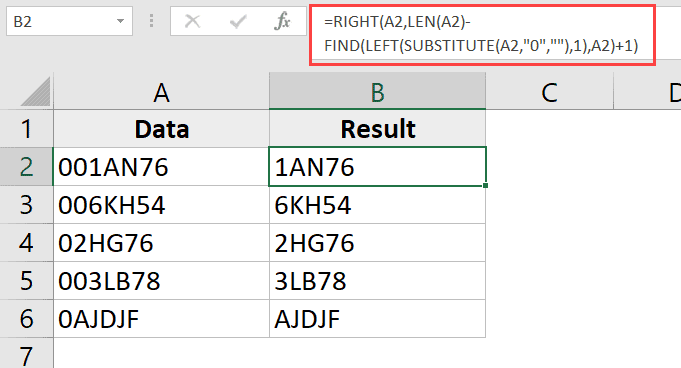
Formula to remove zero from alphanumeric string

Many people have a love-hate relationship with leading zeros in Excel. Sometimes you want it, and sometimes you don’t. While Excel has been programmed in such a way that it automatically removes any leading zeros from the numbers, there are some cases when you may have these. In this Excel tutorial, I will show you …
Read more

How to Convert Serial Numbers to Dates in Excel

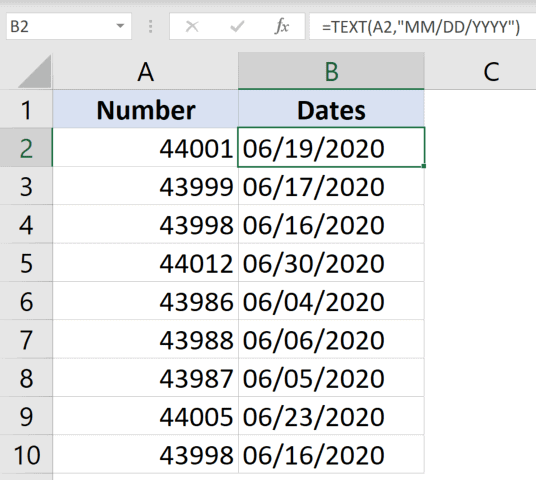
TEXT formula result

Excel stores date and time values as serial numbers in the back end. This means that while you may see a date such as “10 January 2020” or “01/10/2020” in a cell, in the back-end, Excel is storing that as a number. This is useful as it also allows users to easily add/subtract date and …

Read more

How To Remove Text Before Or After a Specific Character In Excel

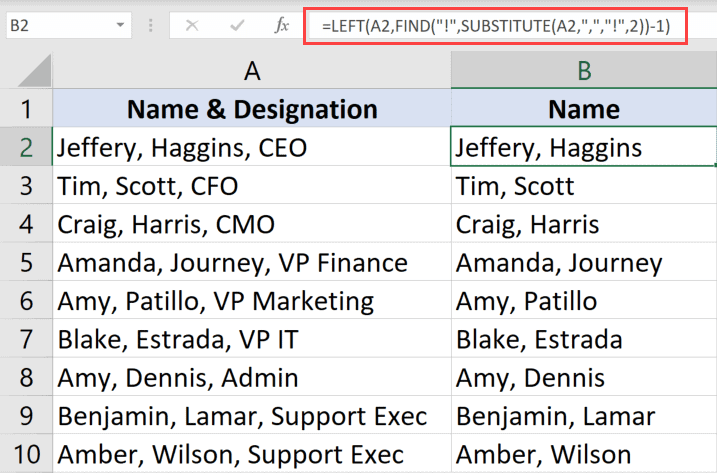
Formula to remove text after the second comma

When working with text data in Excel, you may have the need to remove the text before or after a specific character or text string. For example, if you have the name and designation data of people, you may want to remove the designation after the comma and only keep the name (or vice-versa where …

Read more

Excel Formulas Not Working (Not Calculating)

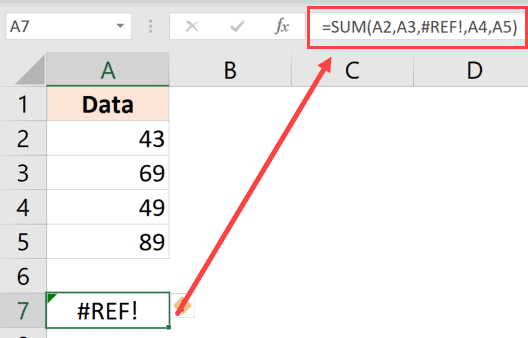
Ref error when a row is deleted

If you work with formulas in Excel, sooner or later, you will encounter the problem where Excel formulas don’t calculate and give the result (or give the wrong result). It would have been great had there been only a few possible reasons for malfunctioning formulas. Unfortunately, there are too many things that can go wrong …

Read more

How to SUM Values Between Two Dates (using SUMIFS formula)

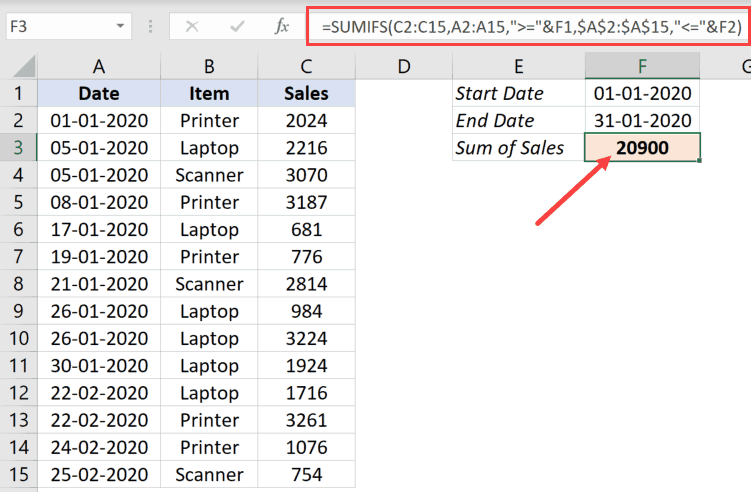
Formula to sum between dates using cell references

When you’re working with datasets that have dates, you would often find yourself trying to do calculations based on the dates. For example, if you have the sales data for a month, you may want to know the total sales that have happened between two given dates or the total sales made on weekends vs …

Read more

5 Ways to Insert New Columns in Excel (including Shortcut & VBA)

Right-click and then click on Insert

Adding or removing columns in Excel in a common task when you’re working with data in Excel. And just like every other thing in Excel, there are multiple ways to insert columns as well. You can insert one or more single columns (to the right/left of a selected one), multiple columns (adjacent or non-adjacent), or …

Read more

How to Delete Entire Row in Excel Using VBA (Examples)

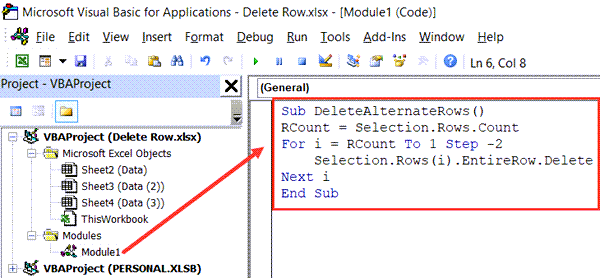
Copy and paste to delete entire row in the module

Adding and deleting rows is part of everyday common tasks when working with Excel. While you can do this easily from the worksheet itself, sometimes you may want to use the VBA route to delete rows in Excel. These could be deleting a specific row, multiple rows in the selection, deleting alternate rows or those …

Read more

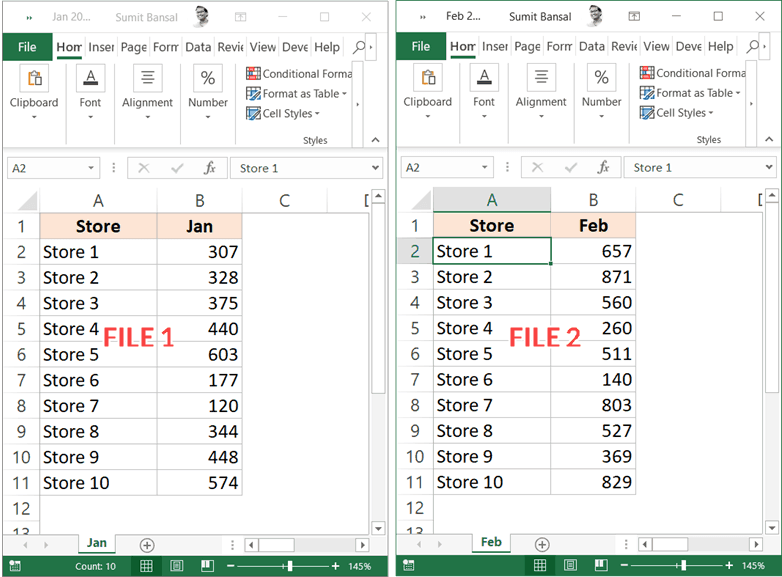
How to Compare Two Excel Sheets (for Differences)

Two files that need to be compared

Comparing two Excel files (or comparing two sheets in the same file) can be tricky as an Excel workbook only shows one sheet at a time. This becomes more difficult and error-prone when you have a lot of data that needs to be compared. Thankfully, there are some cool features in Excel that allow you …

Read more

Get the FREE 51 Excel Tips Ebook

Enter your details and the free PDF is on its way to your inbox.

Hmm, that didn't go through. Please check your email and try again.

No spam. You'll also get my weekly Excel newsletter. Unsubscribe anytime.

Check your inbox!

The ebook is on its way to your email. It usually lands within a couple of minutes.