Use IFERROR with VLOOKUP to Get Rid of #N/A Errors
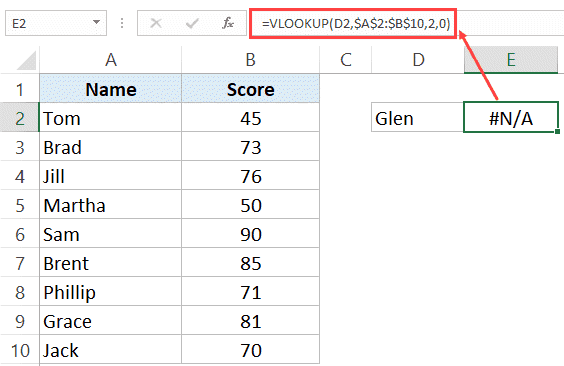
Error with VLOOKUP when lookup value not found

When using the VLOOKUP formula in Excel, sometimes you may end up with the ugly #N/A error. This happens when your formula can not find the lookup value. In this tutorial, I will show you different ways to use IFERROR with VLOOKUP to handle these #N/A errors cropping up in your worksheet. Using the combination …

Read more

How to Create Named Ranges in Excel

What’s in the name? If you are working with Excel spreadsheets, it could mean a lot of time saving and efficiency. In this tutorial, you’ll learn how to create Named Ranges in Excel and how to use it to save time. Named Ranges in Excel – An Introduction If someone has to call me or …

Read more

Creating An Excel Dashboard (Explained with Examples & Templates)

An Excel Dashboard can be an amazing tool when it comes to tracking KPIs, comparing data points, and getting data-backed views that can help management make decisions. In this tutorial, you will learn how to create an Excel dashboard, best practices to follow while creating one, features and tools you can use in Excel, things …

Read more

How to Add Leading Zeros in Excel (5 Easy Ways)

There are situations when you need to add leading zeroes to a dataset in Excel. This could be the case if you maintain records in Excel, such as Employee Ids or Transaction Ids. For example, you may want to get a consistent look in your data set as shown below: In this tutorial, you’ll learn …

Read more

How to Rank within Groups in Excel

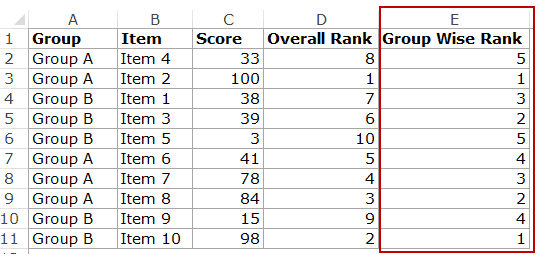
If you have a list of numbers, it easy to rank it using the RANK function. However, if you have these numbers within various groups, it could be a challenge to find the rank within the groups. For example, as shown below, there are two groups (A and B) with 5 items in each group. Each item …

Read more

Preparing Source Data For Pivot Table

Having the data in the right format is a crucial step in creating a robust and error-free Pivot Table. If not done the right way, you can end up having a lot of issues with your pivot table. What is a good design for the Source data for Pivot Table? Let’s have a look at …

Read more

How to Combine Multiple Excel Files into One Excel Workbook

I got a call from a friend who wanted to combine multiple Excel files into one Excel workbook. He had a lot of files in a folder and he wanted to get all the worksheets from all the workbooks into one single workbook. While this can be done manually, it would be time-consuming and error-prone. However, a simple VBA …

Read more

How to Make a Pivot Table in Excel (Easy Step-by-Step)

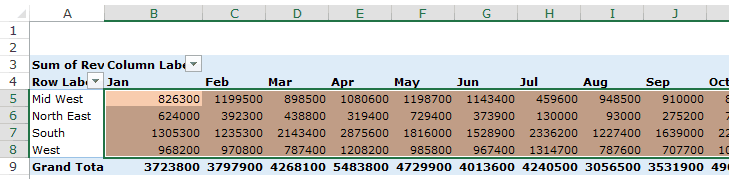
If you want to summarize a big dataset in Excel, like getting total sales by region or finding your top customers, a Pivot Table can do it in a few clicks, and you don’t need a single formula. It’s one of the most powerful features in Excel (no kidding). And the best part is that …

Read more

Get the FREE 51 Excel Tips Ebook

Enter your details and the free PDF is on its way to your inbox.

Hmm, that didn't go through. Please check your email and try again.

No spam. You'll also get my weekly Excel newsletter. Unsubscribe anytime.

Check your inbox!

The ebook is on its way to your email. It usually lands within a couple of minutes.