How to make VLOOKUP Case Sensitive

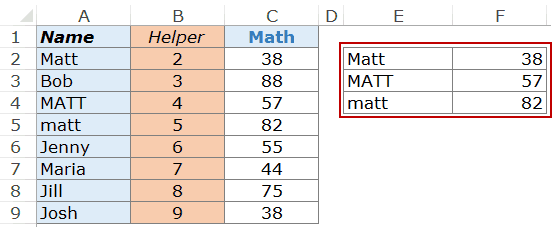
By default, the lookup value in the VLOOKUP function is not case sensitive. For example, if your lookup value is MATT, matt, or Matt, it’s all the same for the VLOOKUP function. It’ll return the first matching value irrespective of the case. Making VLOOKUP Case Sensitive Suppose you have the data as shown below: As you …
Read more

How to Use VLOOKUP with Multiple Criteria

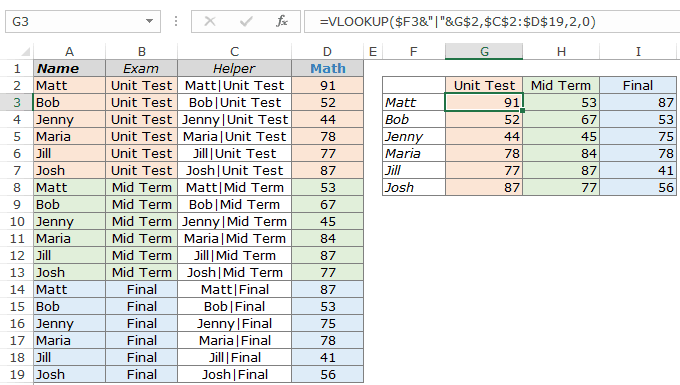
Excel VLOOKUP function, in its basic form, can look for one lookup value and return the corresponding value from the specified row. But often there is a need to use the Excel VLOOKUP with multiple criteria. How to Use VLOOKUP with Multiple Criteria Suppose you have a data with students name, exam type, and the Math …

Read more

200+ Excel Keyboard Shortcuts (Windows & Mac)

200+ Excel Keyboard Shortcuts

Here’s a complete list of 200+ Excel keyboard shortcuts for both Windows and Mac. Whether you’re on a PC or a MacBook, learning even a handful of these shortcuts can save you hours every week. You don’t need to memorize all of them. Just start with the ones you’d use daily, and build from there. …

Read more

How to Create a Drop Down List in Excel (Step-by-Step Guide)

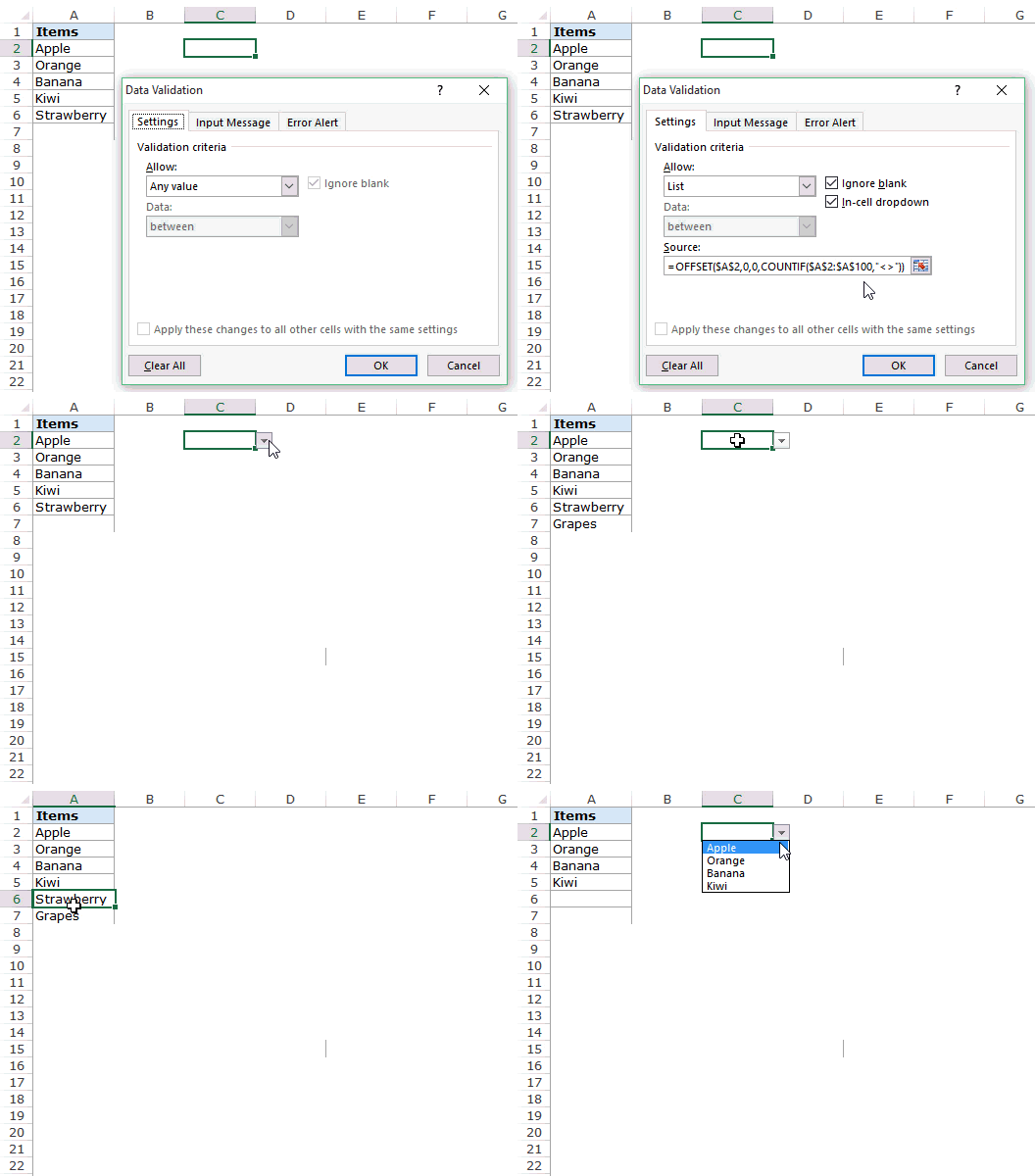
If you want people to pick a value from a fixed list instead of typing it, a drop-down list is the way to do it. It takes only a few seconds to set up. It’s useful when you’re getting someone to fill a form or a tracker, or when you’re building interactive Excel dashboards. Drop-down …

Read more

Excel Dashboard: Premier League Season 2014-15 Visualized

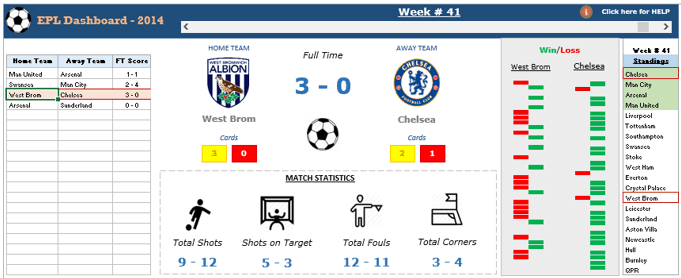
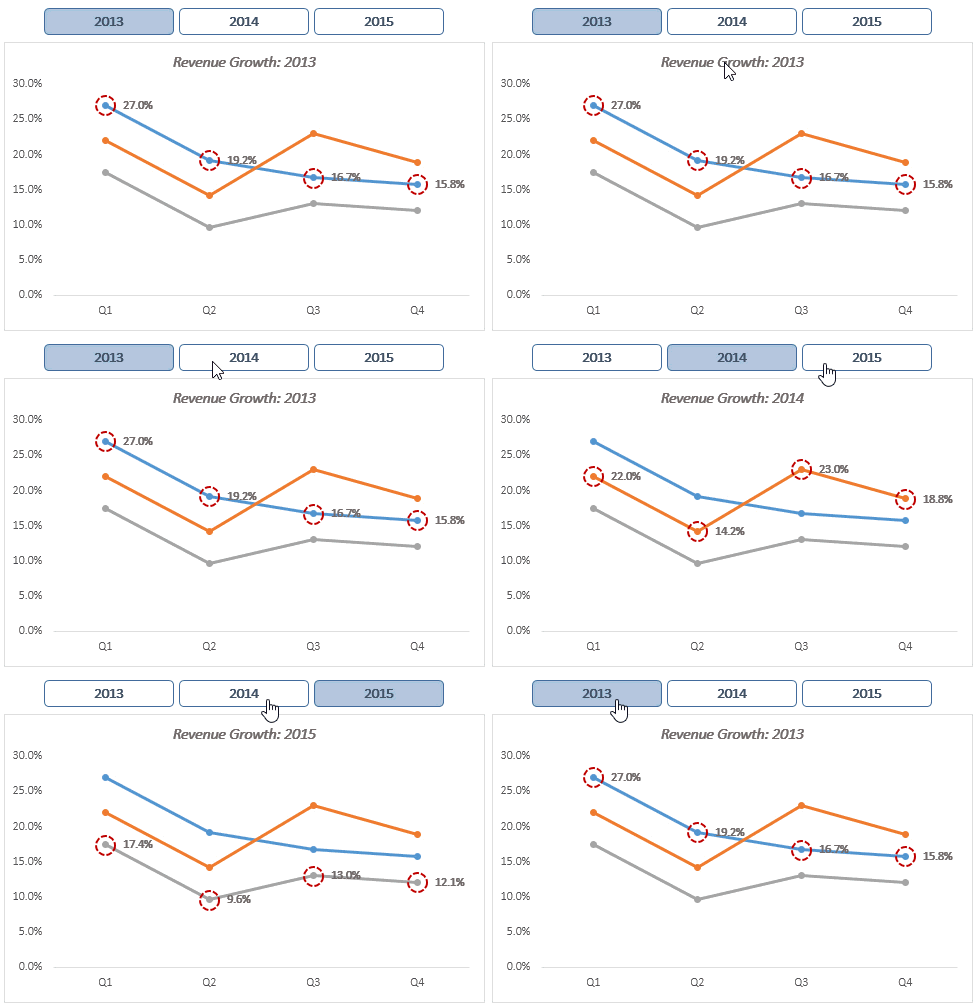
I was never into sports. I tried my hands at a number of sports, but I was always below average in most of it (you got to give me some credit for trying at least). In 2010, my roommate got me addicted to watching football. We would keenly follow all the matches in English Premier League and …

Read more

How to Count Colored Cells in Excel?

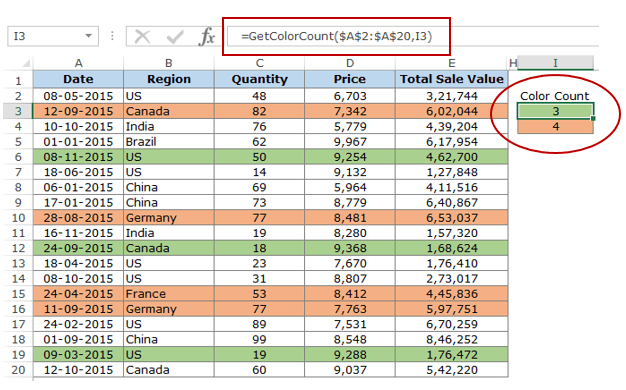
Wouldn’t it be great if there was a function that could count colored cells in Excel? Sadly, there isn’t any inbuilt function to do this. BUT.. It can easily be done. In this tutorial, I will show you four ways to count colored cells in Excel (with and without VBA): If your cells are colored …

Read more

Excel Timesheet Calculator Template [FREE DOWNLOAD]

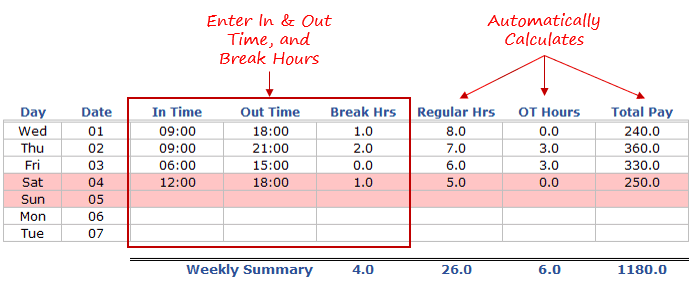
Since I have started this blog, the Excel timesheet calculator template has been one of the most requested templates. I often get queries on how to calculate regular hours and overtime hours of employees based on the ‘In time’ and ‘Out time’. I also couldn’t find a good Excel timesheet template online, so I decided to …

Read more

Creating a Pareto Chart in Excel (Static & Dynamic)

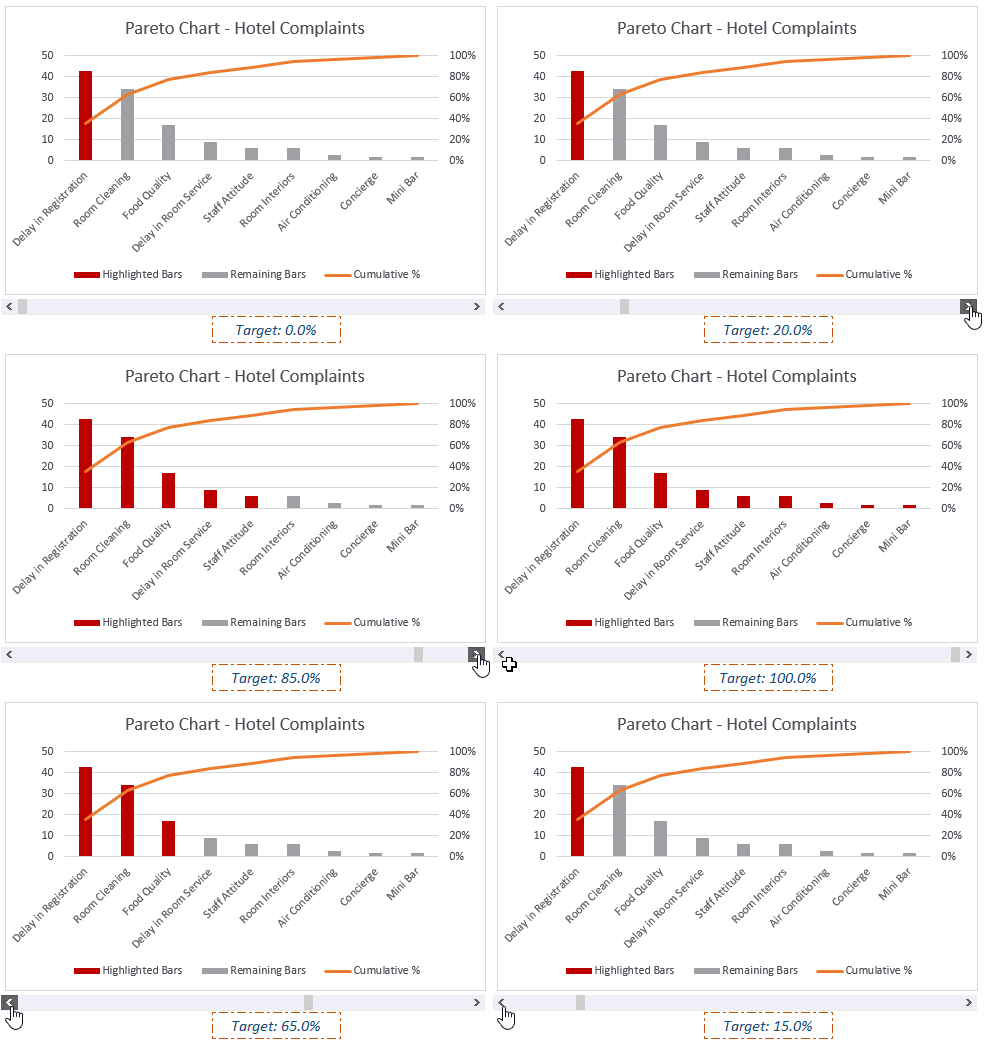
Pareto Chart in Excel - Dynamic Demo

Pareto Chart is based on the Pareto principle (also known as the 80/20 rule), which is a well-known concept in project management. According to this principle, ~80% of the problems can be attributed to about ~20% of the issues (or ~80% of your results could be a direct outcome of ~20% of your efforts, and so …

Read more

Get the FREE 51 Excel Tips Ebook

Enter your details and the free PDF is on its way to your inbox.

Hmm, that didn't go through. Please check your email and try again.

No spam. You'll also get my weekly Excel newsletter. Unsubscribe anytime.

Check your inbox!

The ebook is on its way to your email. It usually lands within a couple of minutes.