Extract Numbers from a String in Excel (Using Formulas or VBA)
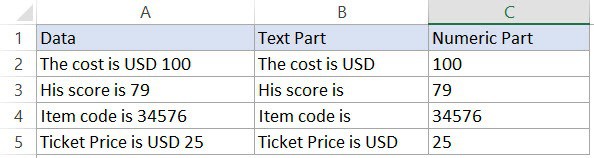
Dataset to get the numeric or the text part in Excel

There is no inbuilt function in Excel to extract the numbers from a string in a cell (or vice versa –  remove the numeric part and extract the text part from an alphanumeric string). However, this can be done using a cocktail of Excel functions or some simple VBA code. Let me first show you …

Read more

Lookup the Second, the Third, or the Nth Value in Excel

Formula to lookup the second third and nth value

Watch Video – Lookup the Second, the Third or the Nth Matching Value When it comes to looking up data in Excel, there are two amazing functions that I often use – VLOOKUP and INDEX (mostly in conjunction with the MATCH function). However, these formulas are designed to find only the first instance of the lookup …

Read more

Use IFERROR with VLOOKUP to Get Rid of #N/A Errors

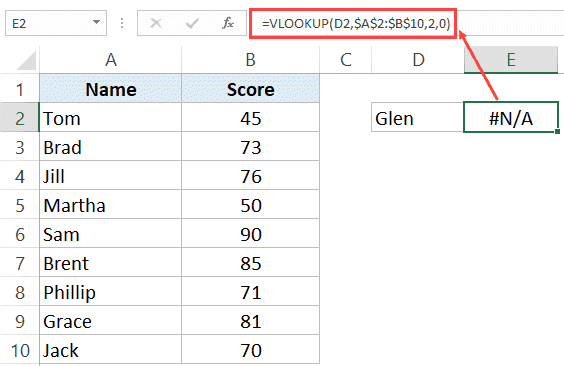
Error with VLOOKUP when lookup value not found

When using the VLOOKUP formula in Excel, sometimes you may end up with the ugly #N/A error. This happens when your formula can not find the lookup value. In this tutorial, I will show you different ways to use IFERROR with VLOOKUP to handle these #N/A errors cropping up in your worksheet. Using the combination …

Read more

How to Calculate the Number of Days Between Two Dates in Excel

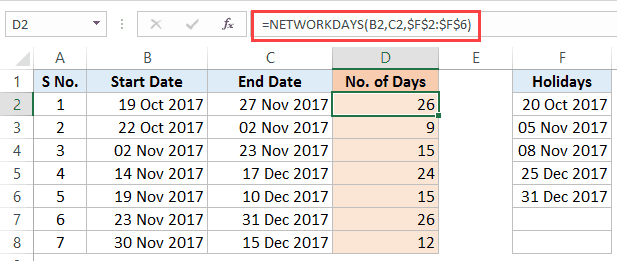
Calculate the Number of Days Between Two Dates in Excel - networkdays result

Excel has some powerful functions to calculate the number of days between two dates in Excel. These are especially useful when you’re creating Gantt charts or timelines for a proposal/project. In this tutorial, you’ll learn how to calculate the number of days between two dates (in various scenarios): Calculating the Total Number of Days Between …

Read more

How to Quickly Insert Date and Timestamp in Excel

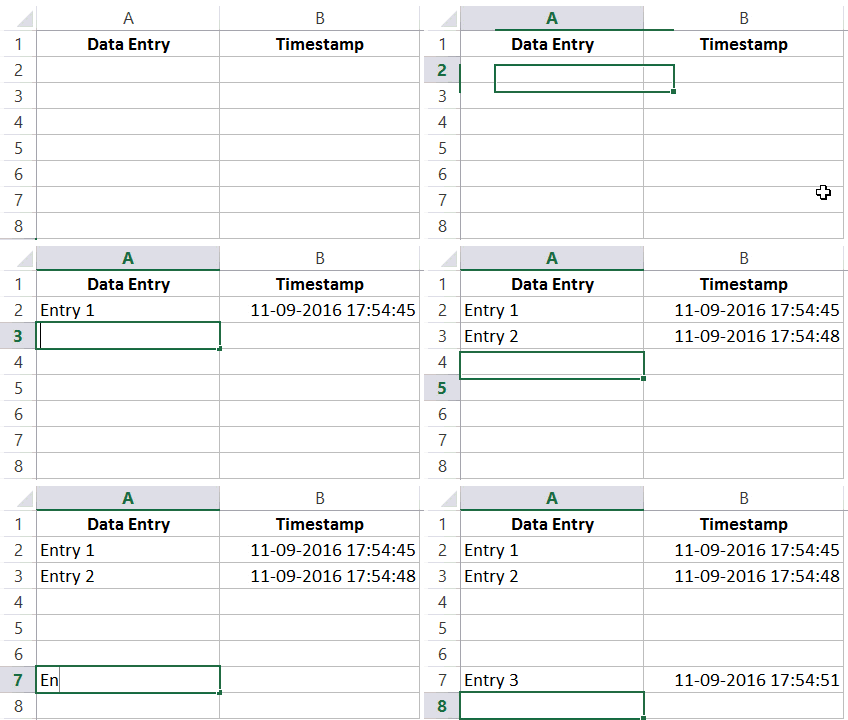
A timestamp is something you use when you want to track activities. For example, you may want to track activities such as when was a particular expense incurred, what time did the sale invoice was created, when was the data entry done in a cell, when was the report last updated, etc. Let’s get started. …

Read more

How to Rank within Groups in Excel

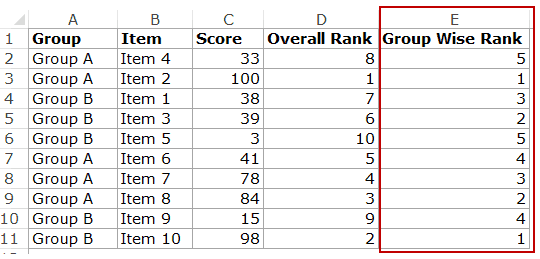
If you have a list of numbers, it easy to rank it using the RANK function. However, if you have these numbers within various groups, it could be a challenge to find the rank within the groups. For example, as shown below, there are two groups (A and B) with 5 items in each group. Each item …

Read more

How to make VLOOKUP Case Sensitive

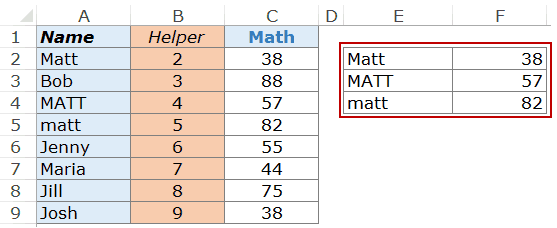
By default, the lookup value in the VLOOKUP function is not case sensitive. For example, if your lookup value is MATT, matt, or Matt, it’s all the same for the VLOOKUP function. It’ll return the first matching value irrespective of the case. Making VLOOKUP Case Sensitive Suppose you have the data as shown below: As you …

Read more

How to Use VLOOKUP with Multiple Criteria

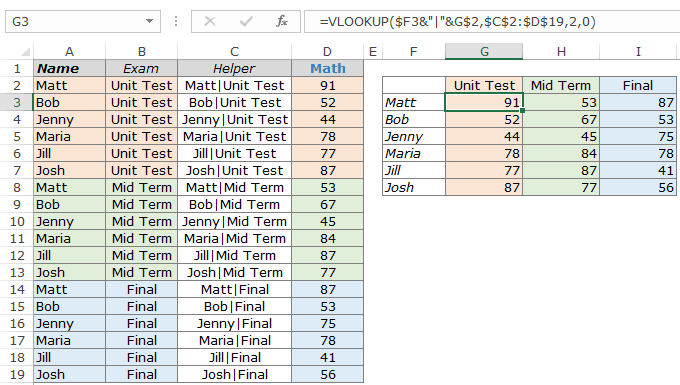
Excel VLOOKUP function, in its basic form, can look for one lookup value and return the corresponding value from the specified row. But often there is a need to use the Excel VLOOKUP with multiple criteria. How to Use VLOOKUP with Multiple Criteria Suppose you have a data with students name, exam type, and the Math …

Read more

How to Calculate Age in Excel using Formulas + FREE Calculator Template

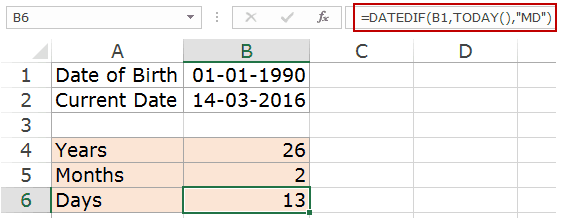
Using a combination of Excel functions and the date of birth, you can easily calculate age in Excel. You can either calculate the age till the current date or between the specified period of time. The technique shown here can also be used in other situations such as calculating the duration of a project or the tenure …

Read more

Get the FREE 51 Excel Tips Ebook

Enter your details and the free PDF is on its way to your inbox.

Hmm, that didn't go through. Please check your email and try again.

No spam. You'll also get my weekly Excel newsletter. Unsubscribe anytime.

Check your inbox!

The ebook is on its way to your email. It usually lands within a couple of minutes.