How to Remove Comma in Excel (from Text and Numbers)

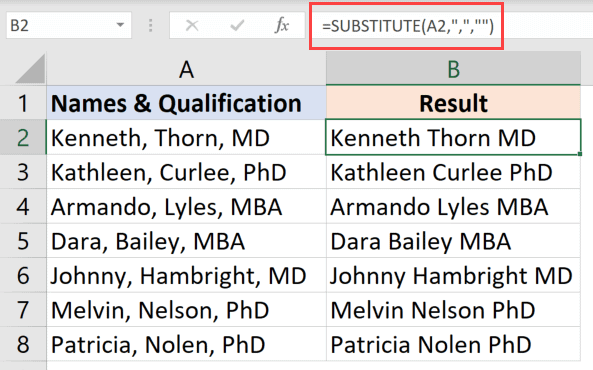
Substitute formula to remove all the commas

A comma is commonly used when working with both text and numbers in Excel. With text, a comma can be used as a separator (such as a separator between the first and last name or address) or as a part of regular grammar. And with numbers, it often used to make the numbers more readable …

Read more

Excel Formulas Not Working (Not Calculating)

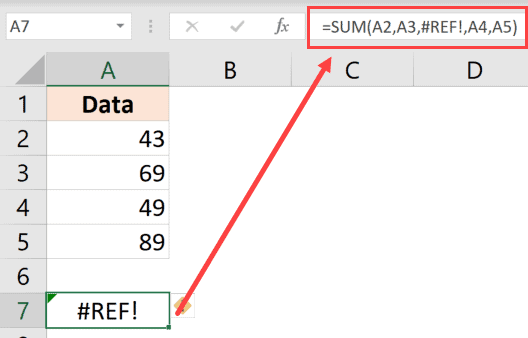
Ref error when a row is deleted

If you work with formulas in Excel, sooner or later, you will encounter the problem where Excel formulas don’t calculate and give the result (or give the wrong result). It would have been great had there been only a few possible reasons for malfunctioning formulas. Unfortunately, there are too many things that can go wrong …

Read more

How to Find Circular Reference in Excel (Quick and Easy)

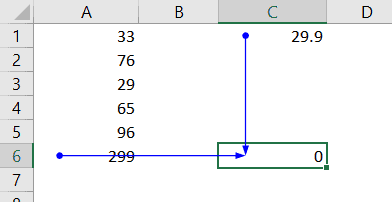
Circular reference trace dependent

While working with Excel formulas, you may sometime see the following warning prompt. This prompt tells you that there is a circular reference in your worksheet and this can lead or an incorrect calculation by the formulas. It also asks you to address this circular reference issue and sort it. In this tutorial, I will …

Read more

How to Add Plus Sign Before Numbers in Excel

Dataset with numbers with plus sign

Excel is a great spreadsheet tool, but there are a few things about it that may irritate you sometimes. For example, if you add a plus sign before a number in a cell in Excel, that plus sign would just go away. The same happens when you try and add leading zeros before a number. …

Read more

How to Create Custom List in Excel (Easy Step-by-Step Guide)

Create High Medium Low custom list

Excel has some useful features that allow you to save time and be a lot more productive in your day-to-day work. One such useful (and less-known) feature in the Custom Lists in Excel. Now, before I get to how to create and use custom lists, let me first explain what’s so great about it. Suppose …

Read more

How to Select Non-adjacent Cells in Excel?

The cells with specific text have been selected

When you have to select a block of cells, the easiest way is to use a mouse, click on a cell and then drag to cover all the cells that you want to select. Or if you’re a keyboard person, you can hold the shift key and move the cursor to make the selection. But …

Read more

How to Copy Conditional Formatting to Another Cell in Excel

Resulting data where conditional formatting has been copied and pasted

Conditional Formatting in Excel enables you to quickly format a cell (or range of cells) based on the value or the text in it. For example, below I have an example where I have student’s scores and I have used conditional formatting to highlight all the scores that are above 80. If you’re interested in …

Read more

How to Deselect Cells in Excel?

Deselect specific columns in the worksheet

Excel is a really thought out spreadsheet tool and has so many simple tricks that can boost your productivity and save time. But at the same time, there are some simple things that are missing and often leads to a lot of frustration. For example, there are so many ways for you to quickly select …

Read more

Get the FREE 51 Excel Tips Ebook

Enter your details and the free PDF is on its way to your inbox.

Hmm, that didn't go through. Please check your email and try again.

No spam. You'll also get my weekly Excel newsletter. Unsubscribe anytime.

Check your inbox!

The ebook is on its way to your email. It usually lands within a couple of minutes.