Excel AUTOFIT: Make Rows/Columns Fit the Text Automatically

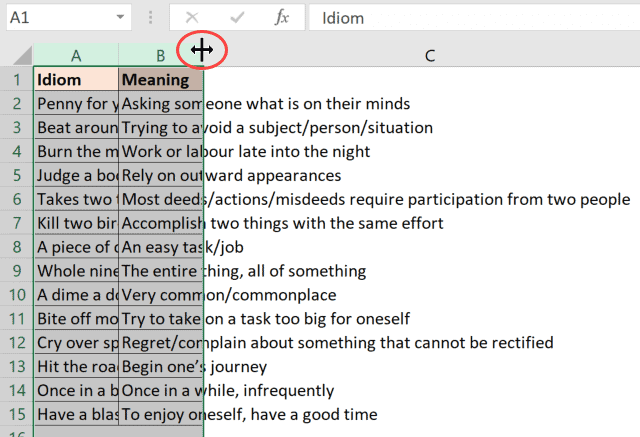
Place the cursor at the right edge of the selected columns

By default, Excel has a certain row height and column width, and when you enter anything that occupies more space than the current size of size, you’ll see that it spills out (as shown below). In such cases, you can adjust the rows and columns to fit the text in the cell (so that the …

Read more

How to Rename a Sheet in Excel (4 Easy Ways + Shortcut)

Rename sheet option in the ribbon in Excel

Using multiple worksheets in an Excel workbook is an easy way to keep your data organized. For example, you can have different sheets for different regions, or for different months/year, or different projects, etc. And when working with multiple sheets, you may sometimes need to change their names. In this Excel tutorial, I will show …

Read more

How to Print Excel Sheet on One Page (Fit to One Page)

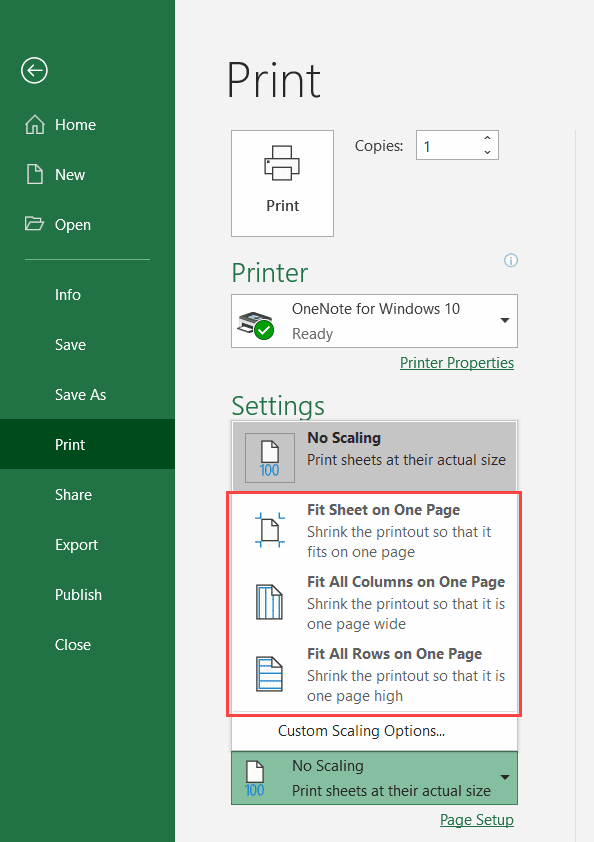
Fit sheet on one page using Scaling

If you often print your data/work in Excel, I am sure you have faced the issue where it prints multiple pages instead of one single page. Sometimes, it’s so frustrating that a new page is printed just to accommodate a few extra lines of data (which also leads to wastage of paper). There are some …

Read more

#REF! Error in Excel – How to Fix the Reference Error!

KPI Data with errors

If you have worked with formulas in Excel for some time, I am sure you have already met the #REF! Error (reference error). Since this is quite common, I thought of writing a tutorial just to tackle the #REF! error. In this Excel tutorial, I will cover what is the #REF! error, what causes it, …

Read more

How to Insert / Delete Comments in Excel (including Shortcuts)

Click on Show all Notes to make all notes visible

Comments are quite useful when you want to add some information about a cell/data point without changing the content of the cell. I often use these when I am using formulas and I need to specify what a formula does and what a cell value means. If you’re collaborating with others, you can also add …

Read more

How to Group Worksheets in Excel (Step-by-Step)

Data to add to all sheets by gouping them

When working with multiple worksheets in Excel, sometimes you may have a need to edit the same cell in all the worksheets (or apply certain formatting the same cell/range in all the sheets). You can easily group worksheets in Excel so that you can make the changes at one go (instead of going to each …

Read more

How to Calculate Average Annual Growth Rate (AAGR) in Excel

Calculating Average Annual Growth Rate AAGR

With financial data, you would often see the use of two metrics – Average Annual Growth Rate (AAGR) and Compound Annual Growth Rate (CAGR). While there are some existing formulas in Excel that can help you calculate growth rates, for calculating AAGR and CAGR, you would need a little bit of workaround (nothing too complex …

Read more

How to SUM Values Between Two Dates (using SUMIFS formula)

Formula to sum between dates using cell references

When you’re working with datasets that have dates, you would often find yourself trying to do calculations based on the dates. For example, if you have the sales data for a month, you may want to know the total sales that have happened between two given dates or the total sales made on weekends vs …

Read more

Get the FREE 51 Excel Tips Ebook

Enter your details and the free PDF is on its way to your inbox.

Hmm, that didn't go through. Please check your email and try again.

No spam. You'll also get my weekly Excel newsletter. Unsubscribe anytime.

Check your inbox!

The ebook is on its way to your email. It usually lands within a couple of minutes.