3 Quick Ways to Select Visible Cells in Excel

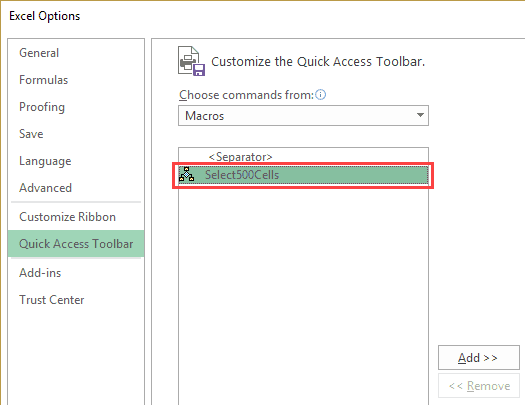
Select Visible Cells in Excel - using keyboard shortcut ALT semicolin

What do you do when you have to copy a range of cells in Excel and paste it somewhere else? In most cases, the below three steps get the work done: But what if you have some hidden cells in the dataset? Then – these above three steps are not enough. Let me show you …

Read more

How to Quickly Remove Hyperlinks from a Worksheet in Excel

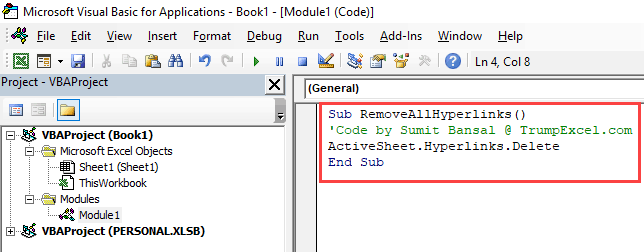
Remove All Hyperlinks - Paste VBA code in module

I often find it quite frustrating when Excel automatically creates a hyperlink as soon as I insert an email id or a URL in a cell and hit enter. Now, when I try to select a cell (or double-click on it to get into the edit mode), it automatically opens the link in a new browser …

Read more

7 Quick & Easy Ways to Number Rows in Excel

Excel Table - Automatically Add row Number on adding a row

When working with Excel, there are some small tasks that need to be done quite often. Knowing the ‘right way’ can save you a great deal of time. One such simple (yet often needed) task is to number the rows of a dataset in Excel (also called the serial numbers in a dataset). Now if …

Read more

How to Sort Data in Excel using VBA (Range/Columns)

Sort Data Using VBA - Double Click Demo

Excel already has a couple of ways to sort data quickly. You can easily sort a data set by using the sort icons in the ribbon or the sort dialog box. Then why do you need to know how to do this using VBA? Knowing how to sort data using VBA can be helpful when …

Read more

Get the FREE 51 Excel Tips Ebook

Enter your details and the free PDF is on its way to your inbox.

Hmm, that didn't go through. Please check your email and try again.

No spam. You'll also get my weekly Excel newsletter. Unsubscribe anytime.

Check your inbox!

The ebook is on its way to your email. It usually lands within a couple of minutes.