How to Create Named Ranges in Excel

What’s in the name? If you are working with Excel spreadsheets, it could mean a lot of time saving and efficiency. In this tutorial, you’ll learn how to create Named Ranges in Excel and how to use it to save time. Named Ranges in Excel – An Introduction If someone has to call me or …

Read more

Use Format Painter in Excel to Quickly Copy Formatting

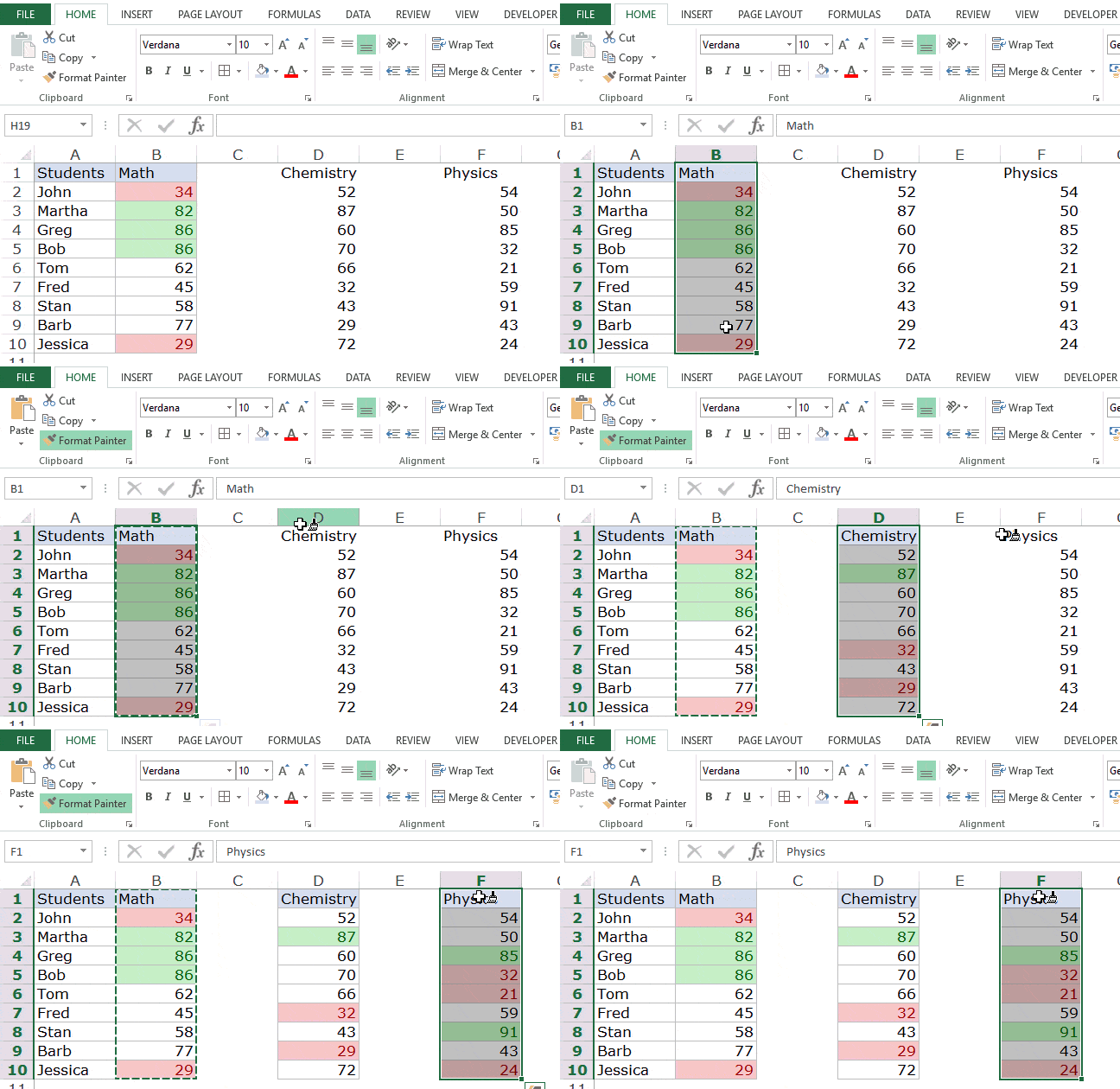
If your work involves applying the same type of formatting to data sets, using Format Painter in Excel will save you a lot of time. What is Excel Format Painter? Excel Format Painter is a nifty tool that allows you to copy formatting from a range of cells and paste it somewhere else in the …

Read more

How to Lock Formulas in Excel (a Step-by-Step Guide)

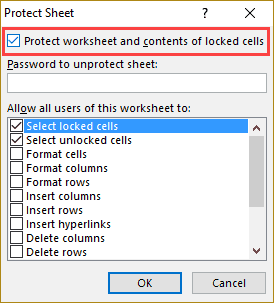
Watch Video – How to Lock Formulas in Excel Excel formulas are easy to create and edit in Excel. You can easily edit a formula through the formula bar or directly in the cell. While this makes it convenient to create formulas in Excel, it comes with a few disadvantages as well. Consider this. You are …

Read more

How to Copy and Paste Formulas in Excel without Changing Cell References

When you copy and paste formulas in Excel, it automatically adjusts the cell references. For example, suppose I have the formula =A1+A2 in cell B1. When I copy the cell B1 and paste it in B2, the formula automatically becomes =A2+A3. This happens as Excel automatically adjusts the references to make sure the rows and columns now …

Read more

Show Formulas in Excel Instead of the Values

As soon as you type a formula in Excel and hit enter, it would return the calculated result, and the formula would disappear. That’s how it’s supposed to work. But what if you want to show formulas in the cells and not the calculated values. In this Excel tutorial, I will cover the following topics: …

Read more

Excel Quick Access Toolbar – 5 Options You Should Consider Adding

*This is a guest post by Puneet Gogia, a fellow Excel blogger from India.* Excel has a Quick Access Toolbar that gives you instant access to your favorite/important options. However, not many people use the QAT efficiently. Last month I have asked 15 excel users about it, and only 7 were using it on frequent …

Read more

How to Add and Use an Excel Pivot Table Calculated Field

Often, once you create a Pivot table, there is a need you to expand your analysis and include more data/calculations as a part of it. If you need a new data point that can be obtained by using existing data points in the Pivot Table, you don’t need to go back and add it in …

Read more

How to Quickly Copy Chart (Graph) Format in Excel

When you work with Excel charts, it rarely happens that you use the same default chart that Excel creates for you. In most of the cases, you have to change its formatting based on your brand, project, or audience. Now, if there is a fixed format that you have to use for many charts, it …

Read more

Get the FREE 51 Excel Tips Ebook

Enter your details and the free PDF is on its way to your inbox.

Hmm, that didn't go through. Please check your email and try again.

No spam. You'll also get my weekly Excel newsletter. Unsubscribe anytime.

Check your inbox!

The ebook is on its way to your email. It usually lands within a couple of minutes.