

Excel SUBSTITUTE Function

Sumit Bansal
Written by
Sumit Bansal
Sumit Bansal

Sumit Bansal

Sumit Bansal is the founder of TrumpExcel.com and a Microsoft Excel MVP. He started this site in 2013 to share his passion for Excel through easy tutorials, tips, and training videos, helping you master Excel, boost productivity, and maybe even enjoy spreadsheets!

Excel SUBSTITUTE Function (Example + Video)
Excel SUBSTITUTE Function

When to use Excel SUBSTITUTE Function

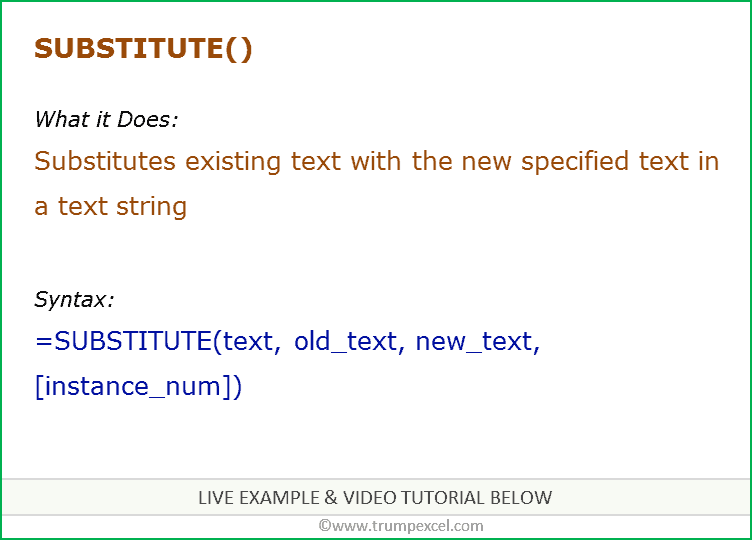
SUBSTITUTE function can be used when you want to substitute text with new specified text in a string.

What it Returns

It returns a text string where an old text has been substituted by the new one.

Syntax

=SUBSTITUTE(text, old_text, new_text, [instance_num])

Input Arguments

  • text – the text you want to change.
  • old_text – the text string that you want to substitute.
  • new_text – the new text string with which you want to substitute old_text.
  • [instance_num] – (optional) the number of times you want to substitute (in case of multiple occurrences). If this argument is not specified, all the instances of old_text are substituted.

Additional Notes

  • If you specify an instance number, then only that instance of the old text is replaced. Otherwise, every occurrence of old text in the text string is changed to new text.
  • Best to use when there is a need to change some specific text with some other text.

Excel SUBSTITUTE Function – Live Example

Excel SUBSTITUTE Function – Video Tutorial

Related Excel Functions:

You may also like the following Excel tutorials:

Hey! I'm Sumit Bansal, founder of trumpexcel.com and a Microsoft Excel MVP. I started this site in 2013 because I genuinely love Microsoft Excel (yes, really!) and wanted to share that passion through easy Excel tutorials, tips, and Excel training videos. My goal is straightforward: help you master Excel skills so you can work smarter, boost productivity, and maybe even enjoy spreadsheets along the way!

Leave a Comment

Free-Excel-Tips-EBook-Sumit-Bansal-1.png

FREE EXCEL E-BOOK

Get 51 Excel Tips Ebook to skyrocket your productivity and get work done faster

FREE EXCEL E-BOOK

Get 51 Excel Tips Ebook to skyrocket your productivity and get work done faster

FREE EXCEL E-BOOK

Get 51 Excel Tips Ebook to skyrocket your productivity and get work done faster

Free-Excel-Tips-EBook-Sumit-Bansal-1.png

FREE EXCEL E-BOOK

Get 51 Excel Tips Ebook to skyrocket your productivity and get work done faster

Free-Excel-Tips-EBook-Sumit-Bansal-1.png

FREE EXCEL E-BOOK

Get 51 Excel Tips Ebook to skyrocket your productivity and get work done faster

Free Excel Tips EBook Sumit Bansal

FREE EXCEL E-BOOK

Get 51 Excel Tips Ebook to skyrocket your productivity and get work done faster

