Keyboard & Mouse Tricks that will Reinvent the Way You Excel
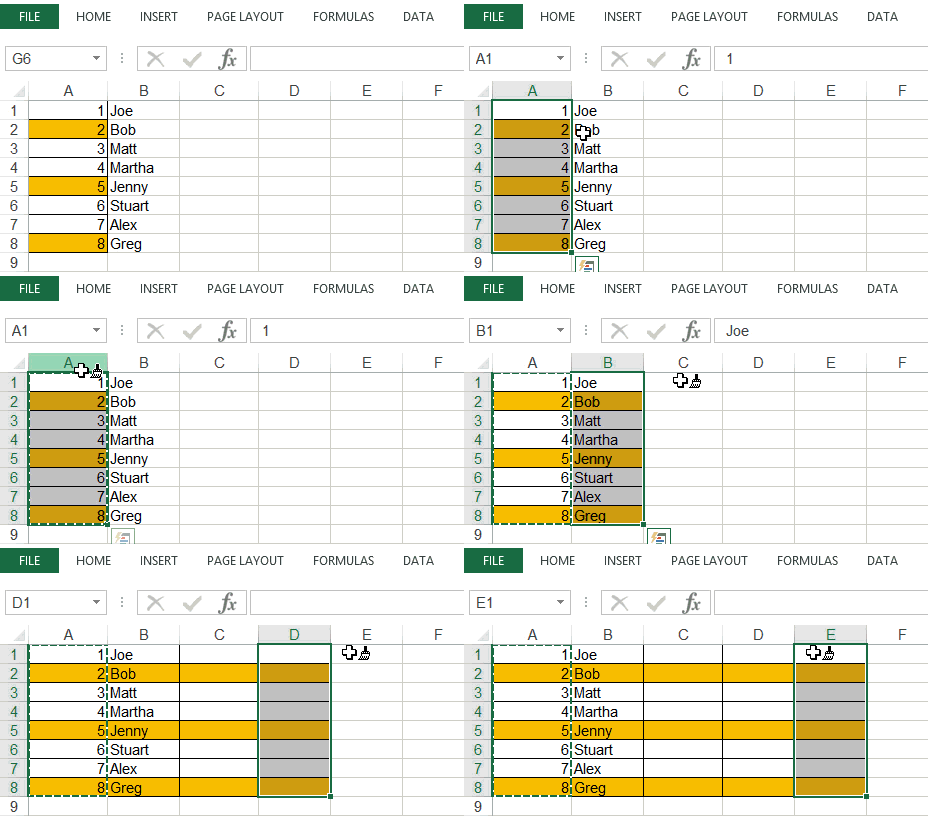
In my last article, I wrote about mouse double-click tricks. In this tutorial, I will show you some amazing things you can do in Excel by using a combination of mouse and keyboard. Shift Rows/Columns/Cells Suppose you have three cells, and you want to shift the content of cell A1 to cell A3 (as shown …
Read more

Improve your Spreadsheet Experience with these Excel Options

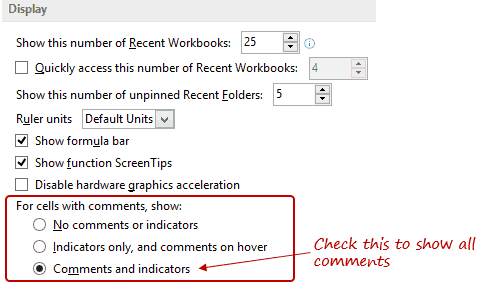
There is no one size that fits all. When it comes to Excel, the default settings work fine in most of the cases. But if need be, you can easily customize many of the Excel Options. In this blog post, I will show you how to use Excel Options to customize your workbooks and get a …

Read more

Game of Thrones Dashboard – Visualizations in Excel

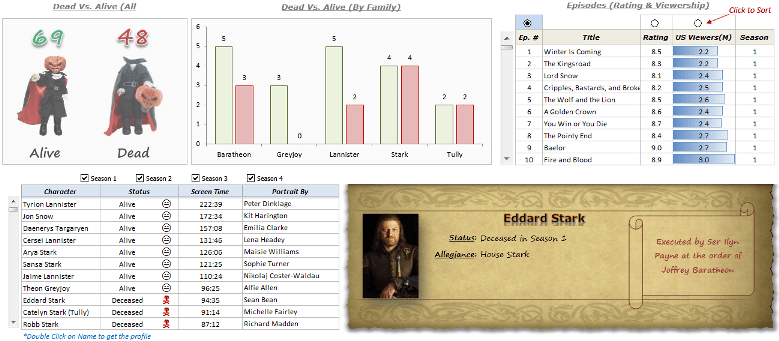
As the world goes crazy (including me) over the new season of Game of Thrones, I thought it would be a good idea to visualize its data by creating an Excel Dashboard. Using my substandard secondary skills, I was somehow able to find enough data points to create an awesome Excel dashboard. There are many …

Read more

Automatically Sort Data in Alphabetical Order using Formula

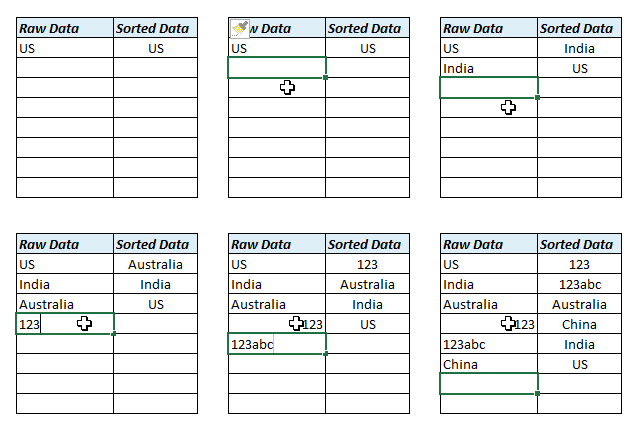
Excel built-in data sorting is amazing, but it isn’t dynamic. If you sort data and then add data to it, you would need to sort it again. Sort Data in Alphabetical Order In this post, I will show you various ways to sort data in alphabetical order using formulas. This means you can add data, …

Read more

Dynamic Excel Filter Search Box – Extract Data as you Type

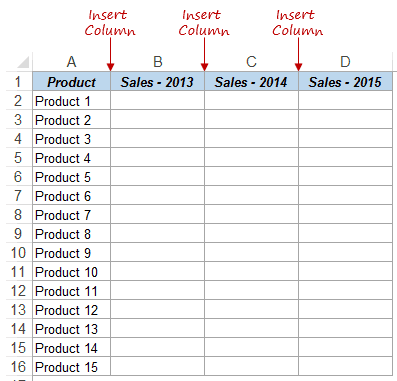
Excel Filter is one of the most used functionalities when you work with data. In this blog post, I will show you how to create a Dynamic Excel Filter Search Box, such that it filters the data based on what you type in the search box. Something as shown below: There is a dual functionality to …

Read more

How to Concatenate a Range in Excel (With or Without a Separator)

The easiest way to concatenate a range in Excel is the TEXTJOIN function, which joins a whole range of cells into one cell and lets you pick the separator. If you don’t need a separator, the CONCAT function does the job with a shorter formula. You’d think the CONCATENATE function would handle this too, but …

Read more

Get the FREE 51 Excel Tips Ebook

Enter your details and the free PDF is on its way to your inbox.

Hmm, that didn't go through. Please check your email and try again.

No spam. You'll also get my weekly Excel newsletter. Unsubscribe anytime.

Check your inbox!

The ebook is on its way to your email. It usually lands within a couple of minutes.